BeyondERP.Newsletter
Menu

Workspace page · Organization administration

Select currency

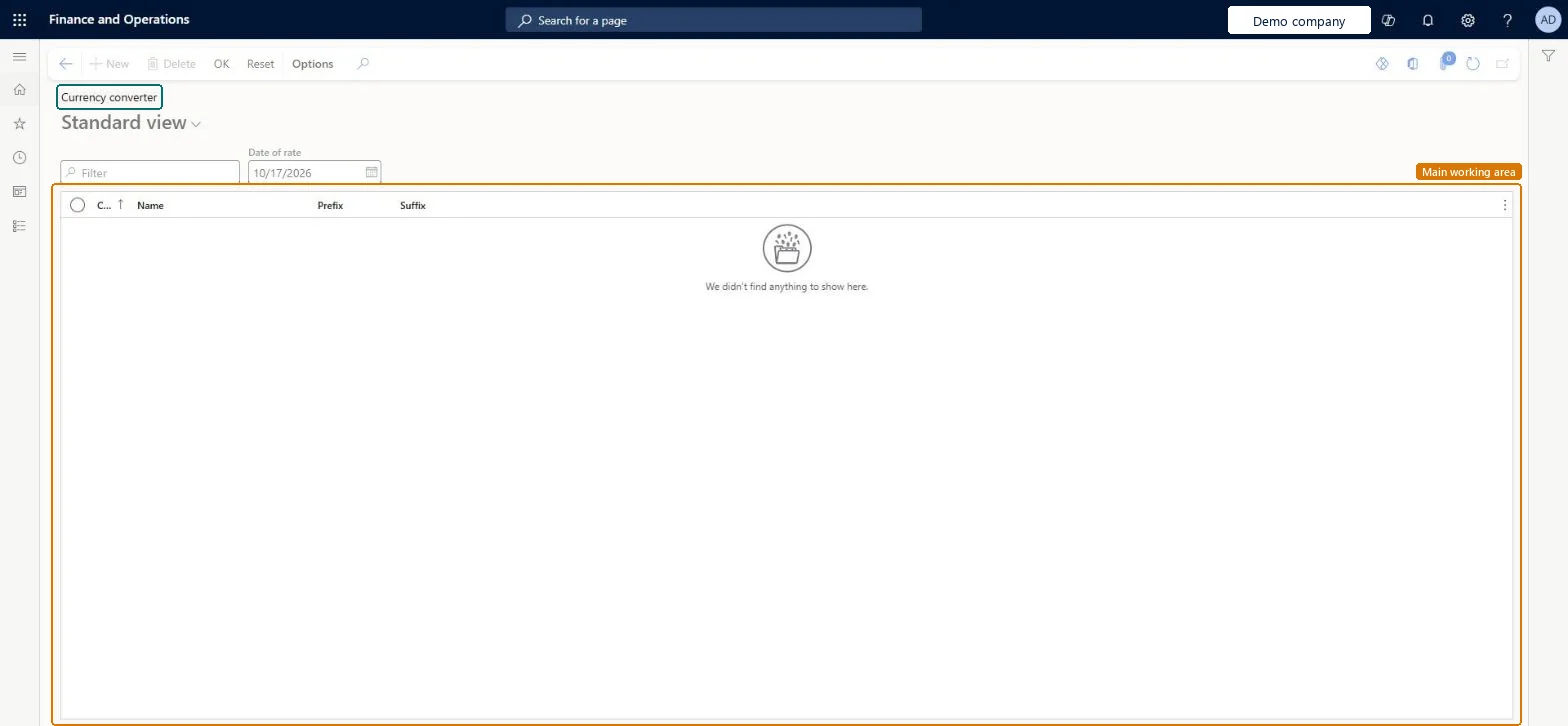
A page that lists currencies with their code, name, prefix and suffix, together with a Date of rate field.

Business process
Develop currency policies
Menu item
SysCurrencySelect
Main table
Currency
Data entity
CurrencyEntity
Show what matters for
PAGE GUIDEWhat the page does and how to use it7 sections. Choose a role to highlight what matters to you.
Everyone

1What it is and why

What it isA page that lists currencies with their code, name, prefix and suffix, together with a Date of rate field.
What you do hereUse this page to look up currencies for a chosen date of rate. You can add or delete currency lines and use the Reset and OK buttons on the Action Pane.
Select currency page in Dynamics 365
The page in Dynamics 365. page title tab to open what to set or check
Functional consultant · Solution architect

2Where it fits

Business processDefine accounting policies › Develop currency policies
Menu pathOrganization administration › Workspaces › Select currency
End user · Functional consultant

3How to do it

About the examples: Examples and screenshots in this guide use BEAT, a demo company in a Dynamics 365 test environment. Use your own company's codes and values instead of copying them.

How to use it

  1. Go to Organization administration > Workspaces > Select currency.
  2. Enter the Date of rate.
  3. Use the Filter box to find a currency by its code or Name.
  4. Review the Prefix and Suffix columns.
  5. Select New or Delete on the Action Pane to add or remove a currency line.
  6. Select OK to confirm, or Reset to start again.

Source: Checked in Dynamics 365

Solution architect

4Design impact

Shared or per companyShared: the same records are used by every legal entity. Microsoft data model
Technical architect

5Technical

Menu itemSysCurrencySelect Checked in Dynamics 365
FormSysCurrencySelect Checked in Dynamics 365
TableCurrencyShown as “Currency table” in Record infoKey field: CurrencyCodeChecked in Dynamics 365
Data entitiesCurrencyEntityCurrencies Microsoft data model
Actions on the pageOptionsChecked in Dynamics 365
Developer

6Developer

Open it by URLhttps://<your-environment>/?mi=SysCurrencySelect
Integrate withCurrencyEntity data entity Microsoft data model
Table definitionCurrency columns and relations Microsoft data model
Everyone

7Sources