PAGE GUIDEWhat the page does and how to use it7 sections. Choose a role to highlight what matters to you.
Everyone
1What it is and why
What it is
A setup page where you choose which security roles can view, create and update each type of case.
What you do here
Use this page to add or remove security roles for each case category type, such as Human Resources or Collections.
Example
For example, a company that uses cases for both human resources issues and customer service can give each set of roles access only to the case types they handle.
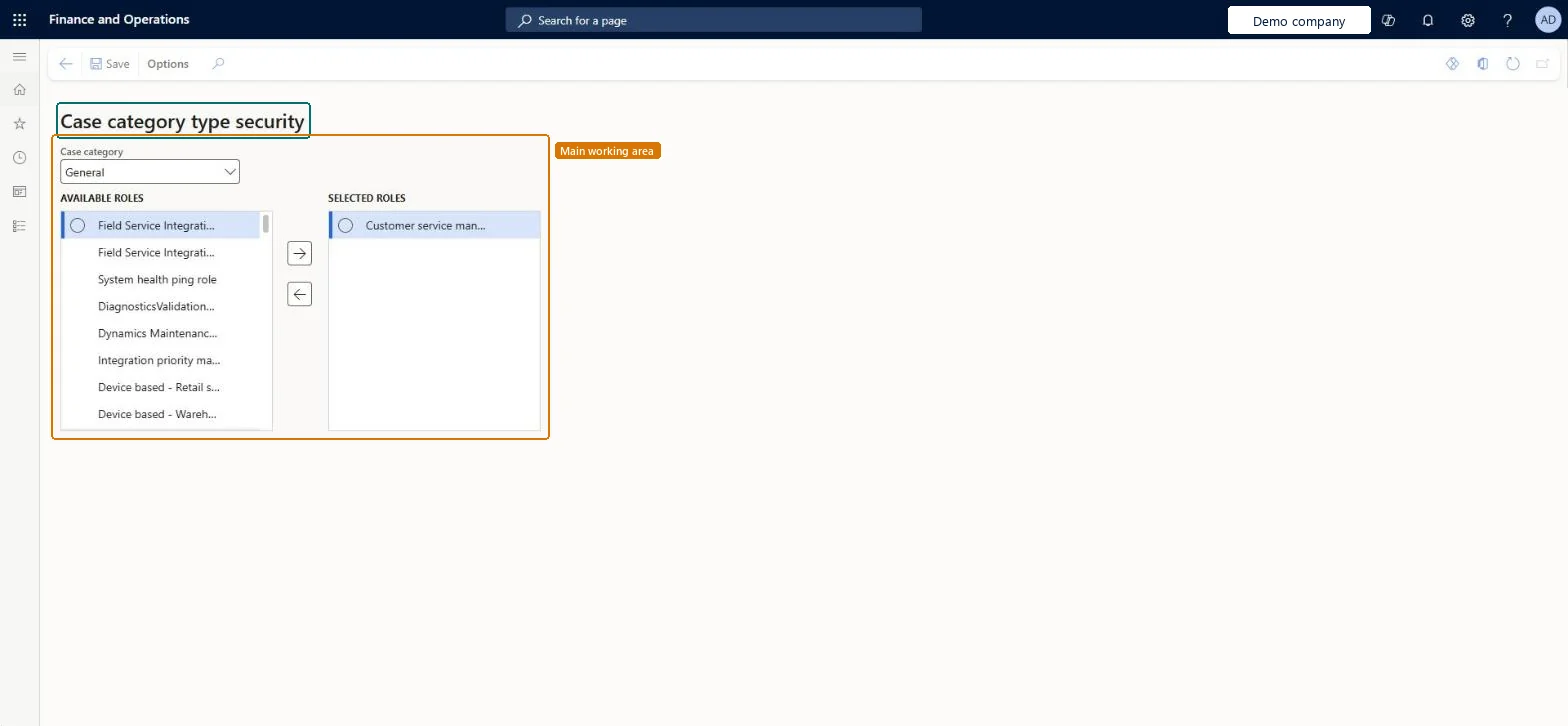
The page in Dynamics 365. page title tab to open what to set or check
About the examples: Examples and screenshots in this guide use BEAT, a demo company in a Dynamics 365 test environment. Use your own company's codes and values instead of copying them.
Setup steps on this page
Set up Case category type security
Use this page to add or remove security roles for each case category type, such as Human Resources or Collections.
Steps from Microsoft
Go to Organization administration > Setup > Cases > Case category type security.
In the Case category filter, select the case category type.
To give access, select a role in the Available roles list and select Add >>.
To remove access, select a role in the Selected roles list and select << Remove.
Reversible: Roles can be added to or removed from a case category type at any time; access to cases of that type follows the current role list. Microsoft Learn
Technical architect
5Technical
Menu item
CaseCategoryTypeSecurityChecked in Dynamics 365
Form
CaseCategoryTypeSecurityChecked in Dynamics 365
Data entities
CaseCategoryTypeSecurityEntityCase category security by role Checked in Dynamics 365
Who can open it
PrivilegesMaintain case security CaseCategoryTypeSecurityMaintainDutiesEnable Case Security CaseCategorySecurityEnable1 security roleInformation technology manager SysServerITManagerChecked in Dynamics 365
Roles to set it up and use it
To set it up or change itInformation technology manager SysServerITManagerGive people one of these roles. On this system, 1 role can open this page.Checked in Dynamics 365
Actions on the page
Options: Personalize, Page options, Edit, ShareChecked in Dynamics 365