A page that deletes Electronic reporting format configurations whose templates can't be reached after an environment is moved, so they can be imported again.
PAGE GUIDEWhat the page does and how to use it7 sections. Choose a role to highlight what matters to you.
Everyone
1What it is and why
What it is
A page that deletes Electronic reporting format configurations whose templates can't be reached after an environment is moved, so they can be imported again.
What you do here
Use this page to delete and then re-import ER format configurations whose templates point to storage the current environment can't reach.
Example
For example, after a production environment is copied to a new sandbox, ER formats that use templates fail, because the templates are still in the production storage.
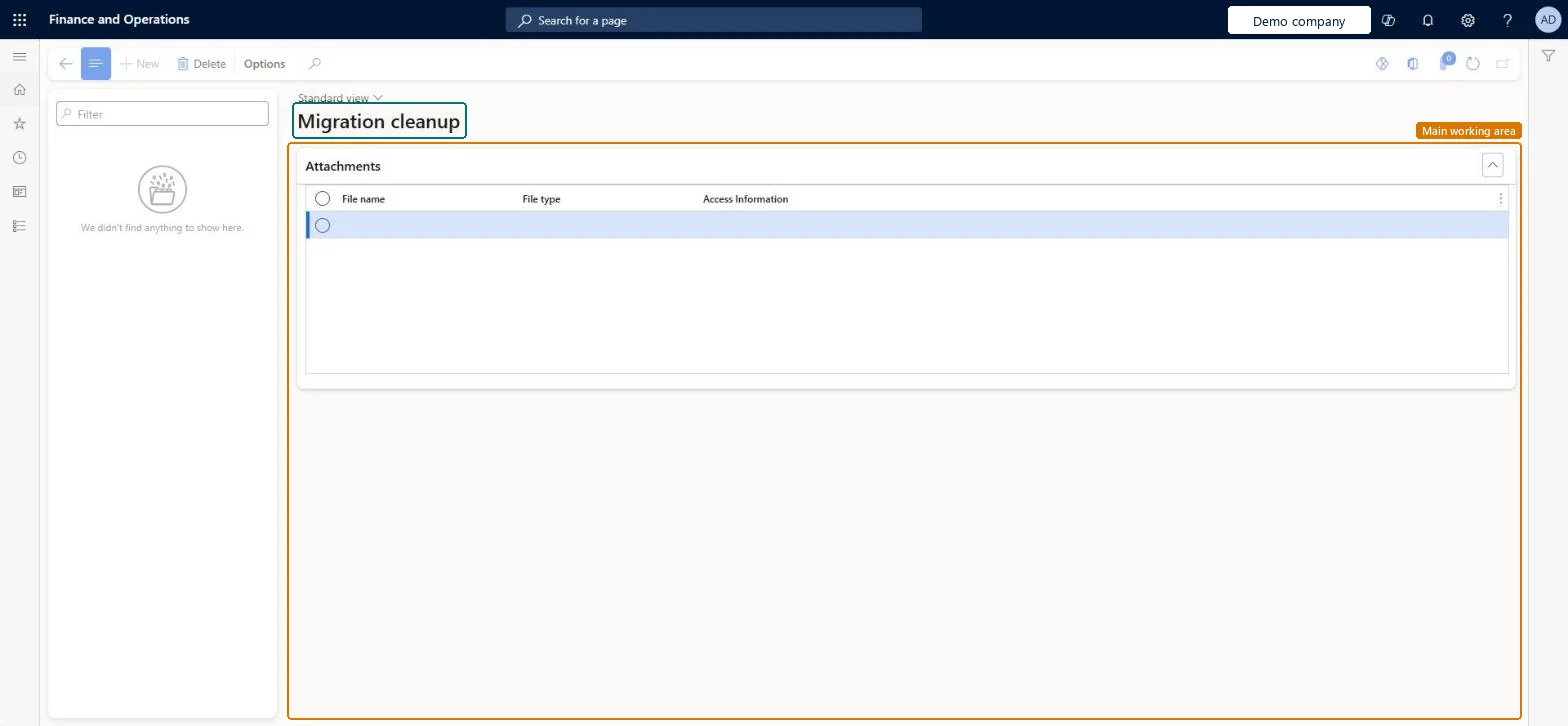
The page in Dynamics 365. page title tab to open what to set or check
About the examples: Examples and screenshots in this guide use BEAT, a demo company in a Dynamics 365 test environment. Use your own company's codes and values instead of copying them.
When to run it
When to run it
After an environment move, for example production copied to a sandbox, when an ER format can't run or be deleted because its template is missing, and only after deleting it on the Configurations page failed.
How often
On demand, only after an environment migration.
What the output shows
The selected ER format configuration removed from the application database, ready to be imported again. A re-import that fails means the template file still exists in Blob storage.
No: The configuration is deleted from the database; the only way back is to import it again. Microsoft prefers the Backup storage of ER templates feature to recover templates. Microsoft Learn
If you change it later
If the template file still exists in storage, deleting the configuration here removes only the database records, and you can't re-import that configuration until the file is removed. Microsoft Learn
Technical architect
5Technical
Menu item
ERMigrationCleanupChecked in Dynamics 365
Form
ERMigrationCleanupChecked in Dynamics 365
Table
ERSolutionTableShown as “Configurations” in Record infoChecked in Dynamics 365
To set it up or change itElectronic reporting functional consultant ERFunctionalConsultantElectronic reporting developer ERDeveloperGive people one of these roles. On this system, 2 roles can open this page.Checked in Dynamics 365