BeyondERP.Newsletter
Menu

Job page · Organization administration

Batch processing

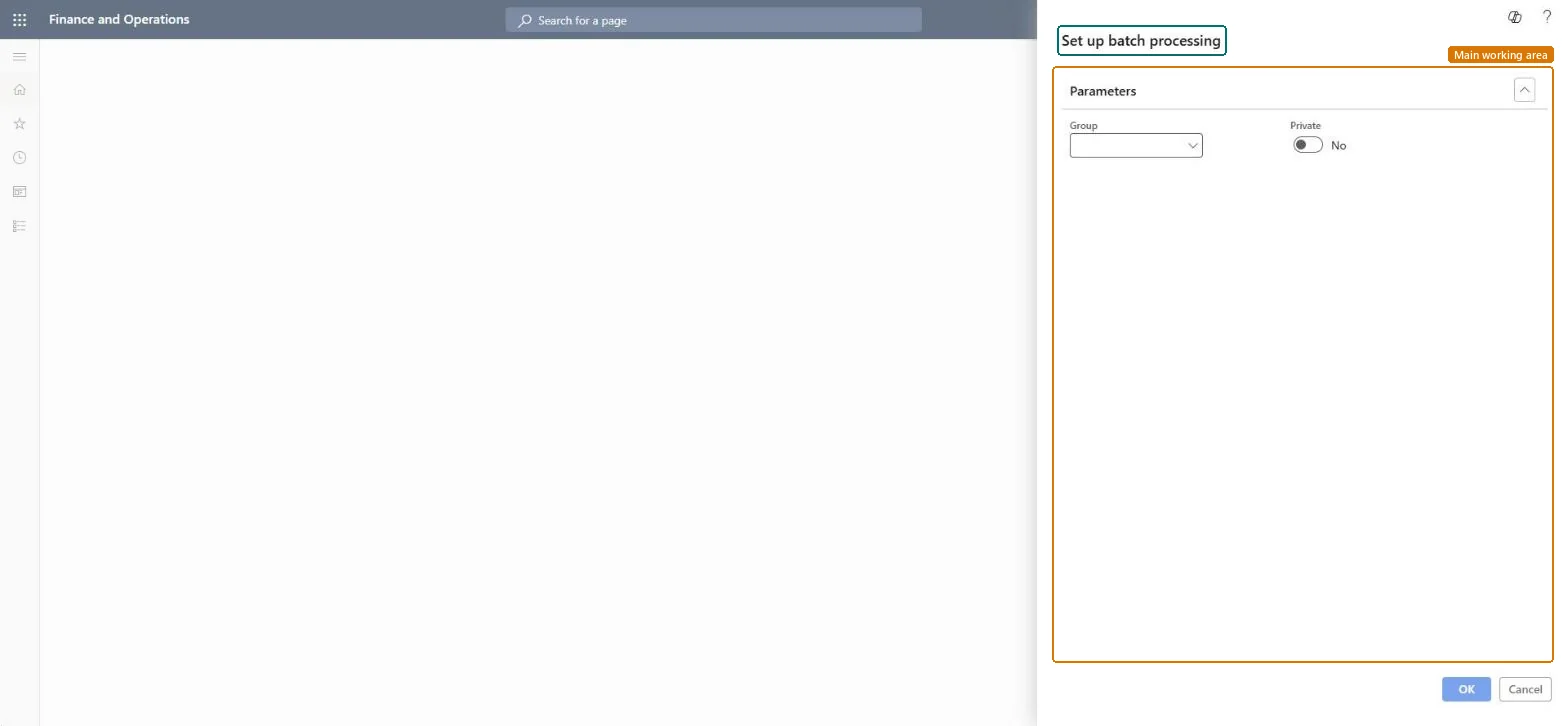
A dialog titled Set up batch processing, where you pick a batch Group and set a Private option.

Business process
Manage background jobs
Menu item
action:BatchRun
Show what matters for
PAGE GUIDEWhat the page does and how to use it7 sections. Choose a role to highlight what matters to you.
Everyone

1What it is and why

What it isA dialog titled Set up batch processing, where you pick a batch Group and set a Private option.
What you do hereUse this dialog to choose the batch group and whether the batch processing is private before you confirm with OK.
Batch processing page in Dynamics 365
The page in Dynamics 365. page title tab to open what to set or check
Functional consultant · Solution architect

2Where it fits

Business processManage background jobs
Menu pathOrganization administration › Periodic › Batch processing
End user · Functional consultant

3How to do it

About the examples: Examples and screenshots in this guide use BEAT, a demo company in a Dynamics 365 test environment. Use your own company's codes and values instead of copying them.

When to run it

When to run itWhen you need to start processing for the batch jobs of one batch group.
How oftenOn demand.
What the output showsThe batch jobs of the selected group are processed, and their status shows in the batch job list. A job that doesn't run usually belongs to a different group.

Source: Microsoft Learn

Steps from Microsoft

  1. Go to Organization administration > Periodic > Batch processing.
  2. Choose the Group whose batch jobs this run should handle.
  3. Set Private to Yes when the processing should be private to you, or No otherwise.
  4. Confirm the dialog, then follow the status of the jobs of that group in the batch job list.

Source: Microsoft Learn

Solution architect

4Design impact

Can it be undoneNo: Each batch job that runs makes its own changes; whether those can be undone depends on the job, not on this dialog. Microsoft Learn
If you change it laterStarts the batch jobs of the chosen group; each job then makes its own data changes. Microsoft Learn
Technical architect

5Technical

Menu itemaction:BatchRun Checked in Dynamics 365
FormDialog Checked in Dynamics 365
Roles to set it up and use itTo use itInformation technology manager SysServerITManagerBatch job manager BatchJobManagerGive people one of these roles. On this system, 2 roles can run this page.Checked in Dynamics 365
Developer

6Developer

Open it by URLhttps://<your-environment>/?mi=action:BatchRun
Everyone

7Sources