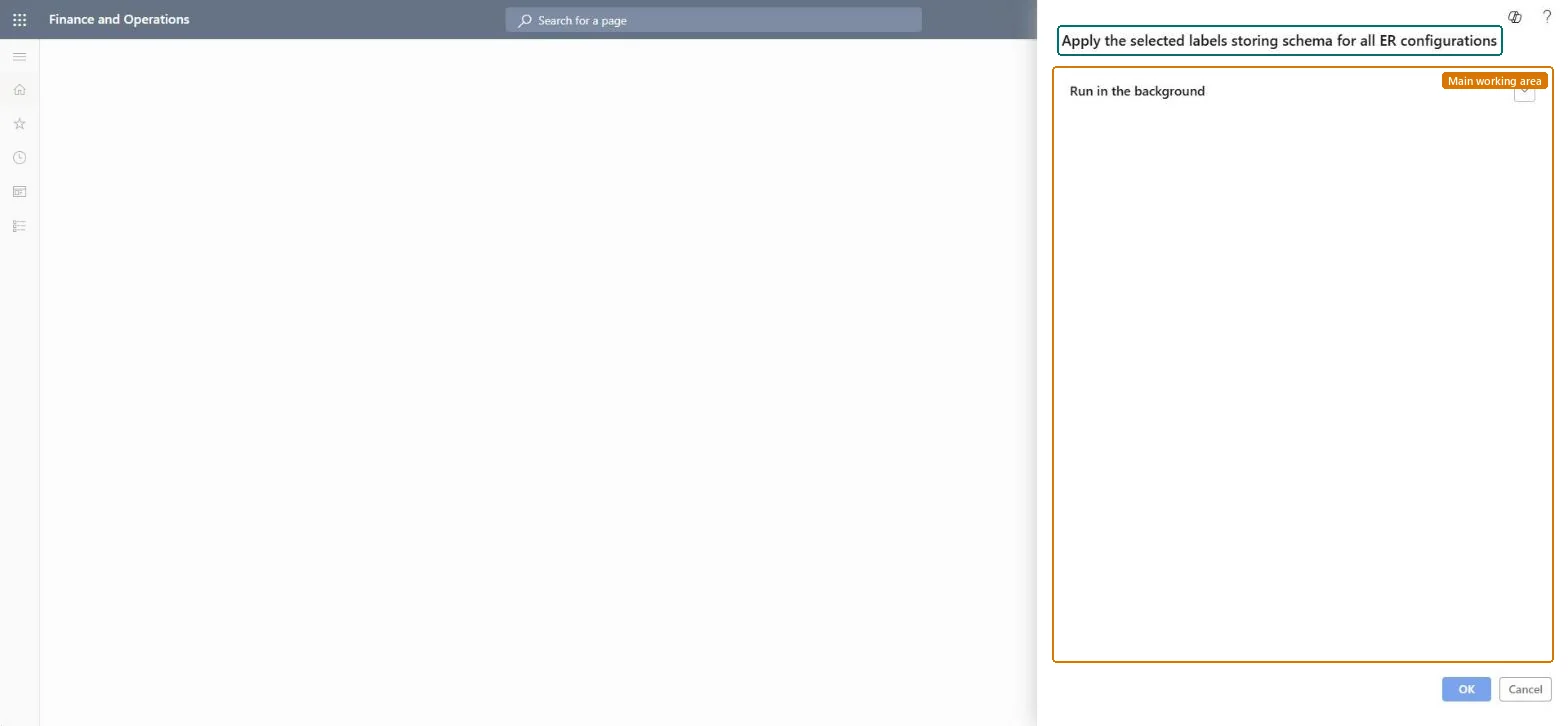
Apply the selected labels storing schema for all ER configurations
Organization administrationPeriodic
action:ERSolutionVersionLabelStorageConverter
Business process
Administer system features
Menu item
action:ERSolutionVersionLabelStorageConverter
Show what matters for
PAGE GUIDEWhat the page does and how to use it7 sections. Choose a role to highlight what matters to you.
Everyone
1What it is and why
What it is
A periodic job that saves the labels of all Electronic reporting configurations in the label storage schema that is currently selected.
What you do here
Use this periodic task to convert the labels of every ER configuration to the storage schema set by the Accelerate the ER labels storage feature.
Example
For example, after you turn on Accelerate the ER labels storage, run the job so labels are kept per language, which helps network use and system performance.
The page in Dynamics 365. page title tab to open what to set or check
About the examples: Examples and screenshots in this guide use BEAT, a demo company in a Dynamics 365 test environment. Use your own company's codes and values instead of copying them.
When to run it
When to run it
Right after you turn the Accelerate the ER labels storage feature on or off.
How often
One time after each change of the feature setting.
What the output shows
The labels of all ER configurations in the instance stored in the selected schema: one record per language in the ERSOLUTIONVERSIONLABELSTABLE table when the feature is on, or a single XML snippet in the LABELXML field when it is off.
Go to Organization administration > Periodic > Apply the selected labels storing schema for all ER configurations.
Before you run it, set the Accelerate the ER labels storage feature in Feature management: on stores labels per language, off keeps all labels of a version in one XML snippet.
Run it once after you change the feature state, so every completed ER configuration version uses the same label storage.
Afterwards, open an ER format in your preferred language and confirm that its labels still show.
Yes, by rerunning: Switch the feature back and run the job again to store the labels in the other schema. Microsoft Learn
If you change it later
With the feature on, labels are saved as a separate record for each language; with it off, all labels of a version are kept together in one XML snippet. Microsoft Learn
Technical architect
5Technical
Menu item
action:ERSolutionVersionLabelStorageConverterChecked in Dynamics 365
Form
DialogChecked in Dynamics 365
Roles to set it up and use it
To use itElectronic reporting functional consultant ERFunctionalConsultantElectronic reporting developer ERDeveloperGive people one of these roles. On this system, 2 roles can run this page.Checked in Dynamics 365