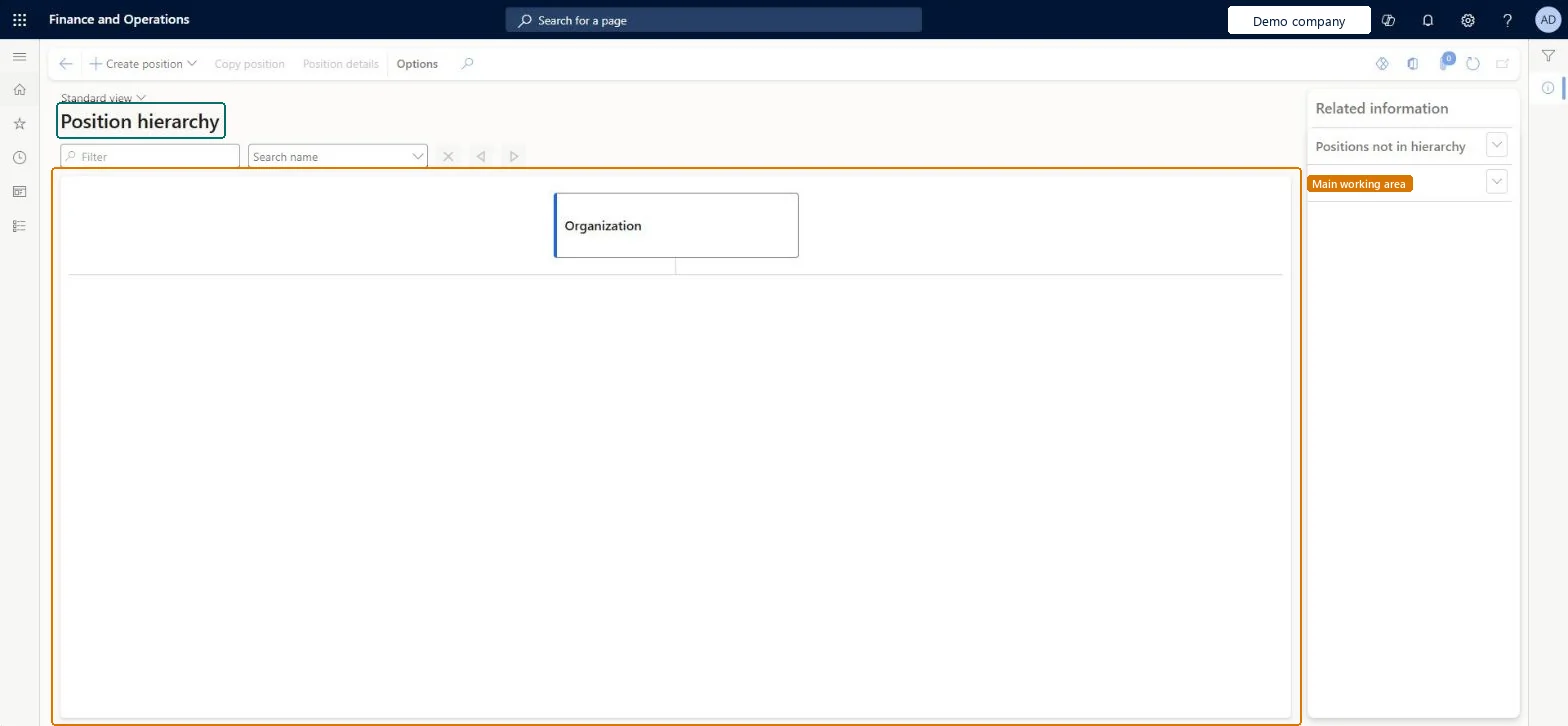
Organization administration › Organizations › Position hierarchy
End user · Functional consultant
3How to do it
About the examples: Examples and screenshots in this guide use BEAT, a demo company in a Dynamics 365 test environment. Use your own company's codes and values instead of copying them.
How to use it
Go to Organization administration > Organizations > Position hierarchy.
Use the Filter box or the Search name list to find a position.
Select Create position to add a position to the hierarchy.
Select a position, then select Copy position or Position details.
Open Positions not in hierarchy or Position detail in the Related information pane.
Source: Checked in Dynamics 365
Test checklist
On a position, set Reports to position to another position.
Open Position hierarchy and search by the position ID or by the assigned worker's name.
Check that the position shows under the expected parent.
If a custom position hierarchy type (for example a matrix hierarchy) exists, switch to it and check the relationship added on the position's Relationships section.
Reversible: This page only shows the reporting structure. Reporting lines are changed on the position itself (Reports to position and Relationships), and those changes show here. Microsoft Learn
Technical architect
5Technical
Menu item
DirViewReportingRelationshipsChecked in Dynamics 365
Form
HcmPositionHierarchyViewChecked in Dynamics 365
Data entities
HcmPositionHierarchyTypeEntityPosition hierarchy types Microsoft data model HcmPositionBaseEntityBase position Checked in Dynamics 365HcmJobPositionDualWriteEntityJob Positions Dual Write Checked in Dynamics 365PayrollPositionJobEntityPayroll position to job relationship Checked in Dynamics 365HcmPositionV2EntityPositions V2 Microsoft data model
Roles to set it up and use it
To use itAccounting manager LedgerAccountingManagerHuman resource manager HcmHumanResourceManagerHuman resource assistant HcmHumanResourceAssistantCompensation and benefits manager HcmCompensationAndBenefitsManagerTraining manager HcmTrainingManagerGive people one of these roles. On this system, 10 roles can open this page.Checked in Dynamics 365