Organization administration › Inquiries and reports › Capacity reservations report
End user · Functional consultant
3How to do it
About the examples: Examples and screenshots in this guide use BEAT, a demo company in a Dynamics 365 test environment. Use your own company's codes and values instead of copying them.
When to run it
When to run it
After operations or job scheduling, when you plan the load on resources or look into delayed orders.
How often
On demand, when you review resource load.
What the output shows
The capacity reservations on operations resources that scheduling created. Reservations that look too high usually come from orders that are still scheduled on the resource.
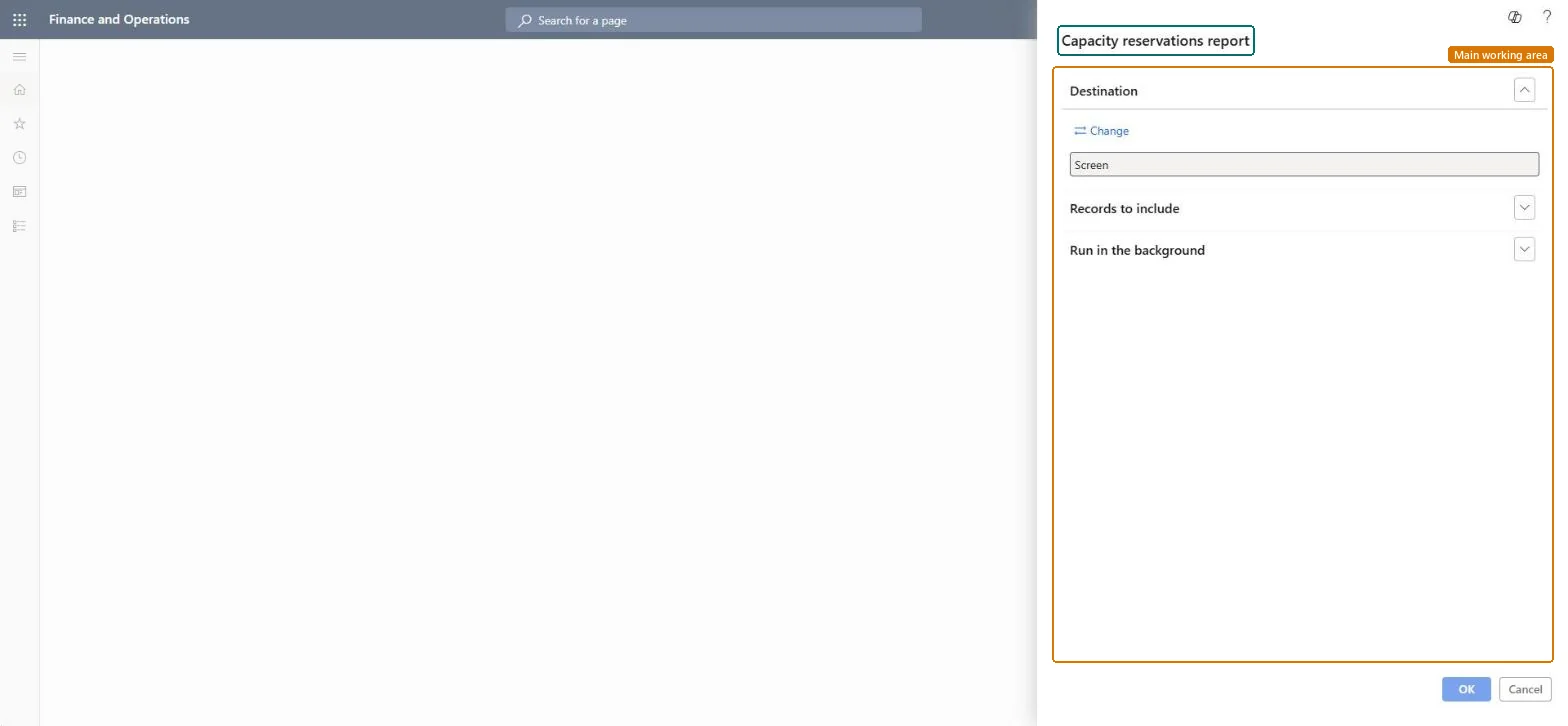
Go to Organization administration > Inquiries and reports > Capacity reservations report.
Under Records to include, filter on the resources and the dates you want to review.
Use it to see which capacity scheduled jobs and operations already hold, because finite capacity scheduling treats existing capacity reservations as unavailable.
Compare the reserved time with each resource's capacity to spot overloaded resources before you reschedule orders.
Nothing to undo: The report only reads capacity reservations; it changes nothing. Microsoft Learn
Technical architect
5Technical
Menu item
output:WrkCtrCapResChecked in Dynamics 365
Form
SysOperationTemplateFormChecked in Dynamics 365
Roles to set it up and use it
To use itProduction manager ProdProductionManagerProject manager ProjProjectManagerProduction supervisor ProdProductionSupervisorProduction planner ReqProductionPlannerGive people one of these roles. On this system, 4 roles can run this page.Checked in Dynamics 365