PAGE GUIDEWhat the page does and how to use it6 sections. Choose a role to highlight what matters to you.
Everyone
1What it is and why
What it is
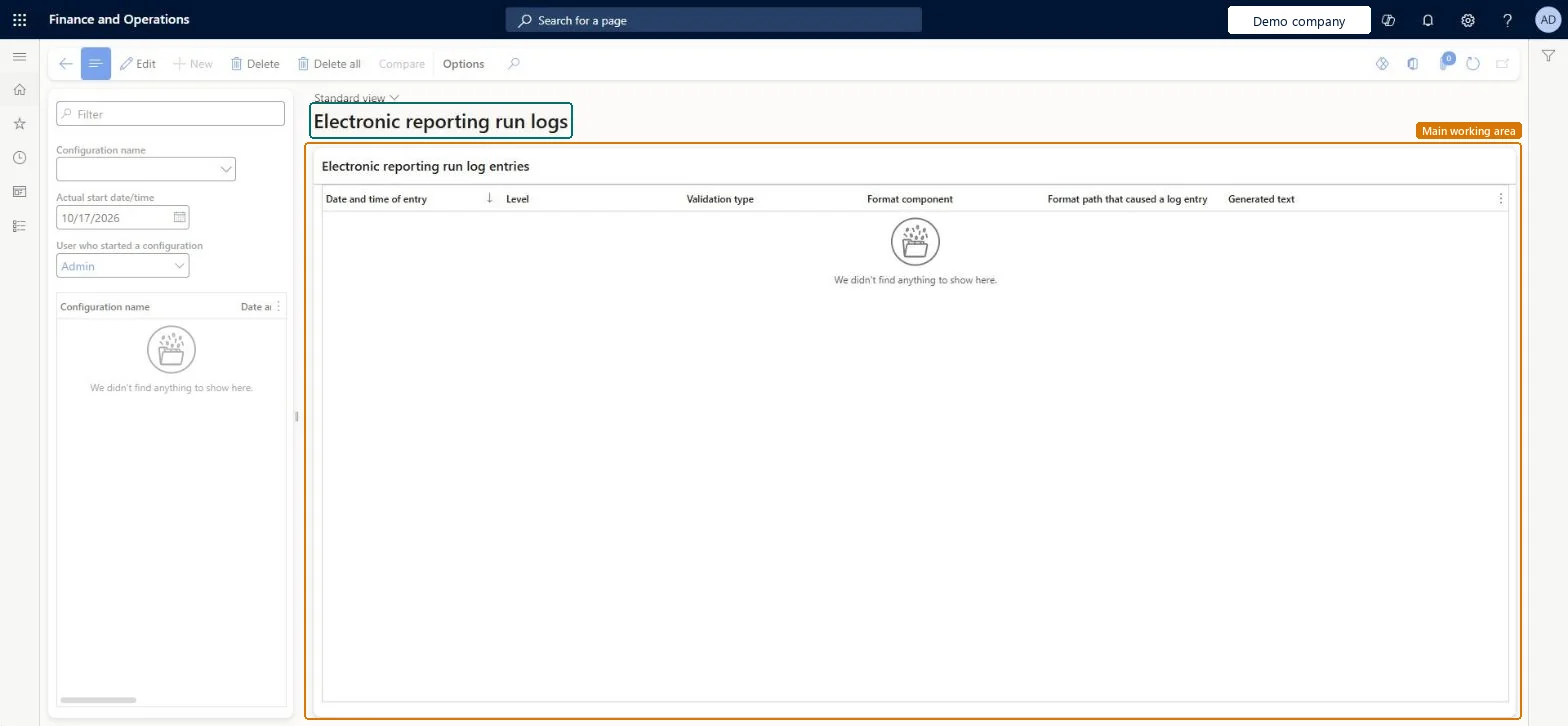
An inquiry page that shows the log records written when Electronic reporting formats run in debug mode.
What you do here
Use this page to see details of a format run, such as which model mapping was used.
Example
For example, after running an Intrastat format in debug mode, you can open the XML file attached to the log record to review the counting and summing details collected during the run.
The page in Dynamics 365. page title tab to open what to set or check
About the examples: Examples and screenshots in this guide use BEAT, a demo company in a Dynamics 365 test environment. Use your own company's codes and values instead of copying them.
Steps from Microsoft
Go to Organization administration > Electronic reporting > Configurations.
On the Action Pane, on the Configurations tab, select User parameters.
Set the Run in debug mode option to Yes, and then select OK.
Run the format.
Go to Organization administration > Electronic reporting > Configuration debug logs.
ERFormatMappingRunLogTableShown as “Electronic reporting run logs” in Record infoChecked in Dynamics 365
Who can open it
PrivilegesVerify format binding to data sources ERVerifyFormatDataBindingDutiesRun Bindings from Electronic reporting module ERRunBinding2 security rolesElectronic reporting developer ERDeveloperElectronic reporting functional consultant ERFunctionalConsultantChecked in Dynamics 365
Roles to set it up and use it
To set it up or change itElectronic reporting functional consultant ERFunctionalConsultantElectronic reporting developer ERDeveloperGive people one of these roles. On this system, 2 roles can open this page.Checked in Dynamics 365
Actions on the page
Options: Personalize, Page options, ShareChecked in Dynamics 365