About the examples: Examples and screenshots in this guide use BEAT, a demo company in a Dynamics 365 test environment. Use your own company's codes and values instead of copying them.
Setup steps on this page
Set up Deprecated features
How to use it
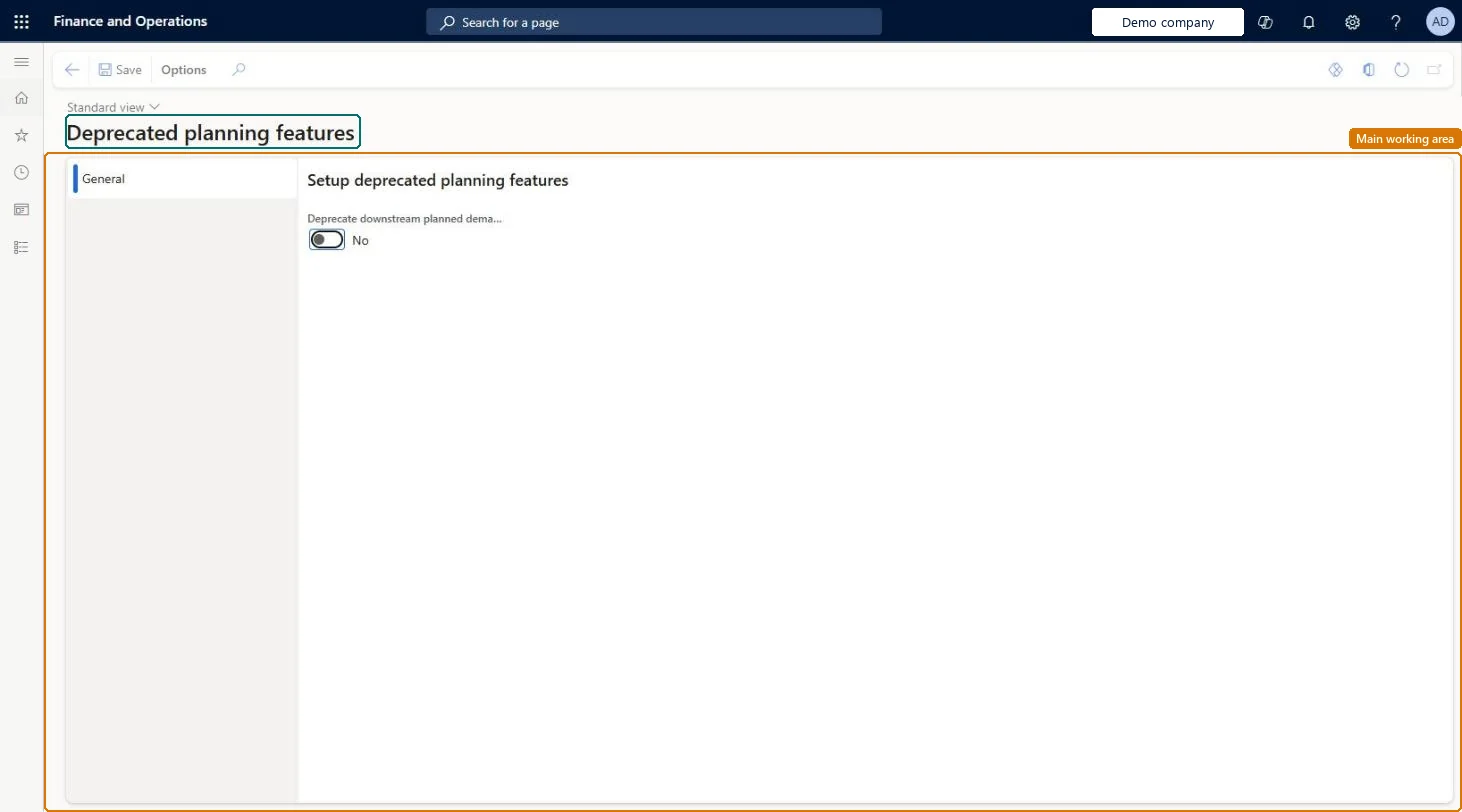
Go to Master planning > Setup > Deprecated features.
On the General tab, set the toggle for the deprecated downstream planned demand feature to Yes or No.
Select Save.
Source: Checked in Dynamics 365
Technical architect
4Technical
Menu item
ReqDeprecatedFunctionalitySharedParametersChecked in Dynamics 365
Form
ReqDeprecatedFunctionalitySharedParametersChecked in Dynamics 365
Table
ReqDeprecatedFunctionalitySharedParametersShown as “DEPRECATED PLANNING FEATURES” in Record infoChecked in Dynamics 365
Who can open it
PrivilegesDeprecated planning features ReqDeprecatedFunctionalityParametersDutiesMaintain the master for demand forecasting parameters ReqDemPlanSetupMaintain1 security roleProduction planner ReqProductionPlannerChecked in Dynamics 365
Roles to set it up and use it
To set it up or change itProduction planner ReqProductionPlannerGive people one of these roles. On this system, 1 role can open this page.Checked in Dynamics 365