About the examples: Examples and screenshots in this guide use BEAT, a demo company in a Dynamics 365 test environment. Use your own company's codes and values instead of copying them.
Setup steps on this page
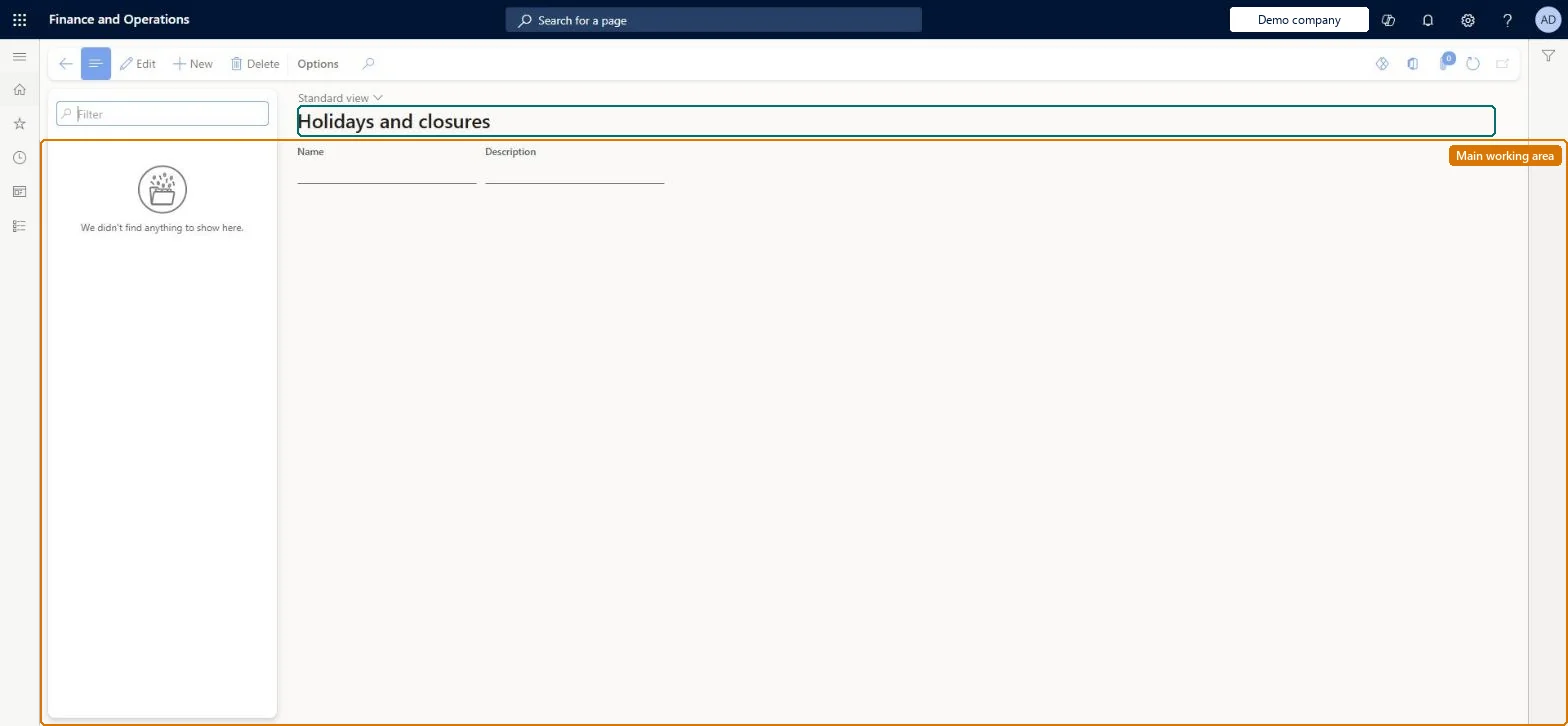
Set up Holidays and closures
Use this page to add or change holidays and closures separately from a working time calendar, giving each a name and its dates.
Steps from Microsoft
Go to Leave and absence > Setup > Calendars > Holidays and closures.
Select New and enter a name and description for the holiday or closure.
Under Dates, select New and add each holiday or non-work day.
Using Holiday correction on a leave type without entering the holidays here. Holiday correction counts holidays that fall on work days in the working time calendar.
Feature management and licence
Feature to turn on
Leave and absence bank holiday corrections (Optional)
Reversible: Add, change or remove holidays and closures at any time. With the bank holiday corrections feature on, the dates decide how many days are adjusted for employees in the calendar. Microsoft Learn
If you change it later
With the bank holiday corrections feature on, holiday and closure dates decide how many days are adjusted for employees enrolled in the calendar. Microsoft Learn
Technical architect
6Technical
Menu item
HcmWorkCalendarHolidayChecked in Dynamics 365
Form
HcmWorkCalendarHolidayChecked in Dynamics 365
Table
HcmWorkCalendarHolidayShown as “WORK CALENDAR HOLIDAY” in Record infoKey field: IdChecked in Dynamics 365
Data entities
HcmWorkCalendarHolidayEntityWork calendar holiday Checked in Dynamics 365
Who can open it
PrivilegesView work calendar holidays HcmWorkCalendarHolidayInquireMaintain work calendar holidays HcmWorkCalendarHolidayMaintainDutiesView work calendars HcmWorkCalendarSetupInquireMaintain work calendars HcmWorkCalendarSetupMaintain4 security rolesHuman resource assistant HcmHumanResourceAssistantHuman resource manager HcmHumanResourceManagerPayroll administrator HcmPayrollAdministratorPayroll manager HcmPayrollManagerChecked in Dynamics 365
Roles to set it up and use it
To set it up or change itHuman resource assistant HcmHumanResourceAssistantPayroll administrator HcmPayrollAdministratorTo use itHuman resource manager HcmHumanResourceManagerPayroll manager HcmPayrollManagerGive people one of these roles. On this system, 4 roles can open this page.Checked in Dynamics 365