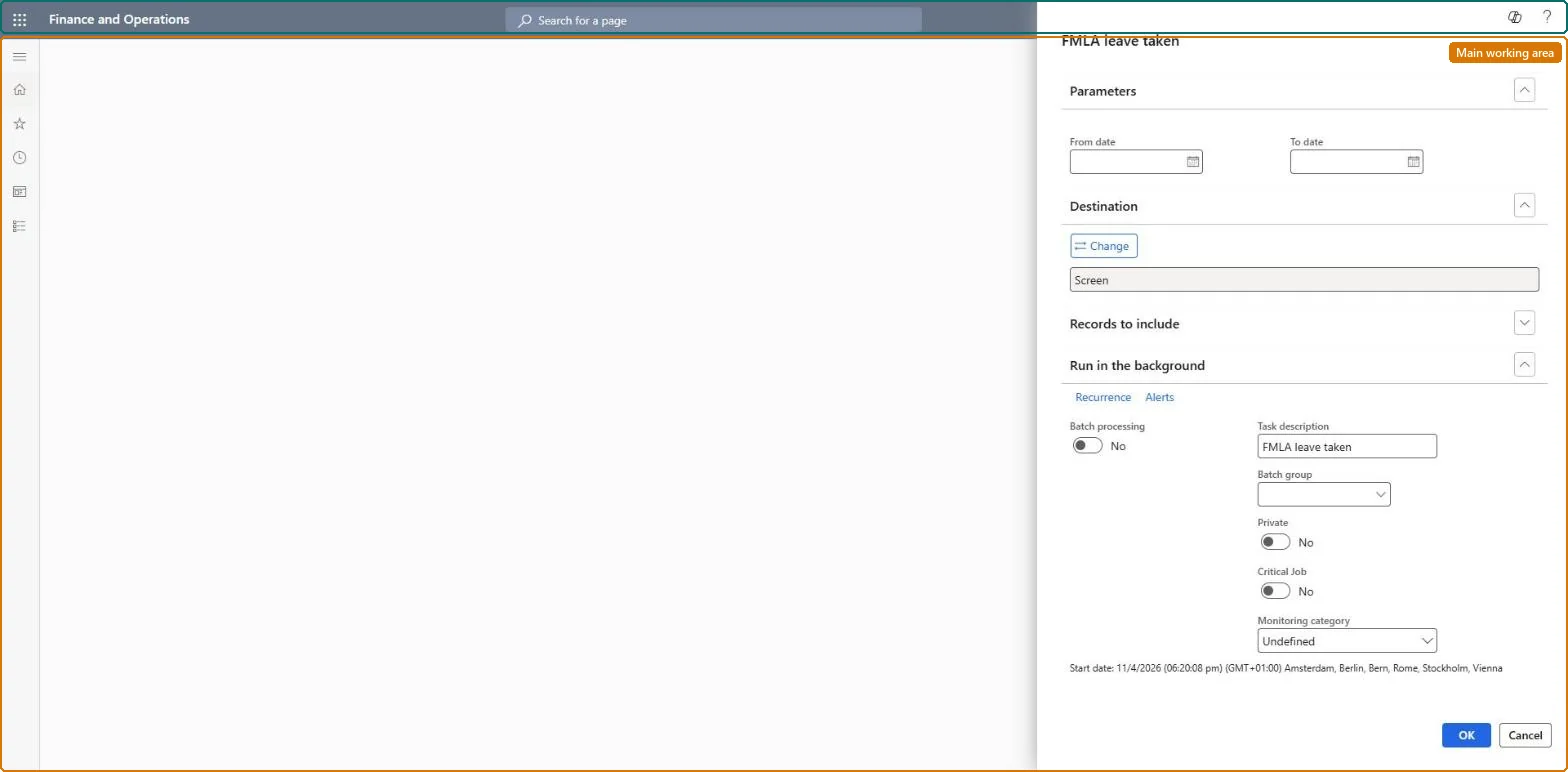
About the examples: Examples and screenshots in this guide use BEAT, a demo company in a Dynamics 365 test environment. Use your own company's codes and values instead of copying them.
When to run it
When to run it
When you need an overview of FMLA hours used, for example before reviewing open FMLA cases or answering an audit.
How often
On demand, for the leave period you are reviewing.
What the output shows
A list of all workers with FMLA cases and the hours applied to each case in the period. Hours lower than expected usually mean the FMLA hours weren't entered or the earning code doesn't reduce remaining FMLA time.
Go to Leave and absence > Manage leave > FMLA leave taken report.
Enter the first and last day of the leave period you want to see.
Run the report and compare the hours per case with the approved hours on the FMLA cases page.
If hours are missing, open the case and look at FMLA hours: hours come from manual lines or, with Payroll, from earning codes set to Reduce remaining FMLA time.
Nothing to undo: The report only reads FMLA cases and hours; it changes nothing. Microsoft Learn
Technical architect
5Technical
Menu item
HcmFMLALeaveTakenChecked in Dynamics 365
Form
SysOperationTemplateFormChecked in Dynamics 365
Roles to set it up and use it
To use itHuman resource manager HcmHumanResourceManagerFMLA administrator HcmFMLAAdministratorGive people one of these roles. On this system, 2 roles can run this page.Checked in Dynamics 365