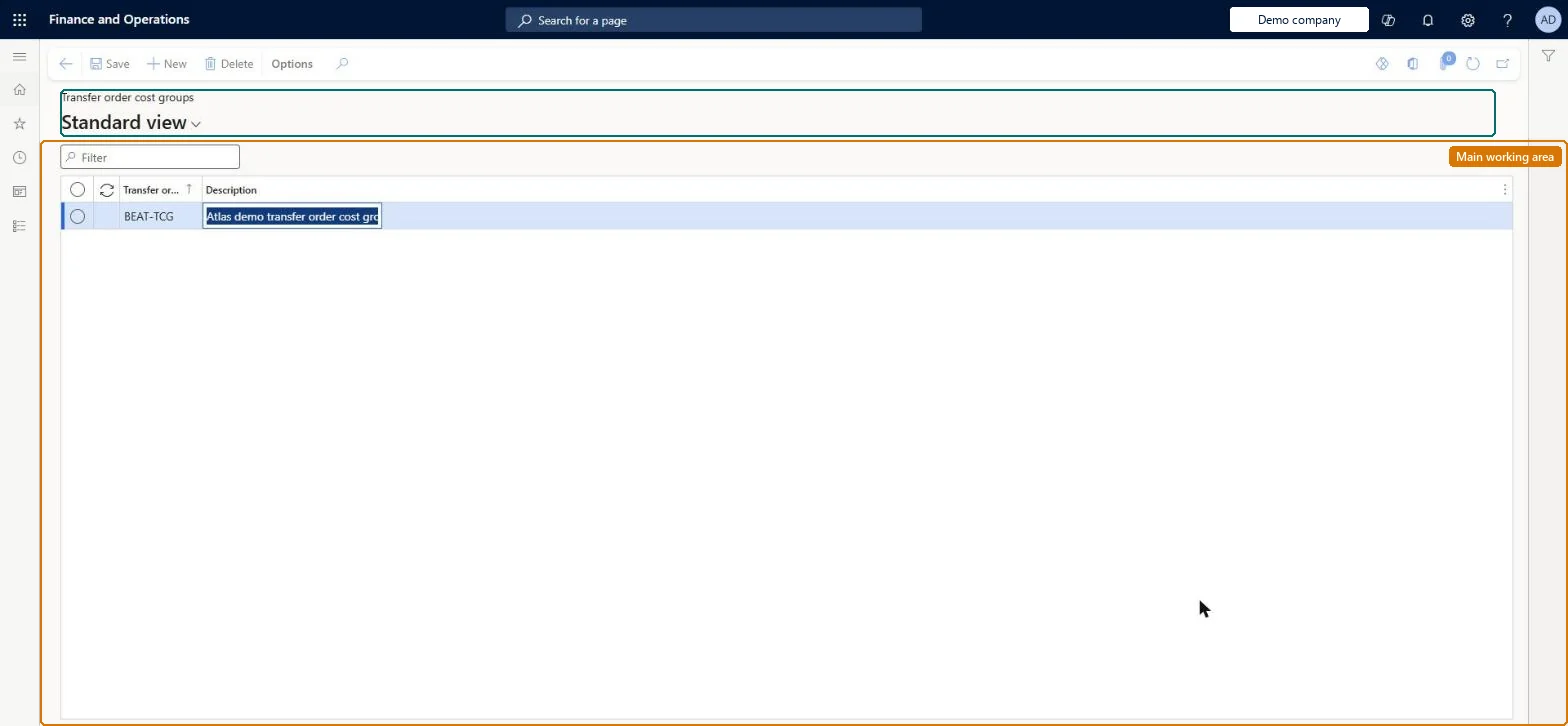
A setup page where you define groups that link items with similar costs on transfer orders, so that auto costs for transfer order lines can be found by group.
PAGE GUIDEWhat the page does and how to use it8 sections. Choose a role to highlight what matters to you.
Everyone
1What it is and why
What it is
A setup page where you define groups that link items with similar costs on transfer orders, so that auto costs for transfer order lines can be found by group.
What you do here
Use this page to add, edit and remove transfer order cost type groups in a grid. Each item is then linked to a group through the Transfer order cost group field on the Purchase FastTab of its released product.
Example
For example, every item that carries a 7 percent duty rate on transfers is put in a group called Duty 7%.
The page in Dynamics 365. page title tab to open what to set or check
About the examples: Examples and screenshots in this guide use BEAT, a demo company in a Dynamics 365 test environment. Use your own company's codes and values instead of copying them.
Setup steps on this page
Set up Transfer order cost groups
Use this page to add, edit and remove transfer order cost type groups in a grid. Each item is then linked to a group through the Transfer order cost group field on the Purchase FastTab of its released product.
Steps from Microsoft
Go to Landed cost > Costing setup > Transfer order cost groups.
Select New on the Action Pane to add a row.
In Transfer order cost type groups, enter a unique group name such as Duty 7%.
In Description, describe the level or type of charge for the group.
One group per cost rate for transferred items, such as Duty 7%Learn groups items with similar costs on transfer orders so auto costs can be found by group.
Not setting Transfer order cost group on the Purchase FastTab of the released product, so group-level transfer order auto costs are not found for the item.
Solution architect
5Design impact
Can it be undone
Reversible: Changing a group or an item's link changes which transfer order auto costs are found from then on. Microsoft Learn
Technical architect
6Technical
Menu item
ITMCostTransferGroupChecked in Dynamics 365
Form
ITMCostTransferGroupChecked in Dynamics 365
Table
ITMCostTransferGroupShown as “TRANSFER ORDER COST GROUPS” in Record infoKey field: GroupIdChecked in Dynamics 365
Data entities
ITMTransferOrderLandedCostGroupEntityTransfer order cost groups Checked in Dynamics 365
Who can open it
PrivilegesMaintain voyage auto costs ITMCostAutoSetupMaintainDutiesMaintain voyage costs setup ITMCostSetupMaintain1 security roleLanded cost manager ITMManagerChecked in Dynamics 365
Roles to set it up and use it
To set it up or change itLanded cost manager ITMManagerGive people one of these roles. On this system, 1 role can open this page.Checked in Dynamics 365