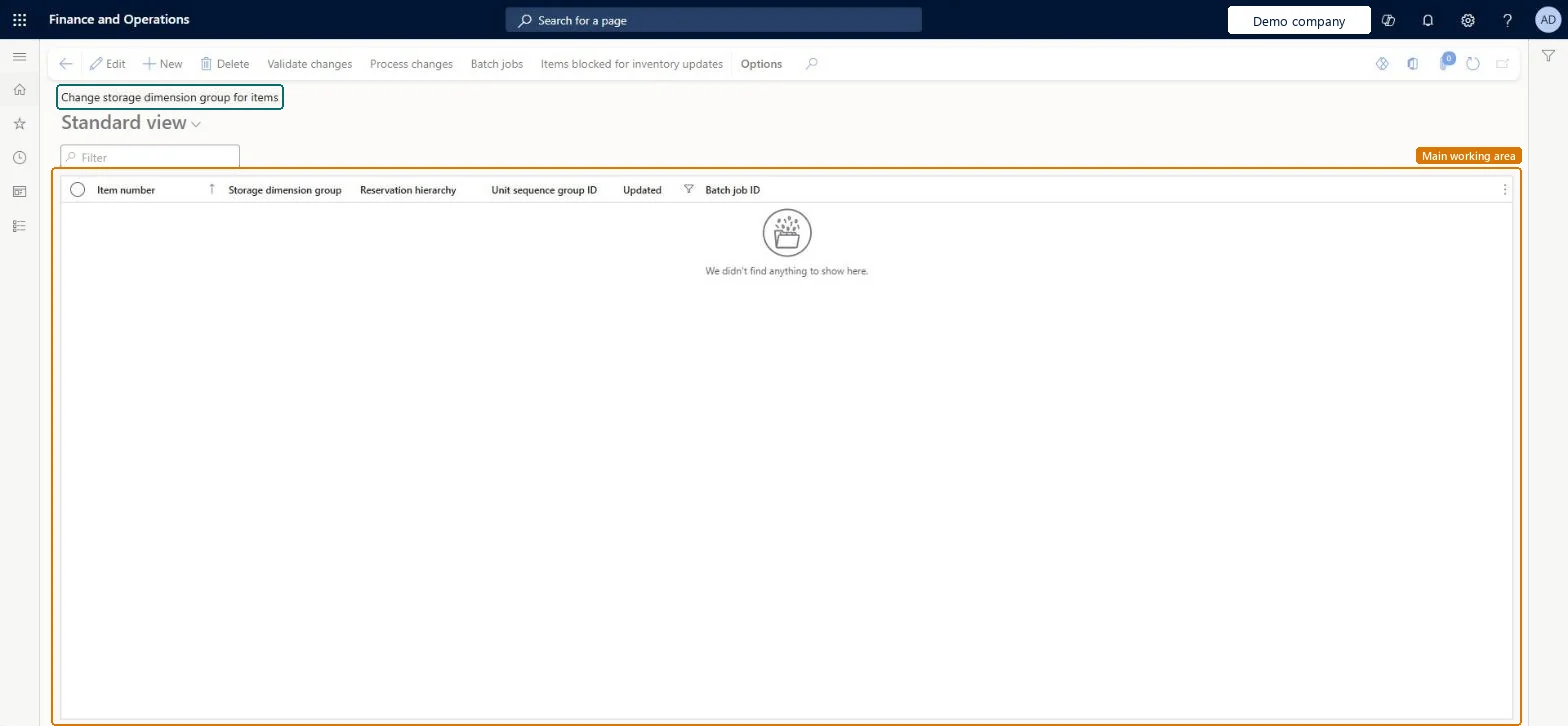
A setup page where you move items, even with open inventory transactions, to a new storage dimension group, reservation hierarchy and unit sequence group.
PAGE GUIDEWhat the page does and how to use it7 sections. Choose a role to highlight what matters to you.
Everyone
1What it is and why
What it is
A setup page where you move items, even with open inventory transactions, to a new storage dimension group, reservation hierarchy and unit sequence group.
What you do here
Use this page to migrate existing items so they meet the requirements of warehouse management processes and so blocked items can be used again.
Example
For example, items that already use the location dimension are migrated so that they meet the requirements of warehouse management processes.
The page in Dynamics 365. page title tab to open what to set or check
About the examples: Examples and screenshots in this guide use BEAT, a demo company in a Dynamics 365 test environment. Use your own company's codes and values instead of copying them.
Steps from Microsoft
Go to Inventory management > Setup > Inventory > Change storage dimension group for items.
On the Action Pane, select New.
Select the Item number to migrate.
Select the new Storage dimension group, Reservation hierarchy and Unit sequence groups.
Repeat for every item to migrate.
On the Action Pane, select Validate changes and fix any issues.
Select Process changes and follow progress in the batch job tasks.
Set a Default inventory status ID in Warehouse management parameters and create the WMS storage dimension group, reservation hierarchy and unit sequence group
Add a row per item with the new storage dimension group, reservation hierarchy and unit sequence group
Select Validate changes and resolve every issue it reports
Select Process changes and follow the batch job tasks
Check the item's on-hand now shows the new dimensions, such as license plate
Hard to reverse: Process changes updates the inventory dimensions of every listed item, even with open transactions. Learn describes no reversal; going back would mean another migration run, so validate and test in a sandbox first. Microsoft Learn
If you change it later
The storage dimension group can be changed even when the item has open inventory transactions. Microsoft Learn
Technical architect
5Technical
Menu item
InventTableStorageDimensionGroupChangeChecked in Dynamics 365
Form
InventTableStorageDimensionGroupChangeChecked in Dynamics 365
Table
InventTableStorageDimensionGroupChangeRequestShown as “Item storage dimension group change requests” in Record infoChecked in Dynamics 365
Data entities
EcoResReleasedProductStorageDimensionGroupChangeRequestEntityItem storage dimension group change request Checked in Dynamics 365
Who can open it
PrivilegesMaintain item storage dimension group change requests InventTableStorageDimensionGroupChangeRequestMaintainDutiesMaintain migration to advanced warehouse management processes WMSAdvancedMigrationMaintain1 security roleMaterials manager InventMaterialsManagerChecked in Dynamics 365
Roles to set it up and use it
To set it up or change itMaterials manager InventMaterialsManagerGive people one of these roles. On this system, 1 role can open this page.Checked in Dynamics 365
Actions on the page
Options: Personalize, Page options, ShareChecked in Dynamics 365