About the examples: Examples and screenshots in this guide use BEAT, a demo company in a Dynamics 365 test environment. Use your own company's codes and values instead of copying them.
Steps from Microsoft
Set up the Inventory Visibility integration parameters, including the Inventory Visibility endpoint.
Set up any optional Inventory Visibility features you want to use.
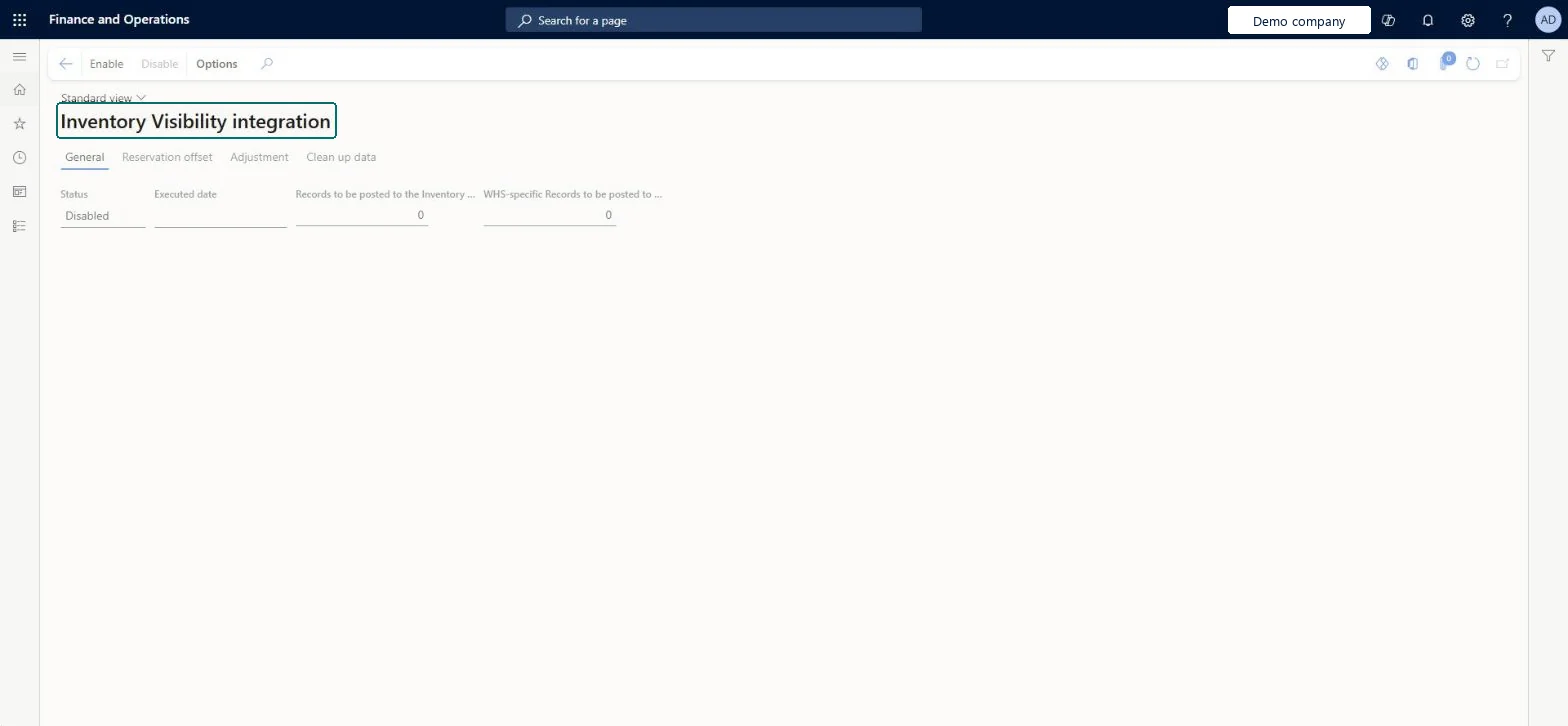
Go to Inventory management > Periodic tasks > Inventory Visibility integration.
Cannot sync more than 500000 records in the same warehouse. To mitigate this issue, update partition schema to 2 in Inventory Visibility Add-in.
Delete all inventory data in Power Apps, confirm no partition IDs remain, call the updatePartitionSchema API with newversion=2, enable advanced warehouse inventory and update the configuration, then enable this job again. Microsoft Learn
Test checklist
Check that Inventory Visibility shows as Installed for the environment and that the Inventory Visibility app is present in Dataverse.
On Inventory Visibility Integration parameters, check that Inventory Visibility endpoint is filled in and Maximum number of records in a single request is 512 unless Support advised otherwise.
Enable the job on this page.
Post an inventory adjustment for a test item and check that the on-hand change appears in Inventory Visibility.
Inventory Visibility integration (Mandatory, on by default)
Licence or add-in
Inventory Visibility Add-in installed for the environment (from Lifecycle Services or the Power Platform admin center); when installing from the Power Platform admin center, the installing user needs the Dynamics 365 Unified Operations Plan licence.
Reversible: The integration job can be enabled and disabled from this page. Disable it before you uninstall the Inventory Visibility Add-in. Uninstalling deletes the add-in's temporary cache but not the primary inventory data already synced to Dataverse. Microsoft Learn
If you change it later
Before you uninstall the Inventory Visibility Add-in, disable this job. Microsoft Learn
Technical architect
6Technical
Menu item
InventInventoryDataServiceChecked in Dynamics 365
Form
InventInventoryDataServiceChecked in Dynamics 365
Table
InventInventoryDataServiceParametersChecked in Dynamics 365
To set it up or change itWarehouse manager WMSWarehouseManagerSales manager TradeSalesManagerMaterials manager InventMaterialsManagerGive people one of these roles. On this system, 3 roles can open this page.Checked in Dynamics 365
Actions on the page
Options: Personalize, Page options, ShareChecked in Dynamics 365