Inventory management › Periodic tasks › Clean up › Transfer order update history cleanup
End user · Functional consultant
3How to do it
About the examples: Examples and screenshots in this guide use BEAT, a demo company in a Dynamics 365 test environment. Use your own company's codes and values instead of copying them.
When to run it
When to run it
When posting transfer orders, or reading their update history, becomes slow because the update history tables are large.
How often
On demand or as a recurring batch job. Microsoft gives no fixed interval.
Batch settings
Run it as a recurring batch job so the update history tables stay small.
What the output shows
No report. Update history records that were created when transfer orders were posted, up to the Created until date, are deleted from the three InventTransferParm tables. Posted transfer orders and their inventory transactions are not affected.
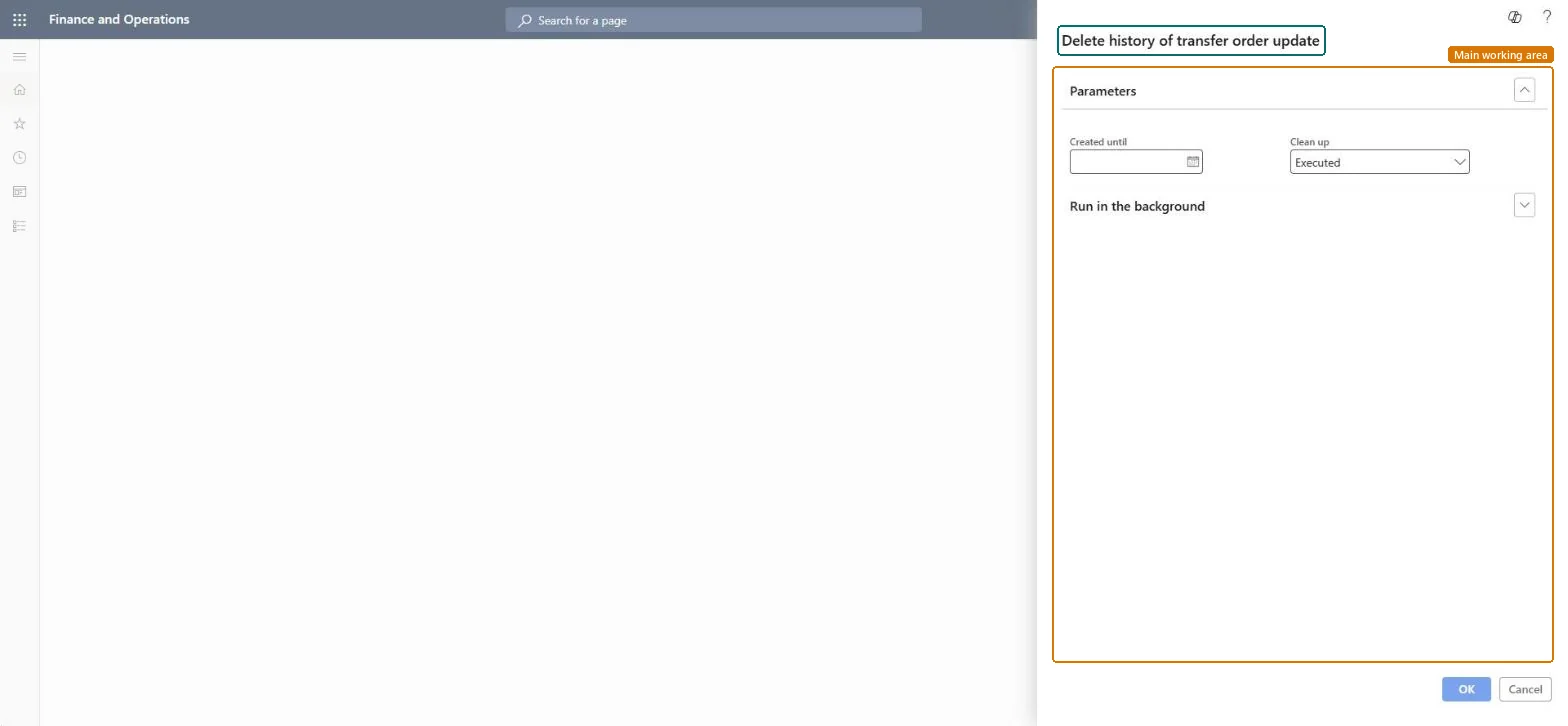
Go to Inventory management > Periodic tasks > Clean up > Transfer order update history cleanup.
Under Parameters, enter the Created until date. Update history created up to that date is cleaned up.
In Clean up, select which update history records the run should remove.
Set batch options under Run in the background when the history is large.
Afterwards, post a transfer order shipment or receipt as usual; posting works the same, and old records in InventTransferParmTable, InventTransferParmUpdate and InventTransferParmLine are gone.
No: Deleted update history can't be restored. The posted transfer orders themselves stay. Microsoft Learn
If you change it later
Deletes transfer order posting history from the InventTransferParmTable, InventTransferParmUpdate and InventTransferParmLine tables. Microsoft Learn
Technical architect
5Technical
Menu item
action:InventTransferParmCleanUpChecked in Dynamics 365
Form
SysOperationTemplateFormChecked in Dynamics 365
Roles to set it up and use it
To use itWarehouse worker WMSWarehouseWorkerRetail service RetailServiceRetail store manager RetailStoreManagerInformation technology manager SysServerITManagerGive people one of these roles. On this system, 4 roles can run this page.Checked in Dynamics 365