Inventory management › Periodic tasks › Clean up › Calculation of location load
End user · Functional consultant
3How to do it
About the examples: Examples and screenshots in this guide use BEAT, a demo company in a Dynamics 365 test environment. Use your own company's codes and values instead of copying them.
When to run it
When to run it
When location load data has grown large enough to slow the system, after you confirm the detail records aren't needed.
How often
On a regular schedule outside business hours, at a cadence your data volume needs.
Batch settings
Schedule it as a recurring batch job outside business hours.
What the output shows
Fewer records in the WMSLocationLoad table, which helps system performance. If location load figures look wrong afterwards, compare them with the stock in the locations before the next scheduled run.
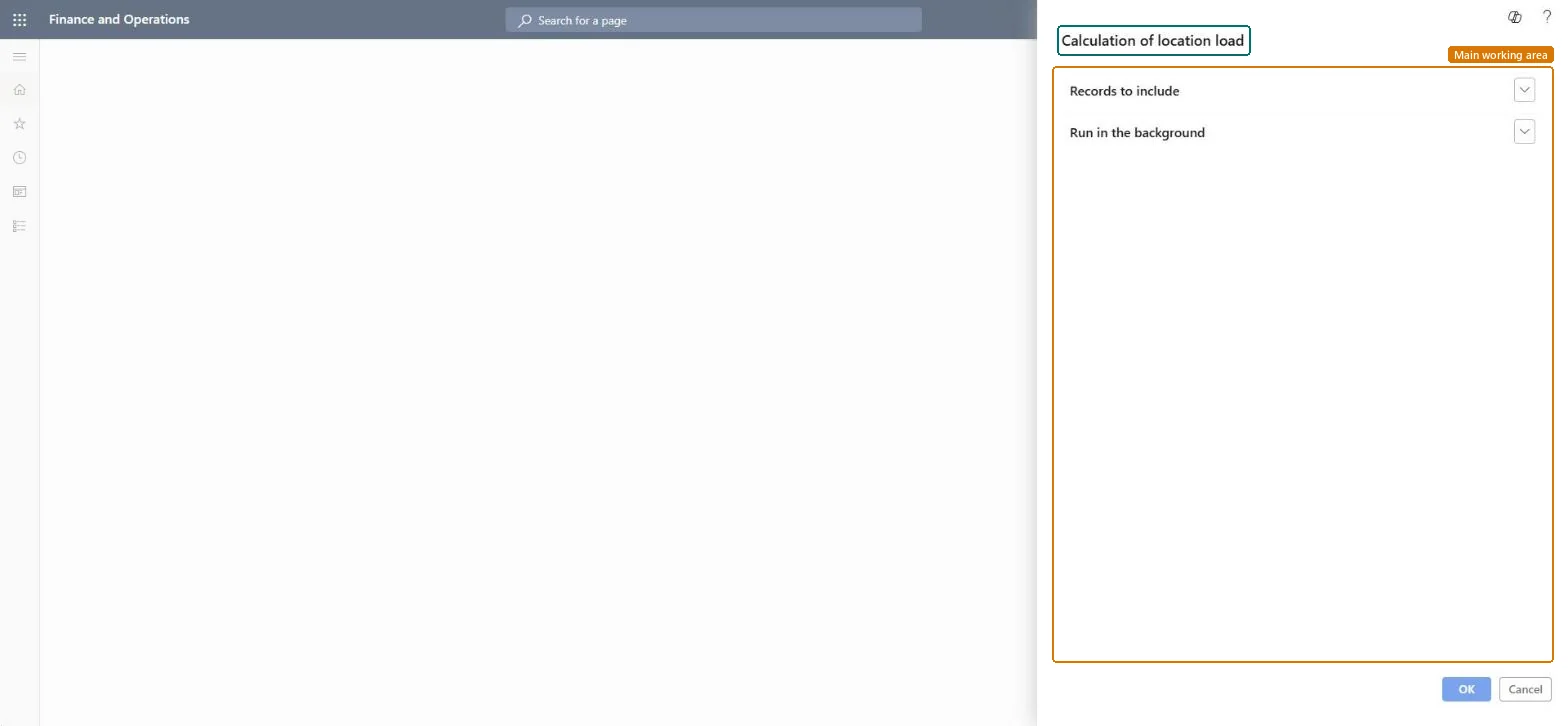
Go to Inventory management > Periodic tasks > Clean up > Calculation of location load.
Know what it does: it reduces the number of records in the WMSLocationLoad table, which tracks the weight and volume of items and pallets in locations.
Test it in a test environment first, as Microsoft advises for every cleanup routine.
Expand Records to include to limit which records are processed, and set a recurrence under Run in the background.
After the run, check that location load figures still match the stock in the locations.
No: Records removed from the location load table can't be restored. Run it only after the business has confirmed the detail isn't needed. Microsoft Learn
If you change it later
Reduces the number of records in the WMSLocationLoad table that tracks item and pallet weight and volume in locations. Microsoft Learn
Technical architect
5Technical
Menu item
action:WMSLocationLoadServiceSumUpLoadChecked in Dynamics 365
Form
SysOperationTemplateFormChecked in Dynamics 365
Roles to set it up and use it
To use itInformation technology manager SysServerITManagerGive people one of these roles. On this system, 1 role can run this page.Checked in Dynamics 365