Inventory managementInquiries and reportsTransfer orders
output:InventTransferReceive
Business process
Process inbound goods
Menu item
output:InventTransferReceive
Show what matters for
PAGE GUIDEWhat the page does and how to use it7 sections. Choose a role to highlight what matters to you.
Everyone
1What it is and why
What it is
A report that prints the transfer order receipt document after a transfer is received.
What you do here
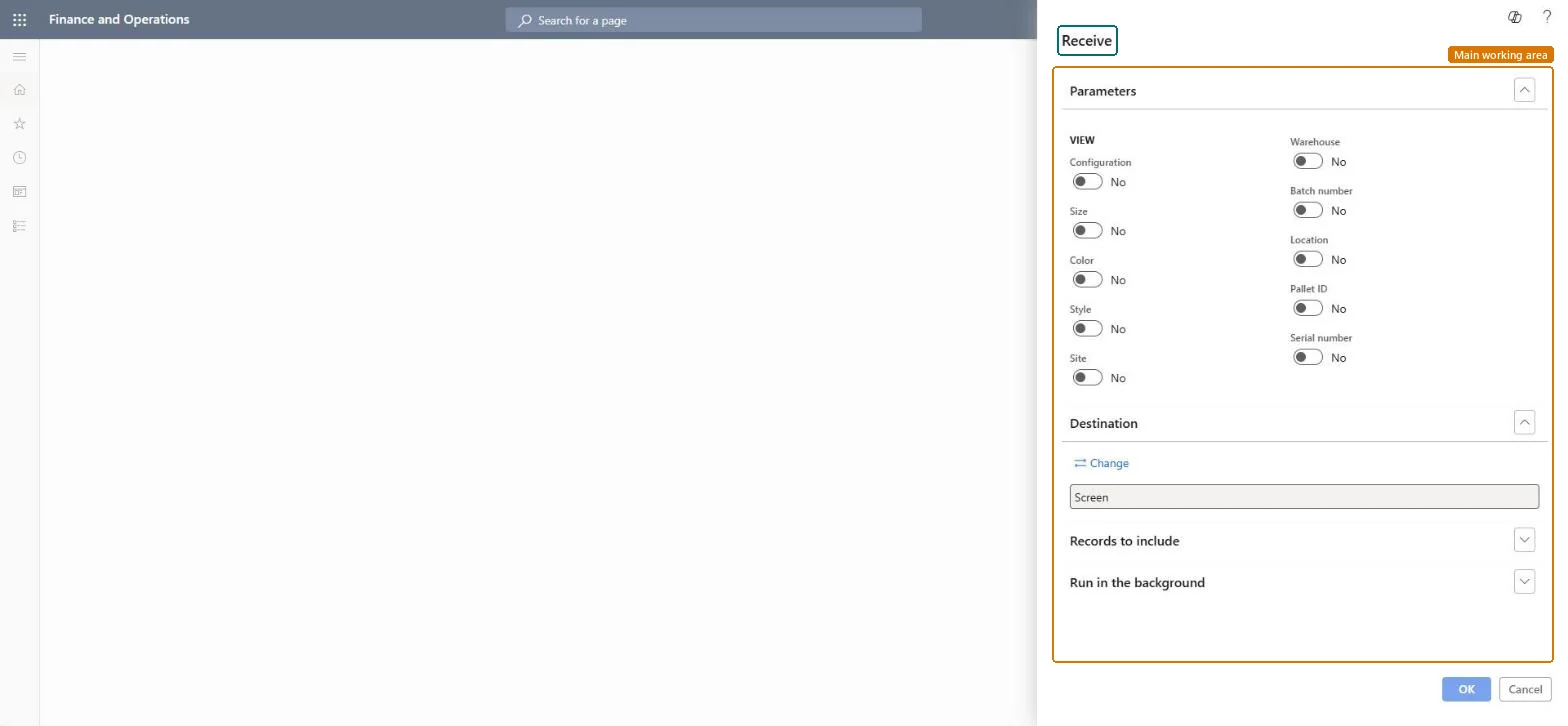
Use this report to print the transfer order receipt document for a transfer that was received, choosing which inventory dimensions to show and where the output goes.
The page in Dynamics 365. page title tab to open what to set or check
About the examples: Examples and screenshots in this guide use BEAT, a demo company in a Dynamics 365 test environment. Use your own company's codes and values instead of copying them.
When to run it
When to run it
After the transfer order receipt is posted at the receiving warehouse.
How often
Once per received transfer order, or again when a copy is needed.
What the output shows
The transfer order receipt document. With Tax information, it adds the tax identification numbers, the unit price and taxable amount, and the tax code, rate and amount. Tax lines that don't print usually belong to a tax code with no exempt code description or tax directives.
Adds tax details, such as tax registration numbers and tax amounts, to the printed document.Microsoft Learn
Solution architect
4Design impact
Can it be undone
Nothing to undo: Printing the receipt document changes nothing on the transfer order. Microsoft Learn
Technical architect
5Technical
Menu item
output:InventTransferReceiveChecked in Dynamics 365
Form
SysOperationTemplateFormChecked in Dynamics 365
Roles to set it up and use it
To use itWarehouse manager WMSWarehouseManagerReceiving clerk InventReceivingClerkLanded cost agent ITMAgentLanded cost manager ITMManagerGive people one of these roles. On this system, 4 roles can run this page.Checked in Dynamics 365