About the examples: Examples and screenshots in this guide use BEAT, a demo company in a Dynamics 365 test environment. Use your own company's codes and values instead of copying them.
When to run it
When to run it
Before you lock the financial dimension link to sites, and after the dimension values on sites change.
How often
On demand, around changes to the site dimension link.
What the output shows
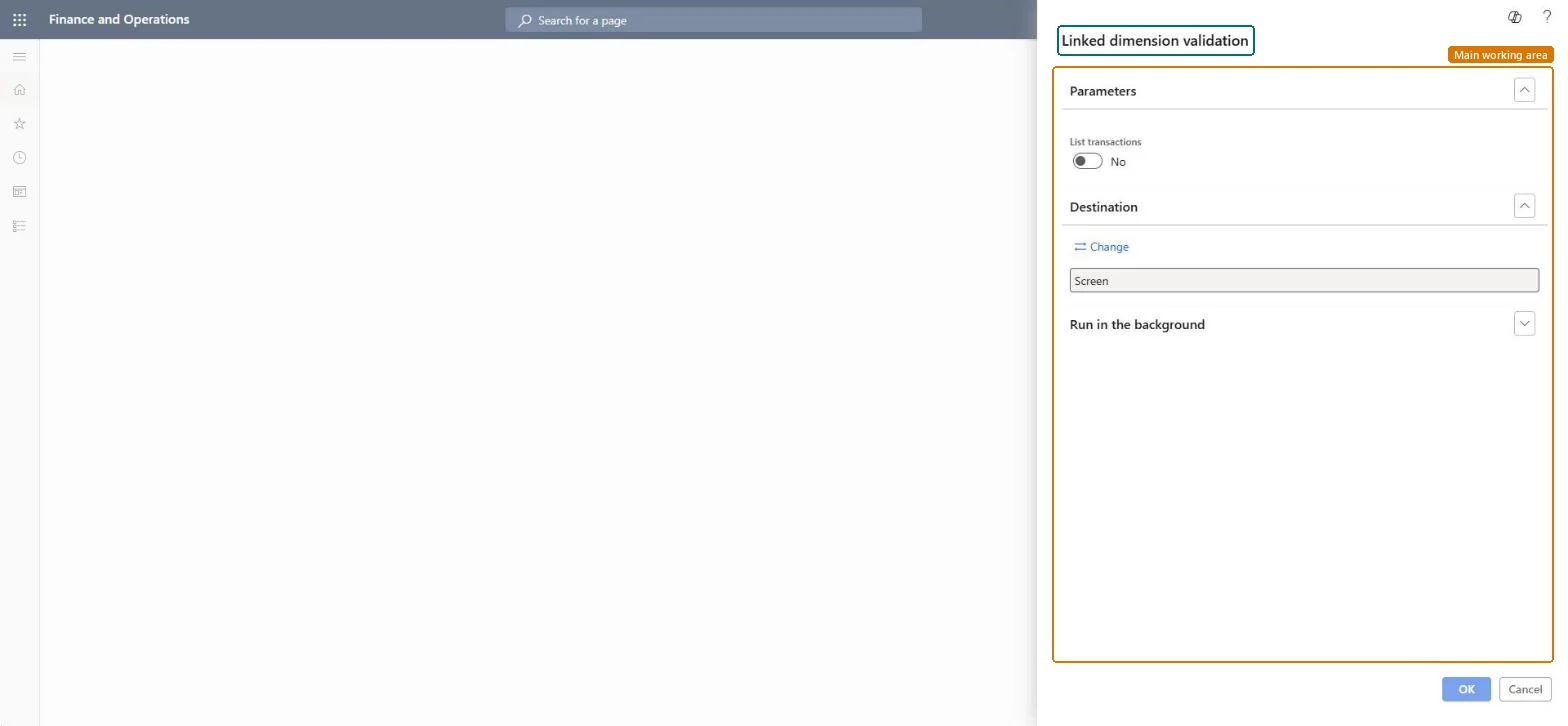
The result of validating the financial dimension linked to sites, with the transactions when List transactions is Yes. Listed lines usually carry a dimension value that differs from the value set on the site.
Nothing to undo: The validation report only reads data; it changes nothing. Microsoft Learn
Technical architect
5Technical
Menu item
output:InventSiteDimensionLinkValidationChecked in Dynamics 365
Form
SysOperationTemplateFormChecked in Dynamics 365
Roles to set it up and use it
To use itAccounting manager LedgerAccountingManagerInventory accountant clerk InventCostCostClerkInventory accountant InventCostAccountantInformation technology manager SysServerITManagerAuditor AuditPolicyManagerGive people one of these roles. On this system, 9 roles can run this page.Checked in Dynamics 365