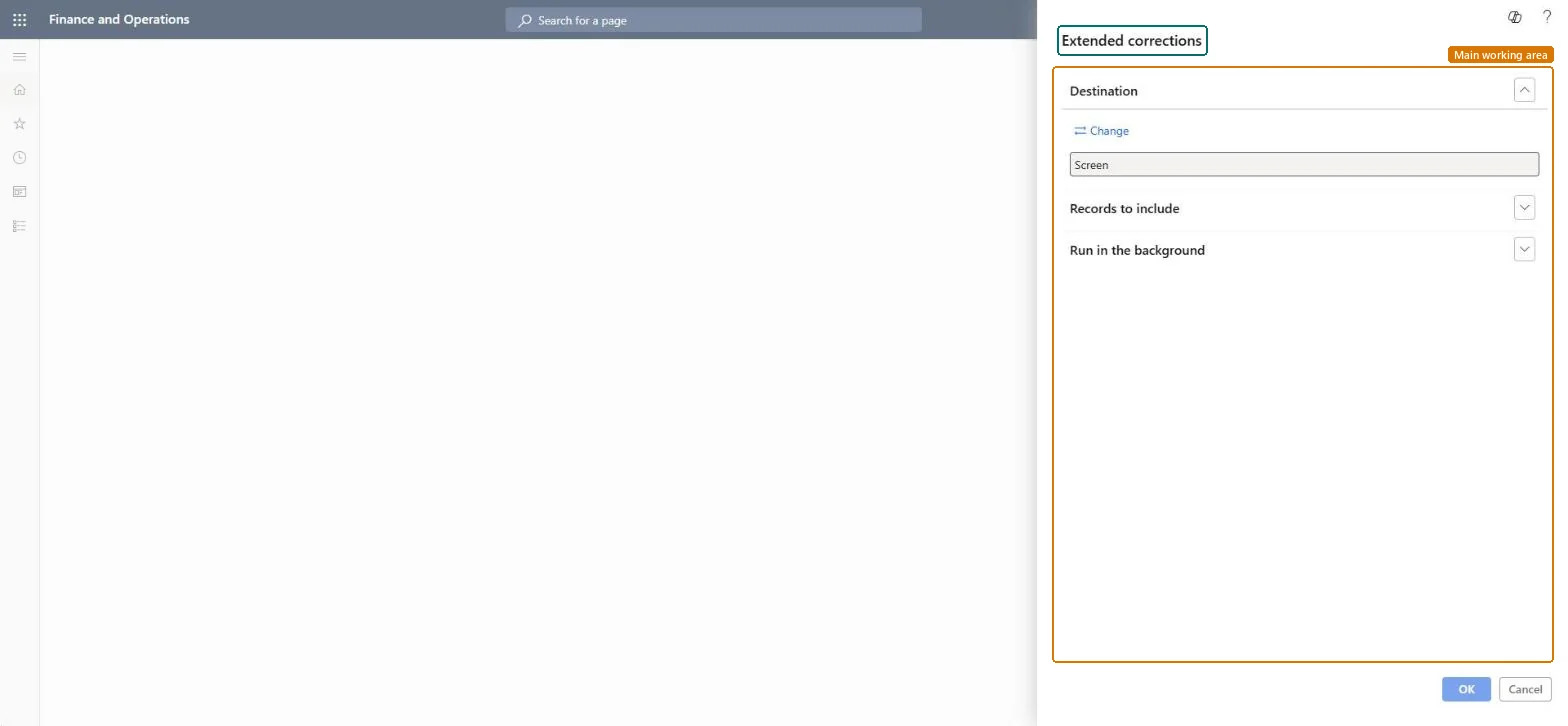
A report that lists extended corrections recorded in quality management, run from a dialog where you choose the output destination and the records to include.
Inventory managementInquiries and reportsQuality management
output:QMSInventTestCorrection
Business process
Manage inventory quality
Menu item
output:QMSInventTestCorrection
Show what matters for
PAGE GUIDEWhat the page does and how to use it7 sections. Choose a role to highlight what matters to you.
Everyone
1What it is and why
What it is
A report that lists extended corrections recorded in quality management, run from a dialog where you choose the output destination and the records to include.
What you do here
Use this report to review extended corrections for quality management.
The page in Dynamics 365. page title tab to open what to set or check
About the examples: Examples and screenshots in this guide use BEAT, a demo company in a Dynamics 365 test environment. Use your own company's codes and values instead of copying them.
When to run it
When to run it
When you review open and completed corrective actions in quality management.
How often
On demand, for example in a quality review meeting.
What the output shows
A list of the extended corrections recorded in quality management for the filter you set. A correction you expected but don't see usually falls outside the filter.
Nothing to undo: The report lists corrections only; it changes nothing. Microsoft Learn
Technical architect
5Technical
Menu item
output:QMSInventTestCorrectionChecked in Dynamics 365
Form
SysOperationTemplateFormChecked in Dynamics 365
Roles to set it up and use it
To use itQuality control manager InventQualityControlManagerWarehouse manager WMSWarehouseManagerMaterials manager InventMaterialsManagerQuality control clerk InventQualityControlClerkShipping clerk InventShippingClerkGive people one of these roles. On this system, 8 roles can run this page.Checked in Dynamics 365