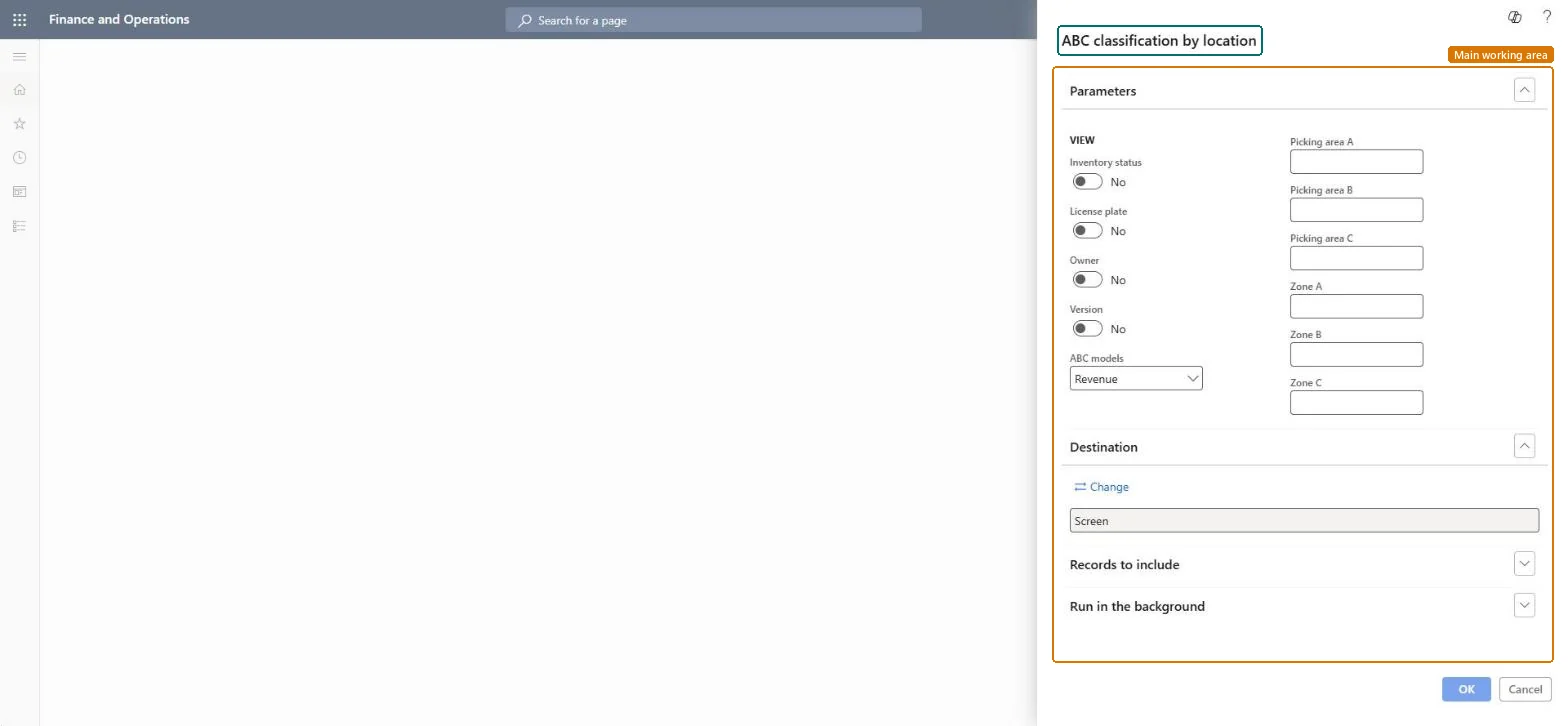
Inventory management › Inquiries and reports › Inventory value reports › ABC classification by location
End user · Functional consultant
3How to do it
About the examples: Examples and screenshots in this guide use BEAT, a demo company in a Dynamics 365 test environment. Use your own company's codes and values instead of copying them.
When to run it
When to run it
When you review whether fast and slow movers are stored in the right picking areas and zones of a warehouse.
How often
On demand, for example when you replan a warehouse layout.
What the output shows
Items classified A, B and C with the picking area and zone assigned to each class, by warehouse location. Unlike ABC classification, it ties the classes to picking areas and zones instead of a date range.
Nothing to undo: The location ABC report only reads data; it changes nothing. Microsoft Learn
Technical architect
5Technical
Menu item
output:WMSABCAnalysisChecked in Dynamics 365
Form
SysOperationTemplateFormChecked in Dynamics 365
Roles to set it up and use it
To use itWarehouse manager WMSWarehouseManagerMaterials manager InventMaterialsManagerWarehouse planner WHSWarehousePlannerChief executive officer CompanyChiefExecutiveOfficerGive people one of these roles. On this system, 4 roles can run this page.Checked in Dynamics 365