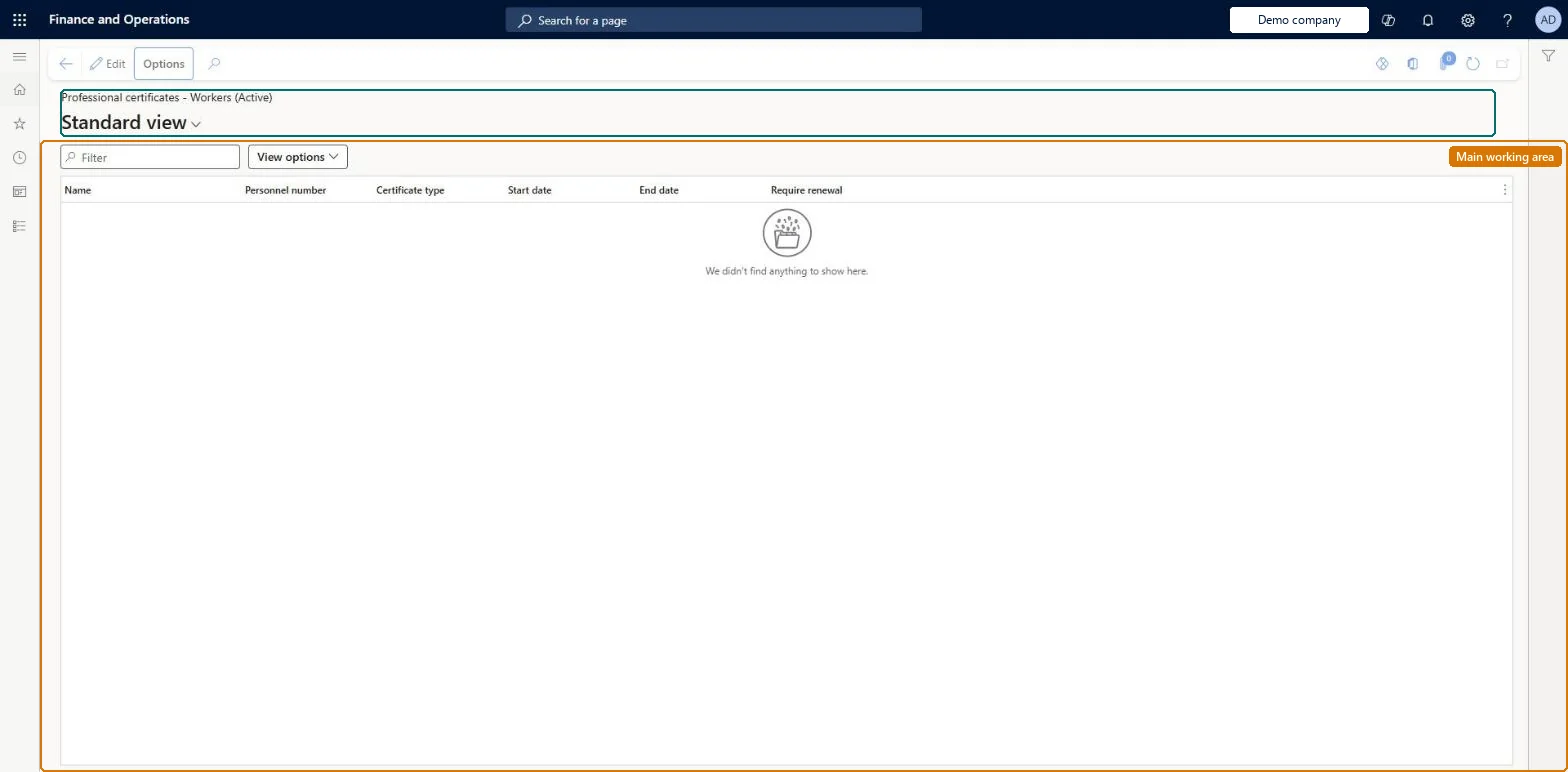
An inquiry page that lists the professional certificates recorded on workers, with certificate type, start and end dates and whether renewal is required.
Compensation and benefits manager, Human resource manager, Payroll administrator and 2 more roles
Business process
Track skills and competencies
Menu item
HcmPersonCertificateInquiry
Main table
HcmPersonCertificate
Data entity
HcmPersonCertificateEntity
Setup steps
1 on this page
Show what matters for
PAGE GUIDEWhat the page does and how to use it8 sections. Choose a role to highlight what matters to you.
Everyone
1What it is and why
What it is
An inquiry page that lists the professional certificates recorded on workers, with certificate type, start and end dates and whether renewal is required.
What you do here
Use this page to see and correct workers' certificates across the workforce in one list instead of opening each worker.
Example
For example, BEAT filters the list on certificate type Forklift and sees 12 warehouse workers, 2 of them with an End date in 2026; HR selects Edit and enters the End date missing on a third.
The page in Dynamics 365. page title tab to open what to set or check
About the examples: Examples and screenshots in this guide use BEAT, a demo company in a Dynamics 365 test environment. Use your own company's codes and values instead of copying them.
Setup steps on this page
Keep worker certificates complete
Review all workers' certificates in one list and fill missing end dates.
Steps from Microsoft
Go to Human resources > Workers > Inquiries and reports > Professional certificates.
Use the Filter box or View options to narrow the list.
Review the Name, Personnel number, Certificate type, Start date, End date and Require renewal columns.
Filter on one certificate type first, then sort by End date and fill every blank End date for types that require renewal.Expiry lists, the Certificate expirations report and skill mapping all read these records; a blank End date means the certificate never shows as expiring.
Shared: Data management lists Certificate competency as shared, so a person's certificates are the same in every legal entity. Checked in Dynamics 365
If you change it later
Certificates feed skill mapping searches, which look through certificates, and the Expiring records tab of the Personnel management workspace; an End date changed here moves the certificate in or out of the expiring lists. Microsoft Learn
Technical architect
6Technical
Menu item
HcmPersonCertificateInquiryChecked in Dynamics 365
Form
HcmPersonCertificateInquiryChecked in Dynamics 365
Table
HcmPersonCertificateShown as “CERTIFICATE COMPETENCY” in Record infoKey field: Person_Name, CertificateType_CertificateTypeIdChecked in Dynamics 365
Data entities
HcmPersonCertificateEntityCertificate competency Checked in Dynamics 365
Who can open it
PrivilegesDisplay certificates HcmPersonCertificateInquiryViewDutiesInquire into applicant master HcmApplicantInquireInquire into workforce management process HcmWorkforceProcessInquire5 security rolesCompensation and benefits manager HcmCompensationAndBenefitsManagerHuman resource manager HcmHumanResourceManagerPayroll administrator HcmPayrollAdministratorPayroll manager HcmPayrollManagerRecruiter HcmRecruiterChecked in Dynamics 365
Roles to set it up and use it
To use itHuman resource manager HcmHumanResourceManagerCompensation and benefits manager HcmCompensationAndBenefitsManagerRecruiter HcmRecruiterPayroll administrator HcmPayrollAdministratorPayroll manager HcmPayrollManagerGive people one of these roles. On this system, 5 roles can open this page.Checked in Dynamics 365
HcmPersonCertificateEntity data entity Checked in Dynamics 365
Data migration
HcmPersonCertificateEntity Certificate competency: the certificates of each person, with certificate type, start and end date. Shared by all companies.Load order: Load Certificate type (Employee development template) first, then the workers, then Certificate competency.Load first: HcmCertificateTypeEntity, HcmWorkerBaseEntityMicrosoft Learn