PAGE GUIDEWhat the page does and how to use it8 sections. Choose a role to highlight what matters to you.
Everyone
1What it is and why
What it is
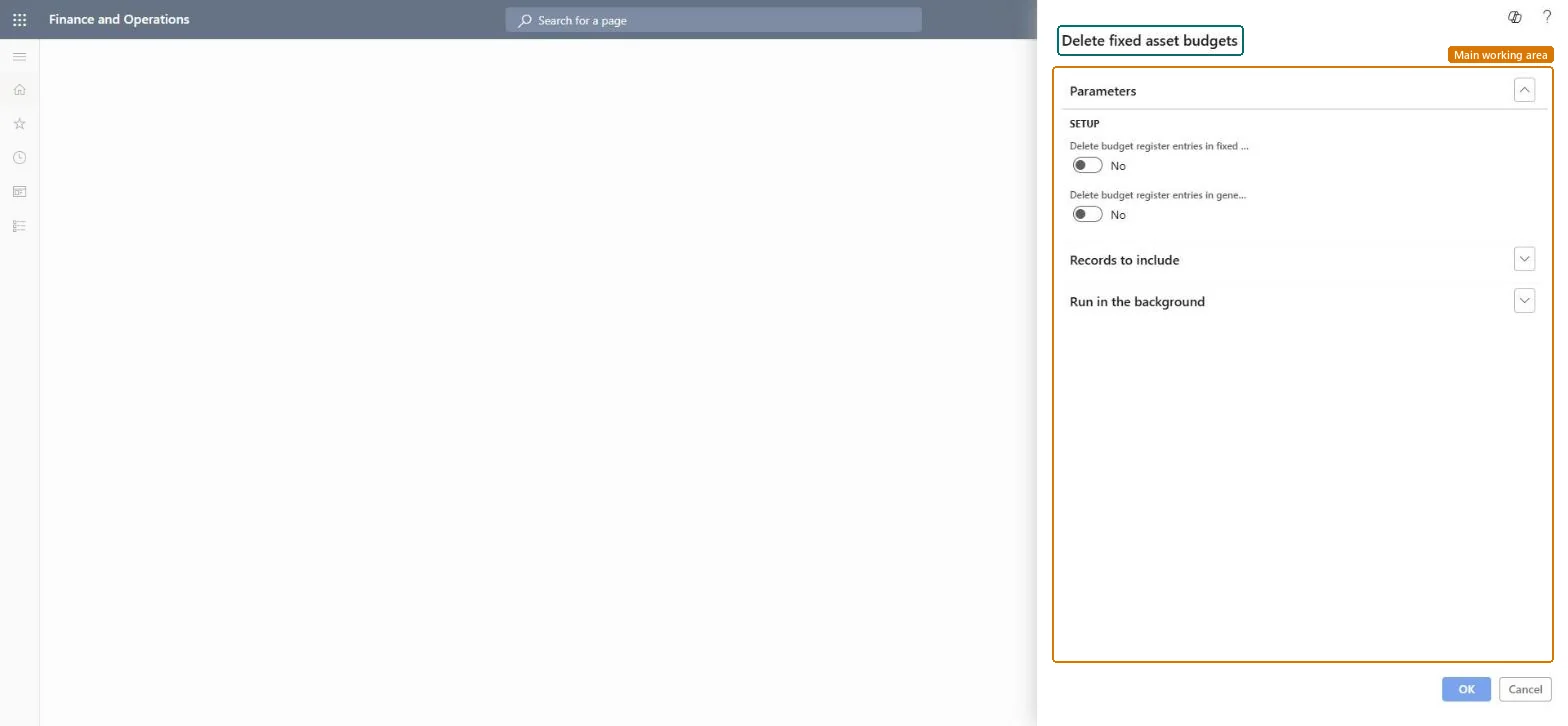
A periodic job that permanently deletes fixed asset budget register entries and, if you choose, the matching general ledger budget register entries.
What you do here
Use this job to clear a fixed asset budget before you create it again, for example when a budget model is replaced or a budget proposal was transferred by mistake.
Example
For example, after the FY27 asset budget was transferred twice, the controller deletes the FY27 fixed asset budget entries, keeps the ledger budget, and posts the corrected budget journal again.
The page in Dynamics 365. page title tab to open what to set or check
About the examples: Examples and screenshots in this guide use BEAT, a demo company in a Dynamics 365 test environment. Use your own company's codes and values instead of copying them.
When to run it
When to run it
Before you recreate a fixed asset budget, for example when a budget model is replaced or a budget depreciation proposal was transferred by mistake.
How often
On demand, when a fixed asset budget must be cleared.
What the output shows
No printout. The selected fixed asset budget entries, and the general ledger budget entries if chosen, are deleted.
Filter on one budget model, run Future value of fixed assets first as a record, and delete the general ledger entries only when the ledger budget must be rebuilt too.The job removes register entries permanently; the general ledger option also changes the financial budget.
Fixed assets is part of Dynamics 365 Finance. Budget controllers run it. On this system the roles that open the page include Accountant, Budget manager, Budget clerk. No Feature management feature needs to be turned on for this page.
Checked in Dynamics 365
Solution architect
5Design impact
Shared or per company
Per company: the job deletes budget register entries of the current legal entity. Microsoft Learn
Can it be undone
No: Deleted budget entries can't be restored. Recreate them with Create budget depreciation proposal. Run it only for the budget model you mean to clear. Microsoft Learn
If you change it later
Deletes fixed asset budget entries and, if chosen, the related general ledger budget register entries; budget reports for that model change. Microsoft Learn
Technical architect
6Technical
Menu item
action:AssetDeleteBudgetModelChecked in Dynamics 365
Form
DialogChecked in Dynamics 365
Roles to set it up and use it
To use itAccountant LedgerAccountantBudget manager BudgetBudgetManagerBudget clerk BudgetBudgetClerkGive people one of these roles. On this system, 3 roles can run this page.Checked in Dynamics 365
Load order: The delete job has no data entity in Data management, so it can't be loaded from a file or a configuration template. It deletes budget entries and holds none.Microsoft Learn