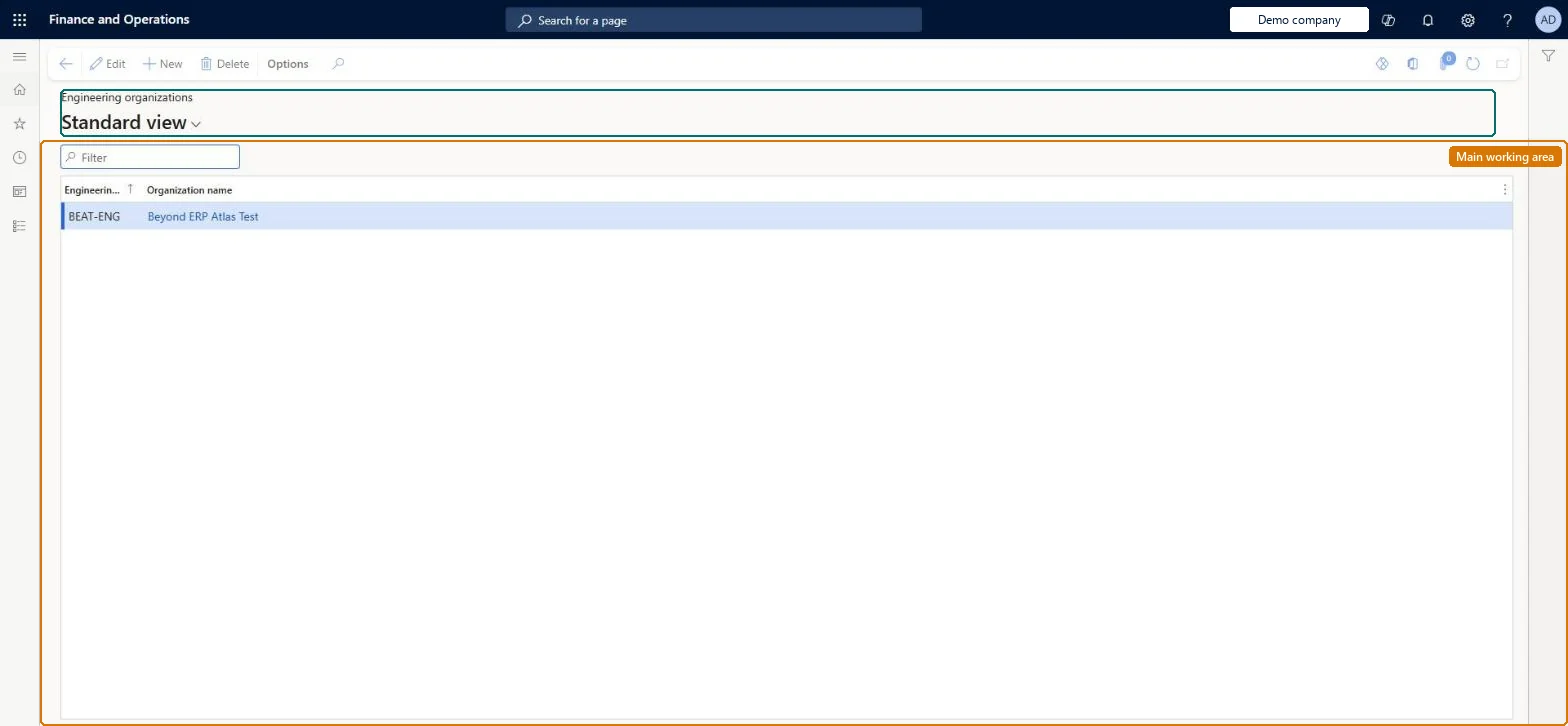
A setup page where you register which legal entities act as engineering companies, that is, the companies that own engineering products and their engineering-relevant data.
PAGE GUIDEWhat the page does and how to use it8 sections. Choose a role to highlight what matters to you.
Everyone
1What it is and why
What it is
A setup page where you register which legal entities act as engineering companies, that is, the companies that own engineering products and their engineering-relevant data.
What you do here
Use this page to create an engineering organization by naming it and linking it to an existing legal entity, so that engineering products can be created and maintained there and released to operational companies.
Example
For example, you set up DEMF (Contoso Entertainment System Germany) as the engineering organization while USMF remains an operational company that receives released products.
The page in Dynamics 365. page title tab to open what to set or check
About the examples: Examples and screenshots in this guide use BEAT, a demo company in a Dynamics 365 test environment. Use your own company's codes and values instead of copying them.
Setup steps on this page
Set up Engineering organizations
Use this page to create an engineering organization by naming it and linking it to an existing legal entity, so that engineering products can be created and maintained there and released to operational companies.
Steps from Microsoft
Go to Engineering change management > Setup > Engineering organizations.
Select New to add a row to the grid.
In Engineering organization, select the existing legal entity that will act as the engineering company.
In Organization name, enter a name for the engineering company and save.
One engineering company for each central owner of product data, based on the legal entity where engineering is done; add a business unit as an external company only when integrating a PLM systemLearn describes the engineering company as the central entry point that owns engineering products and releases them to operational companies, and says a business unit is needed for external PLM integration.
Creating categories under the wrong engineering company. Each category can only create products that belong to its company, and the engineering company on a category can't be changed after the category is created.
Solution architect
5Design impact
Can it be undone
Hard to reverse: The organization record is easy to create, but categories and products owned by it can't be moved to another engineering company: the engineering company on a category is locked once the category exists. Microsoft Learn
If you change it later
Which companies are engineering organizations determines where engineering products and versions can be created and maintained; all other companies can only receive released data and add local BOM lines, routes and documents. Microsoft Learn
Technical architect
6Technical
Menu item
EngChgEngineeringOrganizationChecked in Dynamics 365
Form
EngChgEngineeringOrganizationChecked in Dynamics 365
Table
EngChgEngineeringOrganizationShown as “ENGINEERING ORGANIZATIONS” in Record infoKey field: EngineeringOrganizationIdChecked in Dynamics 365
Data entities
EngChgEngineeringOrganizationEntityEngineering organizations Checked in Dynamics 365
Who can open it
PrivilegesMaintain product owners EngChgEngineeringOrganizationMaintainView product owners EngChgEngineeringOrganizationViewDutiesEnable the engineering change management process EngChgEngineeringChangeManagementProcessEnableInquire into engineering change management reference data EngChgEngineeringChangeManagementReferenceDataInquire2 security rolesProduct engineer EngChgProductEngineerProduct engineering manager EngChgProductEngineeringManagerChecked in Dynamics 365
Roles to set it up and use it
To set it up or change itProduct engineering manager EngChgProductEngineeringManagerTo use itProduct engineer EngChgProductEngineerGive people one of these roles. On this system, 2 roles can open this page.Checked in Dynamics 365