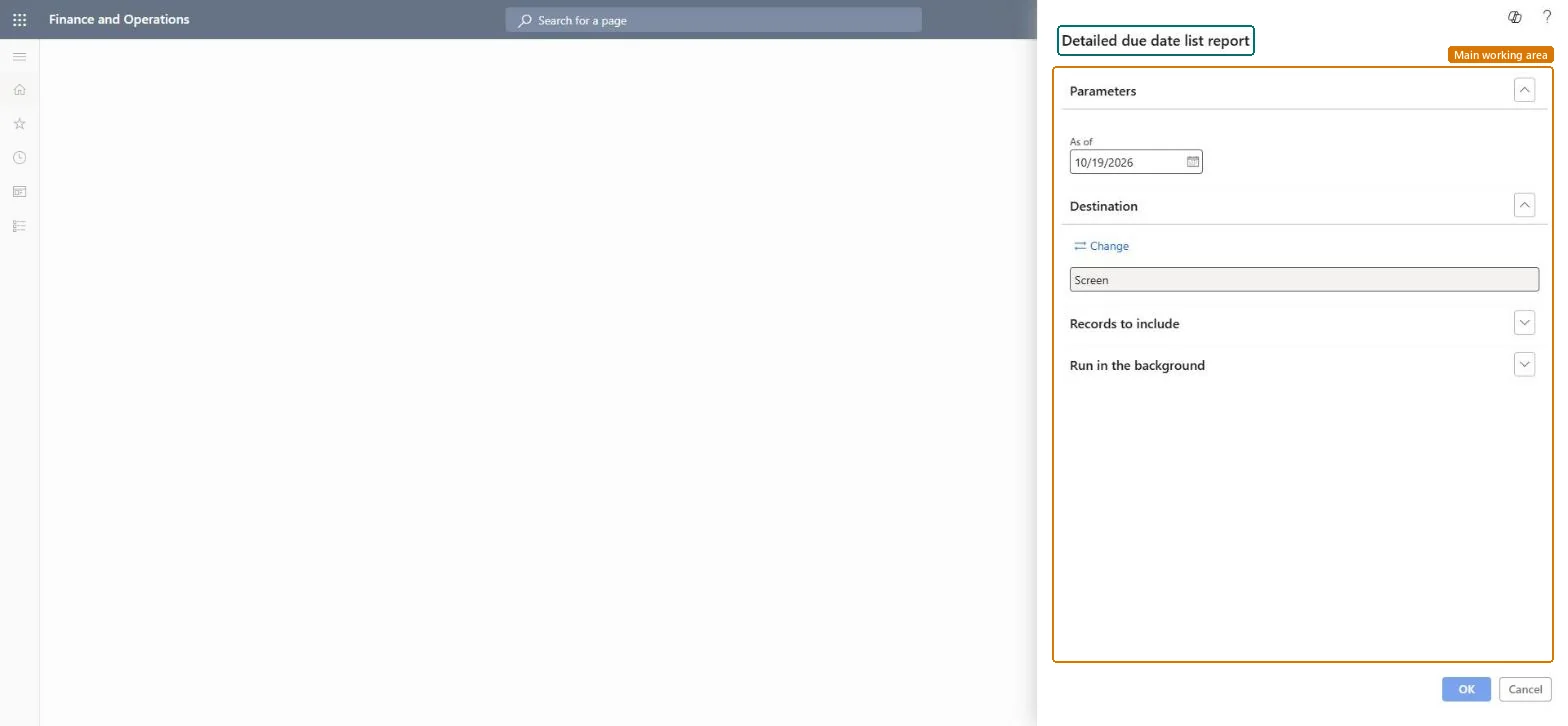
Credit and collections › Inquiries and reports › Detailed due date list report
End user · Functional consultant
3How to do it
About the examples: Examples and screenshots in this guide use BEAT, a demo company in a Dynamics 365 test environment. Use your own company's codes and values instead of copying them.
When to run it
When to run it
When customers have credit balances, for example from overpayments, that you must pay back.
How often
On demand, when customers have credit balances above the minimum reimbursement.
What the output shows
A vendor invoice for each customer's credit balance: the customer credit balance is removed and a balance due appears on the customer's vendor account. Customers without a vendor account get a one-time vendor account.
Go to Credit and collections > Inquiries and reports > Detailed due date list report.
Set the Minimum reimbursement in Accounts receivable parameters first, and add a Vendor account on customers who should be paid through an existing vendor.
Set Summarize customer to Yes to group all transactions, or No to group only transactions with similar ledger dimensions.
Turn on Include customers with outstanding debit transactions when customers who also have unsettled debit amounts should be reimbursed in this run.
On the Records to include FastTab, select Filter to limit the run to specific customer accounts.
Run the process, review the transactions in the Reimbursement report, and pay the vendor invoices in Accounts payable.
No: The credit balance is moved to a vendor invoice. Check the Reimbursement report before you pay; once paid, the money has left the company. Microsoft Learn
If you change it later
Removes customer credit balances and creates vendor invoices for the same amounts, creating one-time vendor accounts where needed. Microsoft Learn
Technical architect
5Technical
Menu item
output:CustDueReportDetailChecked in Dynamics 365
Form
SysOperationTemplateFormChecked in Dynamics 365
Roles to set it up and use it
To use itCollections manager CollectionLetterCollectionsManagerCollections agent CollectionLetterCollectionsAgentAccounts receivable manager CustInvoiceAccountsReceivableManagerAccounting manager LedgerAccountingManagerAccounting supervisor LedgerAccountingSupervisorGive people one of these roles. On this system, 13 roles can run this page.Checked in Dynamics 365