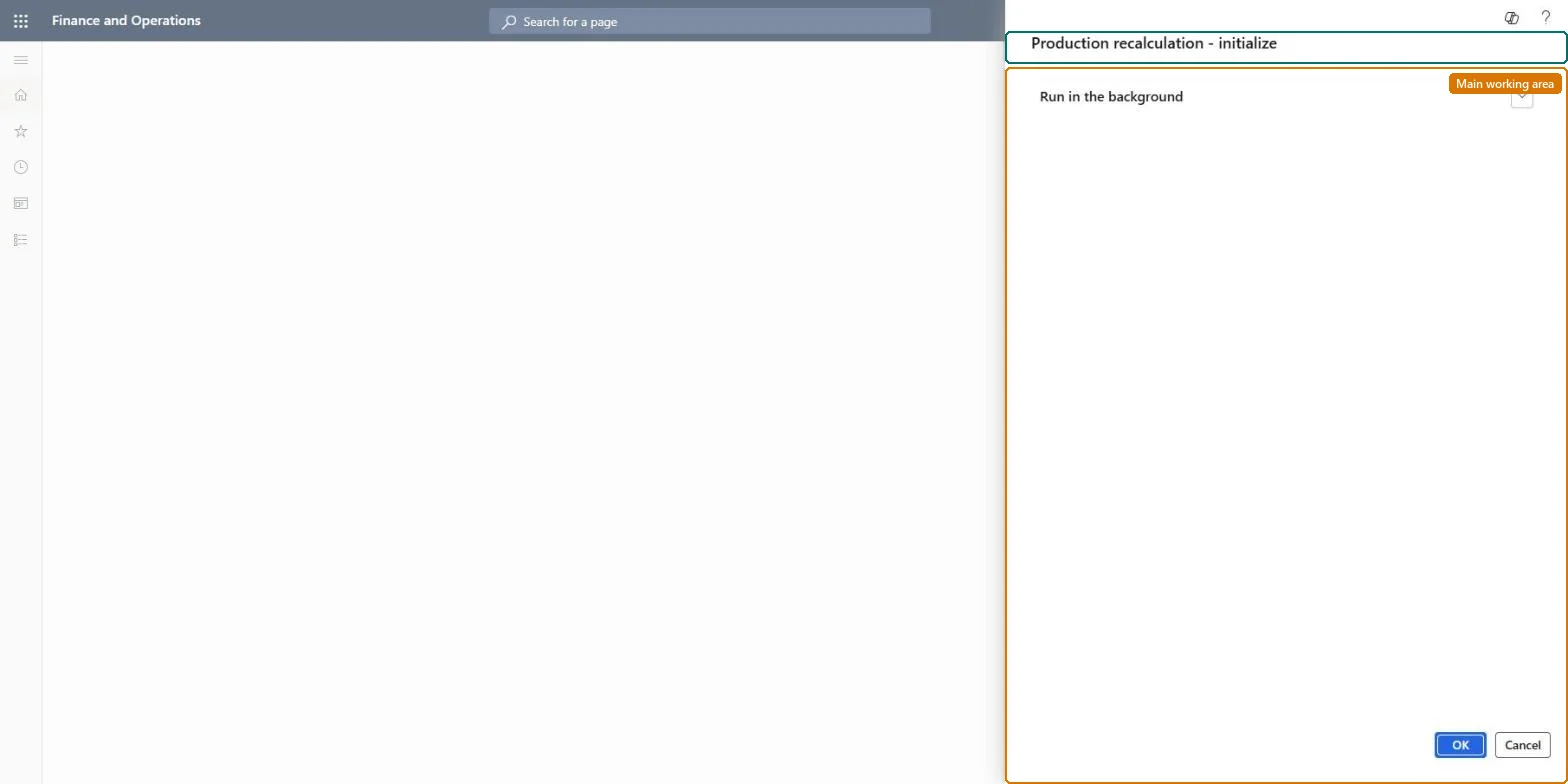
A periodic task that bundles production orders whose estimated costs for material and time consumption should be recalculated and schedules recalculation tasks for them.
Manage production estimates in Dynamics 365 Supply Chain Management
Menu item
action:InventCostProdRecalcMultiJob
Show what matters for
PAGE GUIDEWhat the page does and how to use it7 sections. Choose a role to highlight what matters to you.
Everyone
1What it is and why
What it is
A periodic task that bundles production orders whose estimated costs for material and time consumption should be recalculated and schedules recalculation tasks for them.
What you do here
Use this task to recalculate the estimated material and time costs of production orders through scheduled recalculation tasks.
The page in Dynamics 365. page title tab to open what to set or check
Cost management › Manufacturing accounting › Clean up › Production recalculation
End user · Functional consultant
3How to do it
About the examples: Examples and screenshots in this guide use BEAT, a demo company in a Dynamics 365 test environment. Use your own company's codes and values instead of copying them.
When to run it
When to run it
When estimated costs of production orders need to be recalculated, for example after cost records used by open orders were activated.
How often
On demand, after activating new cost records that affect open production orders.
Batch settings
Run it in the background; it creates recalculation tasks that the batch framework processes afterwards.
What the output shows
Recalculation tasks for bundles of production orders, which update the estimated material and time costs of those orders. An order whose estimate didn't change was probably not in a bundle, or its task failed in the batch log.
Go to Cost management > Manufacturing accounting > Clean up > Production recalculation.
Know what it does: it doesn't recalculate costs itself, it bundles the production orders whose estimated material and time costs should be recalculated and schedules recalculation tasks for them.
Activate any pending changes to item prices, cost categories and indirect costs first, because production order estimates use the active cost records.
Run it in the background so the scheduled recalculation tasks can be processed as batch tasks, then select OK.
When the tasks have finished, open Price calculation on a few production orders and compare the estimated costs with the active cost records.
No, but you can recalculate again: The previous estimates aren't kept. Running the recalculation again after correcting cost records produces new estimates. Microsoft Learn
If you change it later
Updates the estimated material and time costs of the bundled production orders. Microsoft Learn
Technical architect
5Technical
Menu item
action:InventCostProdRecalcMultiJob
Roles to set it up and use it
To use itInventory accountant clerk InventCostCostClerkGive people one of these roles. On this system, 1 role can run this page.Checked in Dynamics 365