Cost management › Manufacturing accounting › Clean up › Production orders cleanup
End user · Functional consultant
3How to do it
About the examples: Examples and screenshots in this guide use BEAT, a demo company in a Dynamics 365 test environment. Use your own company's codes and values instead of copying them.
When to run it
When to run it
After the production orders have ended and their costs and variances have been analyzed and reported for the period.
How often
On demand, for example once old financial years are closed; Learn gives no fixed cadence.
Batch settings
Run it in the background outside business hours when you delete many orders at once.
What the output shows
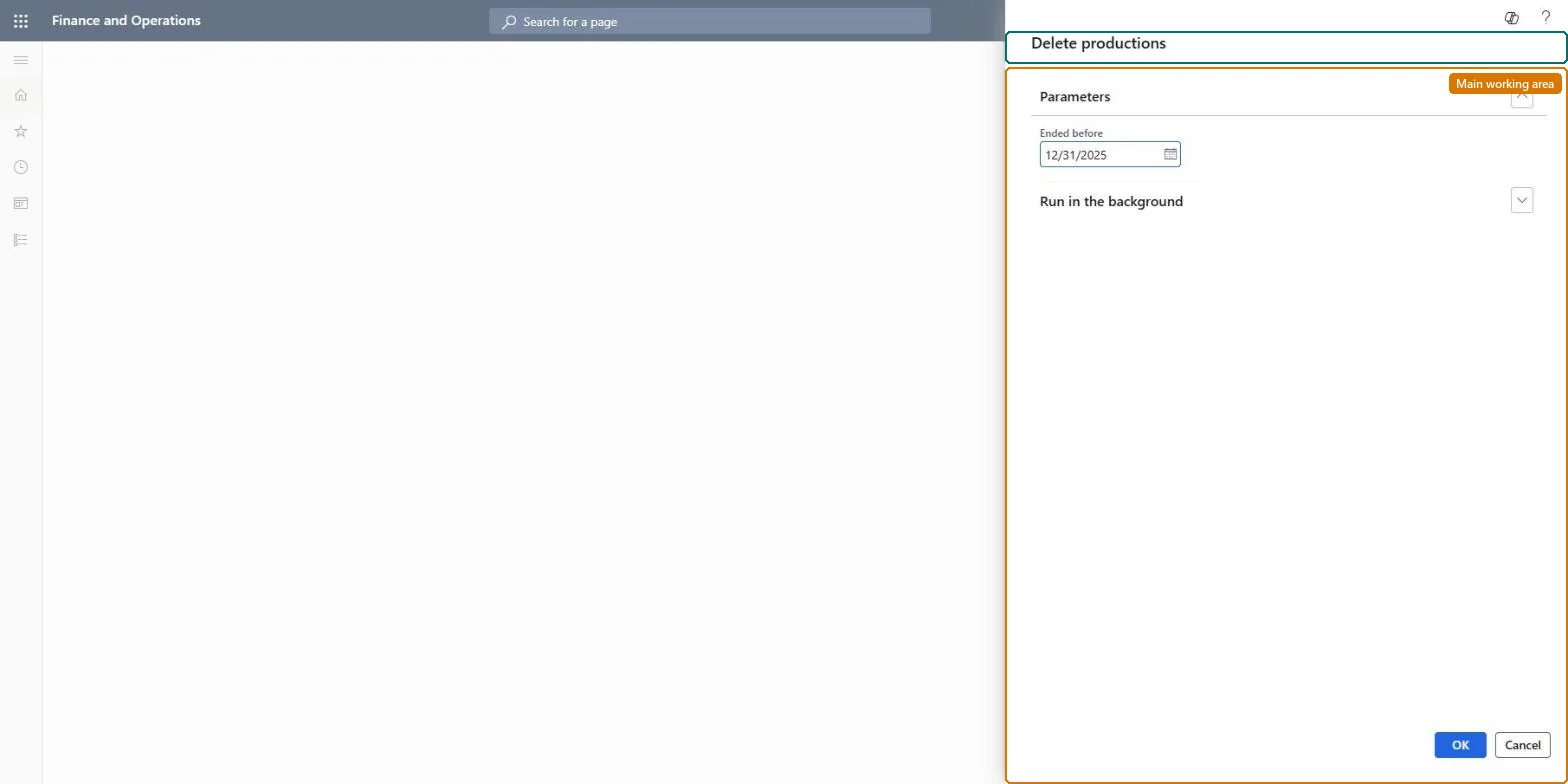
Ended production orders that match the filter are deleted. This is the same routine as Production control > Periodic tasks > Clean up > Production orders cleanup. If an order you need is missing, the filter was too wide.
Go to Cost management > Manufacturing accounting > Clean up > Production orders cleanup.
Agree with production and finance which ended production orders are no longer needed, for example for audits or cost analysis. The job only deletes orders that have ended.
Test the cleanup in a test environment first, as Microsoft recommends for every cleanup routine.
Use Records to include to filter the ended orders to delete, for example by end date or item, then select OK.
Open All production orders and check that the filtered ended orders are gone and that no open order was touched.
No: Deleted production orders can't be restored. Run the job only after the business has confirmed the orders are no longer required. Microsoft Learn
If you change it later
Deletes ended production orders, so they no longer appear in production order lists and cost analysis. Microsoft Learn
Technical architect
5Technical
Menu item
action:ProdTableCleanUp
Roles to set it up and use it
To use itInformation technology manager SysServerITManagerGive people one of these roles. On this system, 1 role can run this page.Checked in Dynamics 365