PAGE GUIDEWhat the page does and how to use it7 sections. Choose a role to highlight what matters to you.
Everyone
1What it is and why
What it is
A periodic job that updates open transactions with the financial dimension value linked to each site when the site dimension link is locked.
What you do here
Use this periodic task to bring open transactions in line with the financial dimension values set for sites, so that profit and loss can be calculated per site.
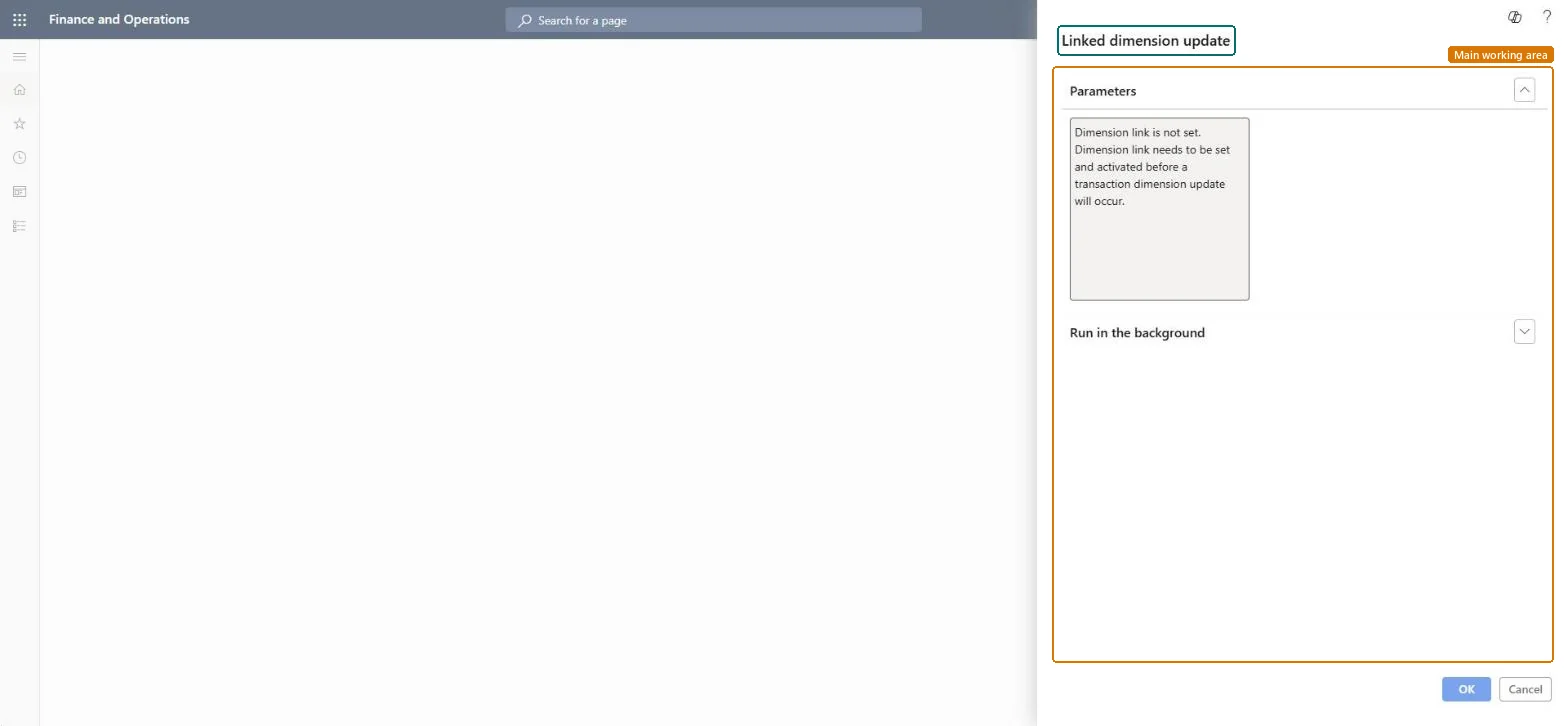
The page in Dynamics 365. page title tab to open what to set or check
About the examples: Examples and screenshots in this guide use BEAT, a demo company in a Dynamics 365 test environment. Use your own company's codes and values instead of copying them.
Steps from Microsoft
Go to Cost management > Ledger integration policies setup > Linked dimension update.
Make sure each site has a financial dimension value and that the link is active.
Select Lock link.
In the Linked dimension update dialog, select OK to update all open transactions.
Hard to reverse: The Linked dimension update runs when you activate or lock the site dimension link. Locking updates all open transactions to the site's dimension value; unlocking or deactivating the link later doesn't put the old values back. Microsoft Learn
If you change it later
Once the link is locked, transactions can be posted only when the linked dimension value matches the site, and the value set for a site can't be changed until you unlock the link. Microsoft Learn
Technical architect
5Technical
Menu item
action:InventSiteDimensionUpdateChecked in Dynamics 365
Form
DialogChecked in Dynamics 365
Roles to set it up and use it
To use itAccounting manager LedgerAccountingManagerAccounting supervisor LedgerAccountingSupervisorRental sales manager RentalSalesManagerRental purchasing manager RentalPurchasingManagerRental manager RentalManagerGive people one of these roles. On this system, 5 roles can run this page.Checked in Dynamics 365