About the examples: Examples and screenshots in this guide use BEAT, a demo company in a Dynamics 365 test environment. Use your own company's codes and values instead of copying them.
When to run it
When to run it
Just before a mass cost calculation for items with multilevel BOMs or formulas, for example before you calculate the pending costs of a new standard costing version.
How often
On demand, once before each mass run of cost calculations.
Batch settings
Run it in the background outside business hours for large BOM structures, so it has finished before the cost calculation run starts.
What the output shows
Updated BOM level values on the items; no report is printed. The effect shows in the next cost calculation, where components are calculated before the items that use them. A parent cost that ignores a changed component cost usually means the levels were not recalculated before the calculation run.
Go to Cost management > Inventory accounting > Clean up > Recalculate BOM levels.
Run it right before you mass-run cost calculations for items with multilevel BOMs or formulas. Microsoft recommends this job as the first step, so that calculations can start at the lowest level.
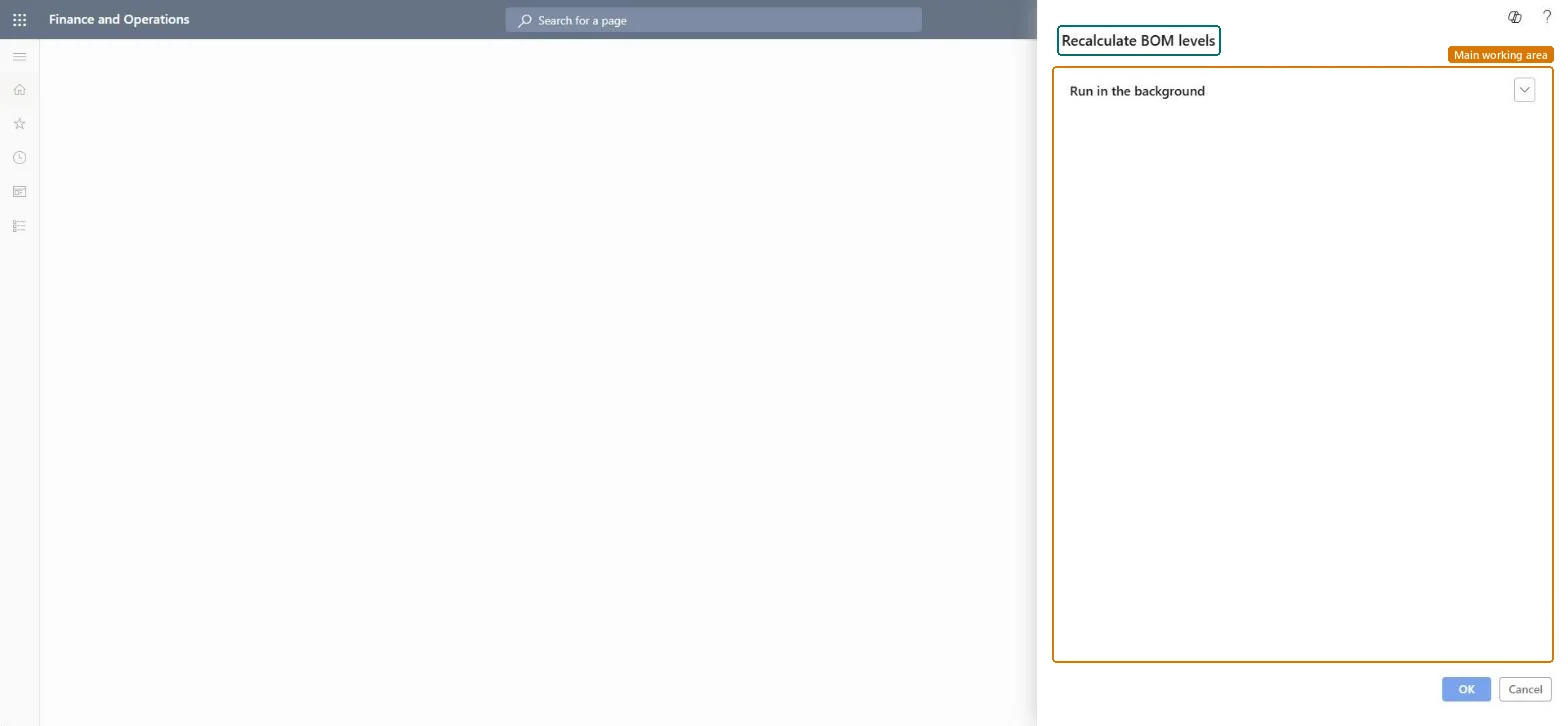
The dialog has no business fields: the job recalculates the BOM level of every item from the current BOM structures. Cost calculations in costing versions use the Cost calculation level, while recalculation and inventory close use the Costing level.
Expand Run in the background to send it to batch when the company has many BOMs, then select OK.
When it has finished, start your cost calculations from the lowest BOM level upward and look at a parent item's calculated cost to see that it picks up its components' new costs.
No, but a rerun is harmless: The previous BOM levels can't be restored, but the job only derives levels from the BOMs, so running it again simply recalculates them. Microsoft Learn
If you change it later
Updates the BOM level values that decide in which order items are processed by cost calculations, recalculation and inventory close. Microsoft Learn
Technical architect
5Technical
Menu item
action:BOMLevelCalcChecked in Dynamics 365
Form
DialogChecked in Dynamics 365
Roles to set it up and use it
To use itProduction manager ProdProductionManagerMaterials manager InventMaterialsManagerProduct design manager BOMProductDesignManagerGive people one of these roles. On this system, 3 roles can run this page.Checked in Dynamics 365