BeyondERP.Newsletter
Menu

Report page · Cost management

Lean production flow cost transactions

A report that prints the cost transactions of a lean manufacturing production flow for a date interval.

Business process
Analyze production costs
Menu item
output:LeanProductionFlowCost
Show what matters for
PAGE GUIDEWhat the page does and how to use it7 sections. Choose a role to highlight what matters to you.
Everyone

1What it is and why

What it isA report that prints the cost transactions of a lean manufacturing production flow for a date interval.
What you do hereUse this report to review the cost transactions recorded for a production flow between a from date and a to date.
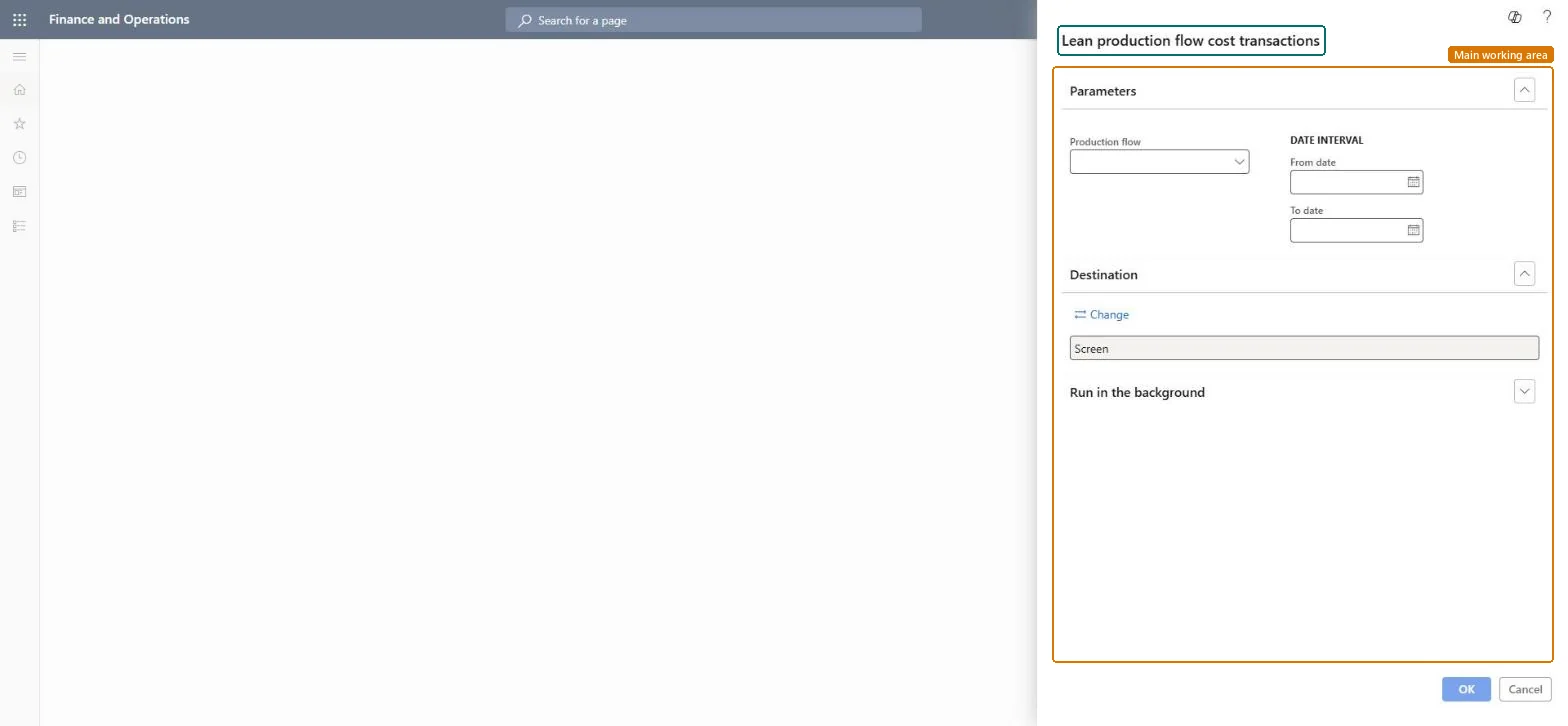
Lean production flow cost transactions page in Dynamics 365
The page in Dynamics 365. page title tab to open what to set or check
Functional consultant · Solution architect

2Where it fits

Business processAnalyze production operations › Analyze production costs
Menu pathCost management › Inquiries and reports › Manufacturing accounting - status reports › Lean production flow cost transactions
End user · Functional consultant

3How to do it

About the examples: Examples and screenshots in this guide use BEAT, a demo company in a Dynamics 365 test environment. Use your own company's codes and values instead of copying them.

When to run it

When to run itBefore and after backflush costing at period end, to explain the WIP of a lean production flow.
How oftenMonthly, around each backflush costing run.
What the output showsCost transactions of the production flow in the period: consumed material, received products and allocated service costs. An unusually high WIP balance often means material is staged to the flow but not yet declared consumed.

Source: Microsoft Learn

Steps from Microsoft

  1. Go to Cost management > Inquiries and reports > Manufacturing accounting - status reports > Lean production flow cost transactions.
  2. In Production flow, select the lean production flow whose WIP you are reviewing.
  3. In the Date interval section, enter the From date and To date, usually the backflush costing period.
  4. Read the material consumed into the flow's WIP, products received out of it at standard cost, and the subcontracted service costs allocated to it.
  5. Compare the net movement with the production flow's WIP account before you run backflush costing for the period.

Source: Microsoft Learn

Solution architect

4Design impact

Can it be undoneNothing to undo: The report only reads production flow transactions; it changes nothing. Microsoft Learn
Technical architect

5Technical

Menu itemoutput:LeanProductionFlowCost Checked in Dynamics 365
FormSysOperationTemplateForm Checked in Dynamics 365
Roles to set it up and use itTo use itInventory accountant InventCostAccountantInventory accountant clerk InventCostCostClerkAccounting manager LedgerAccountingManagerGive people one of these roles. On this system, 3 roles can run this page.Checked in Dynamics 365
Developer

6Developer

Open it by URLhttps://<your-environment>/?mi=output:LeanProductionFlowCost
Everyone

7Sources