Cost managementInquiries and reportsManufacturing accounting - analysis reports
output:ProdCalcTrans
Business process
Analyze product cost variances in Dynamics 365 Supply Chain Management
Menu item
output:ProdCalcTrans
Show what matters for
PAGE GUIDEWhat the page does and how to use it7 sections. Choose a role to highlight what matters to you.
Everyone
1What it is and why
What it is
A report that shows the estimated costs and actual costs of production orders.
What you do here
Use this report to analyse the estimated and actual costs and quantities for each component item, routing operation and indirect cost, and to predict variances before you end a production order.
The page in Dynamics 365. page title tab to open what to set or check
About the examples: Examples and screenshots in this guide use BEAT, a demo company in a Dynamics 365 test environment. Use your own company's codes and values instead of copying them.
When to run it
When to run it
Before you end production orders, to predict variances, and after ending, to explain them.
How often
On demand, typically before each round of ending production orders.
What the output shows
Estimated versus actual costs and quantities per component, operation and indirect cost for each production order. A big gap on one line usually means a consumption was reported twice, scrap was higher than planned, or a substitute was used.
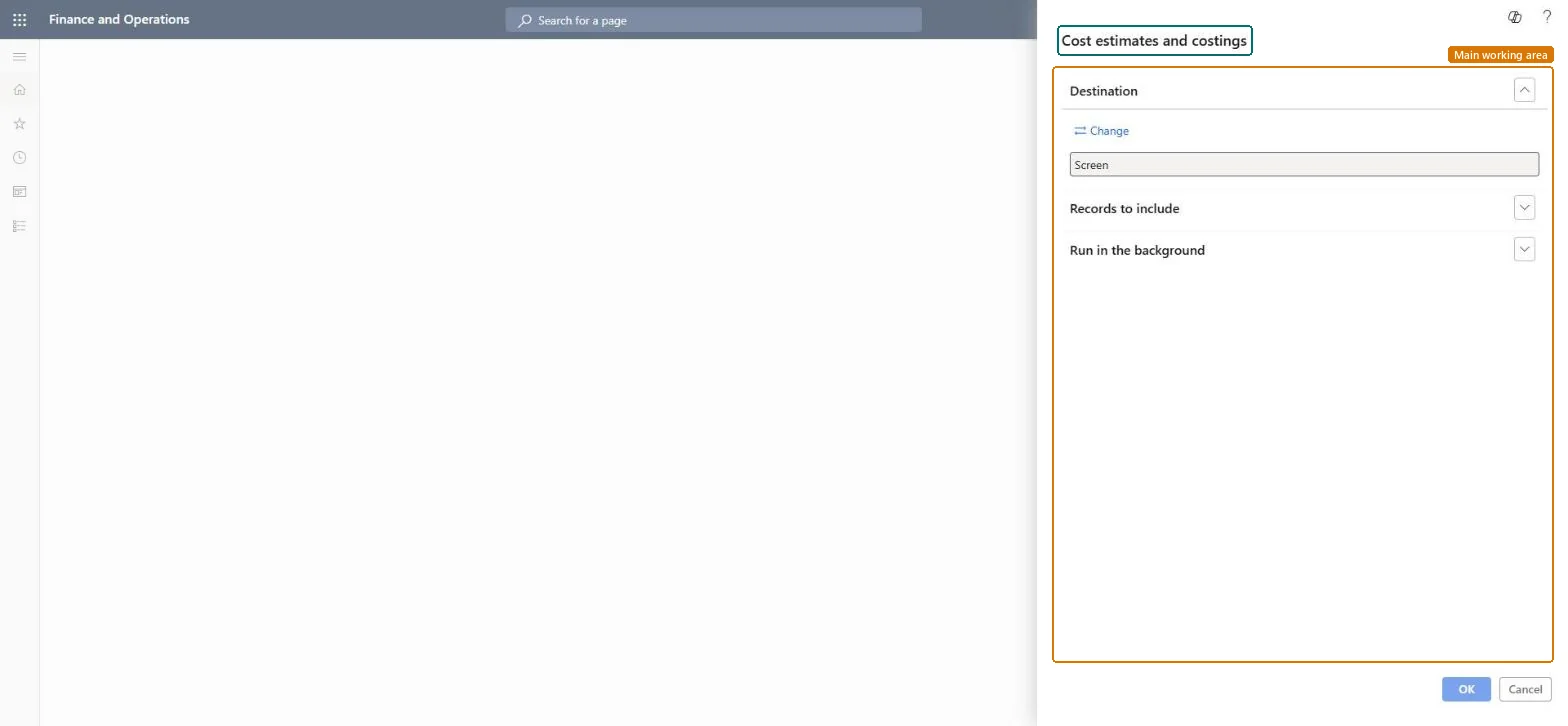
Go to Cost management > Inquiries and reports > Manufacturing accounting - analysis reports > Cost estimates and costings.
Filter in Records to include on the production orders to analyze, for example open orders of one item before you end them.
Read for each component item, routing operation and indirect cost the estimated cost and quantity next to the actual cost and quantity reported so far.
Look for lines where actual exceeds estimate; they predict the production variances you will get when you end the order.
Correct consumption errors before ending the order, then use the Variance page or Production variance report for the final variances.
Nothing to undo: The report only reads production order cost data; it changes nothing. Microsoft Learn
Technical architect
5Technical
Menu item
output:ProdCalcTransChecked in Dynamics 365
Form
SysOperationTemplateFormChecked in Dynamics 365
Roles to set it up and use it
To use itInventory accountant InventCostAccountantInventory accountant clerk InventCostCostClerkAccounting manager LedgerAccountingManagerProduction manager ProdProductionManagerGive people one of these roles. On this system, 4 roles can run this page.Checked in Dynamics 365