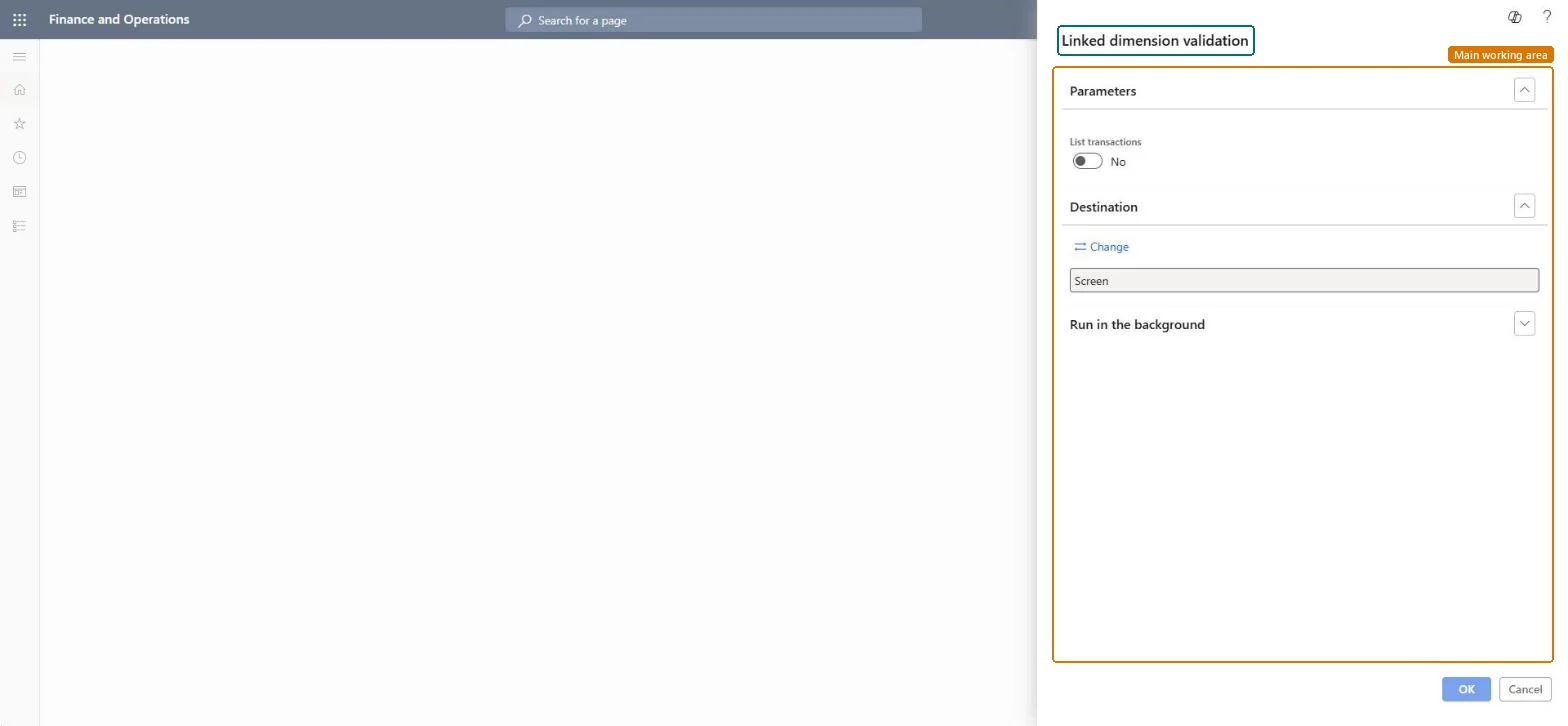
Cost management › Inquiries and reports › Inventory accounting - status reports › Linked dimension validation
End user · Functional consultant
3How to do it
About the examples: Examples and screenshots in this guide use BEAT, a demo company in a Dynamics 365 test environment. Use your own company's codes and values instead of copying them.
When to run it
When to run it
Before you lock a financial dimension link to sites, and when site profit and loss figures look wrong.
How often
On demand, around changes to the dimension link or site setup.
Batch settings
Run it in the background with List transactions set to Yes when there are many open transactions.
What the output shows
The sites and, optionally, the transactions whose linked financial dimension value differs from the value set for the site. Lines appear when the link is only active, because posting with a different value is still allowed until the link is locked.
Nothing to undo: The report only validates data; it changes nothing. Microsoft Learn
Technical architect
5Technical
Menu item
output:InventSiteDimensionLinkValidationChecked in Dynamics 365
Form
SysOperationTemplateFormChecked in Dynamics 365
Roles to set it up and use it
To use itInventory accountant InventCostAccountantInventory accountant clerk InventCostCostClerkAccounting manager LedgerAccountingManagerAccounting supervisor LedgerAccountingSupervisorFinancial controller LedgerFinancialControllerGive people one of these roles. On this system, 9 roles can run this page.Checked in Dynamics 365