About the examples: Examples and screenshots in this guide use BEAT, a demo company in a Dynamics 365 test environment. Use your own company's codes and values instead of copying them.
When to run it
When to run it
At period end, right after the Intercompany goods in transit totals report, to support or explain its figures.
How often
Monthly, together with the totals report.
What the output shows
Every intercompany sales packing slip shipped to transit and every purchase product receipt taken from transit in the period, one line per document. Unlike the totals report it doesn't sum per item; a shipment without a matching receipt is goods still in transit.
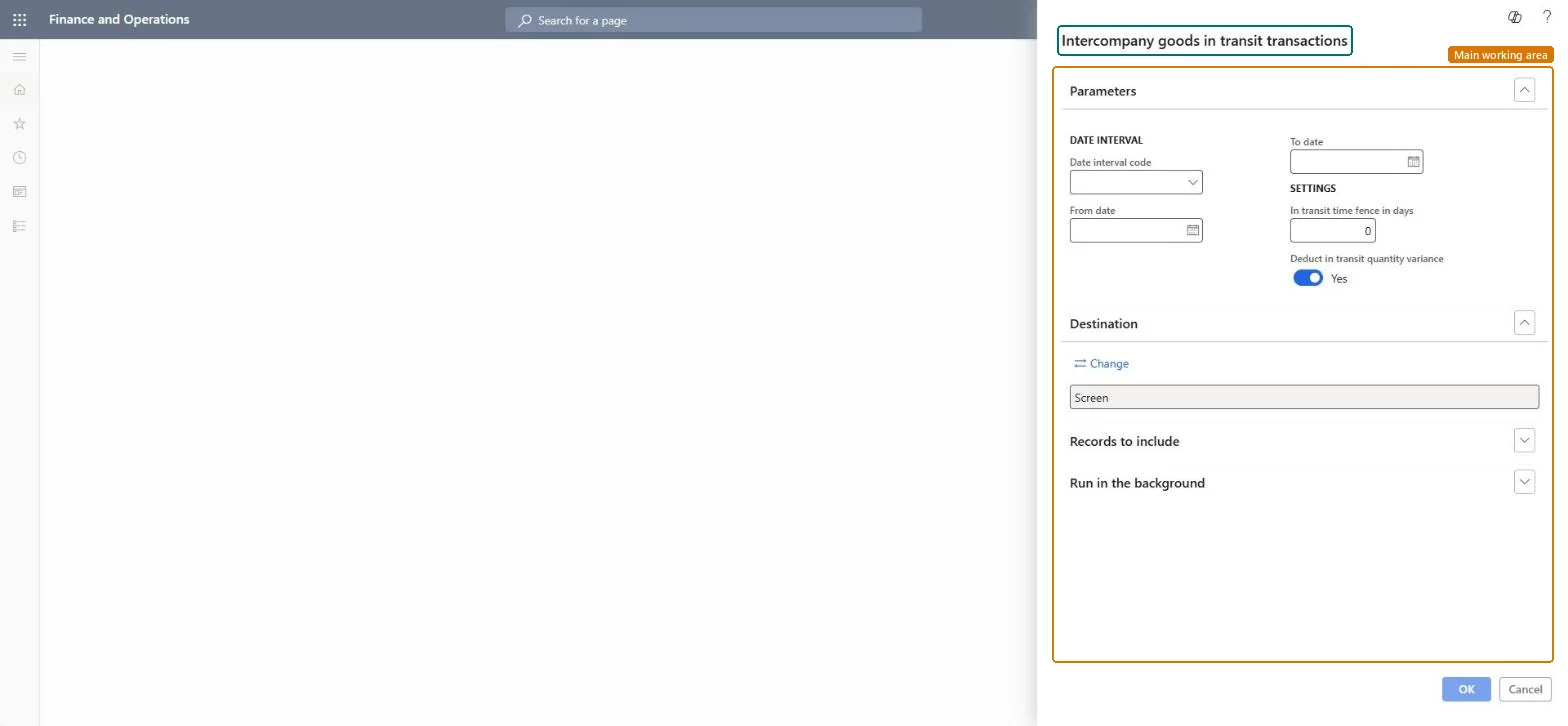
Go to Cost management > Inquiries and reports > Inventory accounting - status reports > Intercompany goods in transit transactions.
Use the same Date interval code, or From date and To date, as on the totals report so the two can be compared line by line.
Under Settings, enter the same In transit time fence in days, so shipments made just before the period are included the same way.
Set Deduct in transit quantity variance the same as on the totals report, and filter by Vendor account or Customer company when you chase one difference.
Check each sales packing slip and purchase product receipt that is still in transit, and explain any line that makes the totals report look wrong.
Limits the report to one or more customer companies.Microsoft Learn
Solution architect
4Design impact
Can it be undone
Nothing to undo: The report only lists documents; it changes nothing. Microsoft Learn
If you change it later
The report doesn't work with the goods-in-transit feature of Landed cost; using both together gives incorrect results. Microsoft Learn
Technical architect
5Technical
Menu item
output:InterCompanyGoodsInTransitTransactionsChecked in Dynamics 365
Form
SysOperationTemplateFormChecked in Dynamics 365
Roles to set it up and use it
To use itInventory accountant InventCostAccountantInventory accountant clerk InventCostCostClerkAccounting manager LedgerAccountingManagerGive people one of these roles. On this system, 3 roles can run this page.Checked in Dynamics 365