About the examples: Examples and screenshots in this guide use BEAT, a demo company in a Dynamics 365 test environment. Use your own company's codes and values instead of copying them.
Setup steps on this page
Export field descriptions for training
Read and export the field help of a page for user guides.
Steps from Microsoft
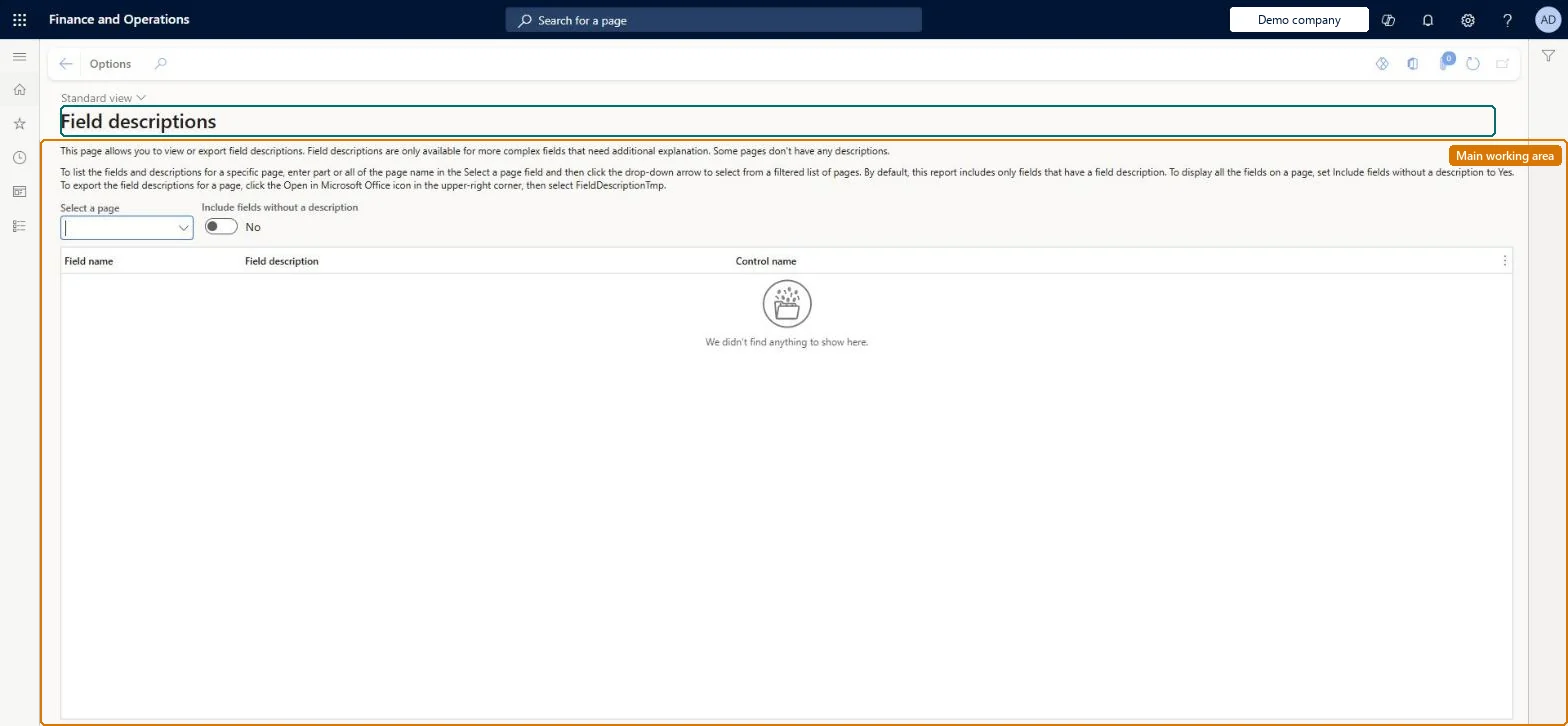
Go to Common > Inquiries > Field descriptions.
In the Select a page field, type the name of the page, or select the arrow and choose it from the list.
To show every field, set Include fields without a description to Yes.
To export, select Open in Microsoft Office, and then select FieldDescriptionTmp.
On the live system, these roles can open the page: System user, TestEssentialsRole.
Checked in Dynamics 365
Solution architect
5Design impact
Shared or per company
Shared: field descriptions are part of the application and are the same in every legal entity. Microsoft Learn
Can it be undone
Reversible: Read-only inquiry: it shows the field descriptions for one page at a time and exports them; nothing in the system changes. Microsoft Learn
If you change it later
None: the page shows and exports the descriptions and changes nothing. Microsoft Learn
Technical architect
6Technical
Menu item
FieldDescriptionsChecked in Dynamics 365
Form
FieldDescriptionsChecked in Dynamics 365
Table
FieldDescriptionTmpShown as “FIELDDESCRIPTIONTMP” in Record infoChecked in Dynamics 365
Who can open it
PrivilegesView form field descriptions FieldDescriptionsView4 security rolesAifTestSecRoleEventTestRoleSystem user SystemUserTestEssentialsRoleChecked in Dynamics 365
Roles to set it up and use it
To use itSystem user SystemUserTestEssentialsRole Give people one of these roles. On this system, 2 roles can open this page.Checked in Dynamics 365
Developer
7Developer
Open it by URL
https://<your-environment>/?mi=FieldDescriptions
Data migration
Load order: Field descriptions has no data entity in Data management. The descriptions come with the application; nothing is stored or migrated.Microsoft Learn