About the examples: Examples and screenshots in this guide use BEAT, a demo company in a Dynamics 365 test environment. Use your own company's codes and values instead of copying them.
Steps from Microsoft
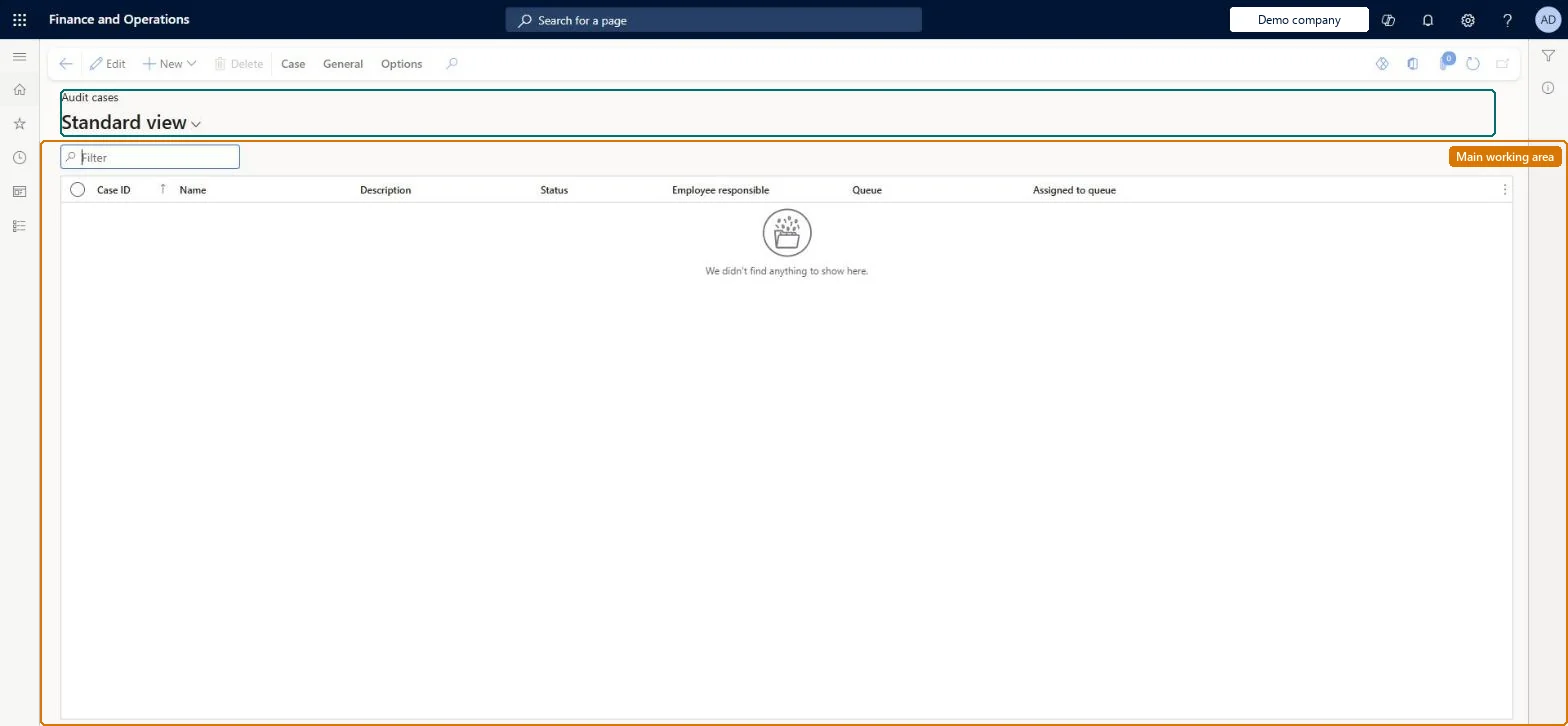
Go to Audit workbench > Audit cases.
In the list, find and select the case you want to review.
Expand the Associations section.
In the list, select an associated record to review it.
PrivilegesView audit policy case list page AuditPolicyCaseListPageViewMaintain compliance audit policy cases AuditPolicyCaseMaintainDutiesInquire into audit policies AuditPolicyInquireMaintain audit policies AuditPolicyMaintainInquire into compliance reference data AuditPolicyRefDataInquire2 security rolesAuditor AuditPolicyManagerFinancial controller LedgerFinancialControllerChecked in Dynamics 365
Roles to set it up and use it
To set it up or change itAuditor AuditPolicyManagerTo use itFinancial controller LedgerFinancialControllerGive people one of these roles. On this system, 2 roles can open this page.Checked in Dynamics 365
Actions on the page
Case: Maintain, Process, Service level agreement, Product changeGeneral: Set up, Follow up, Related information, Activities(Action Pane without tabs): New, DeleteChecked in Dynamics 365