About the examples: Examples and screenshots in this guide use BEAT, a demo company in a Dynamics 365 test environment. Use your own company's codes and values instead of copying them.
How to use it
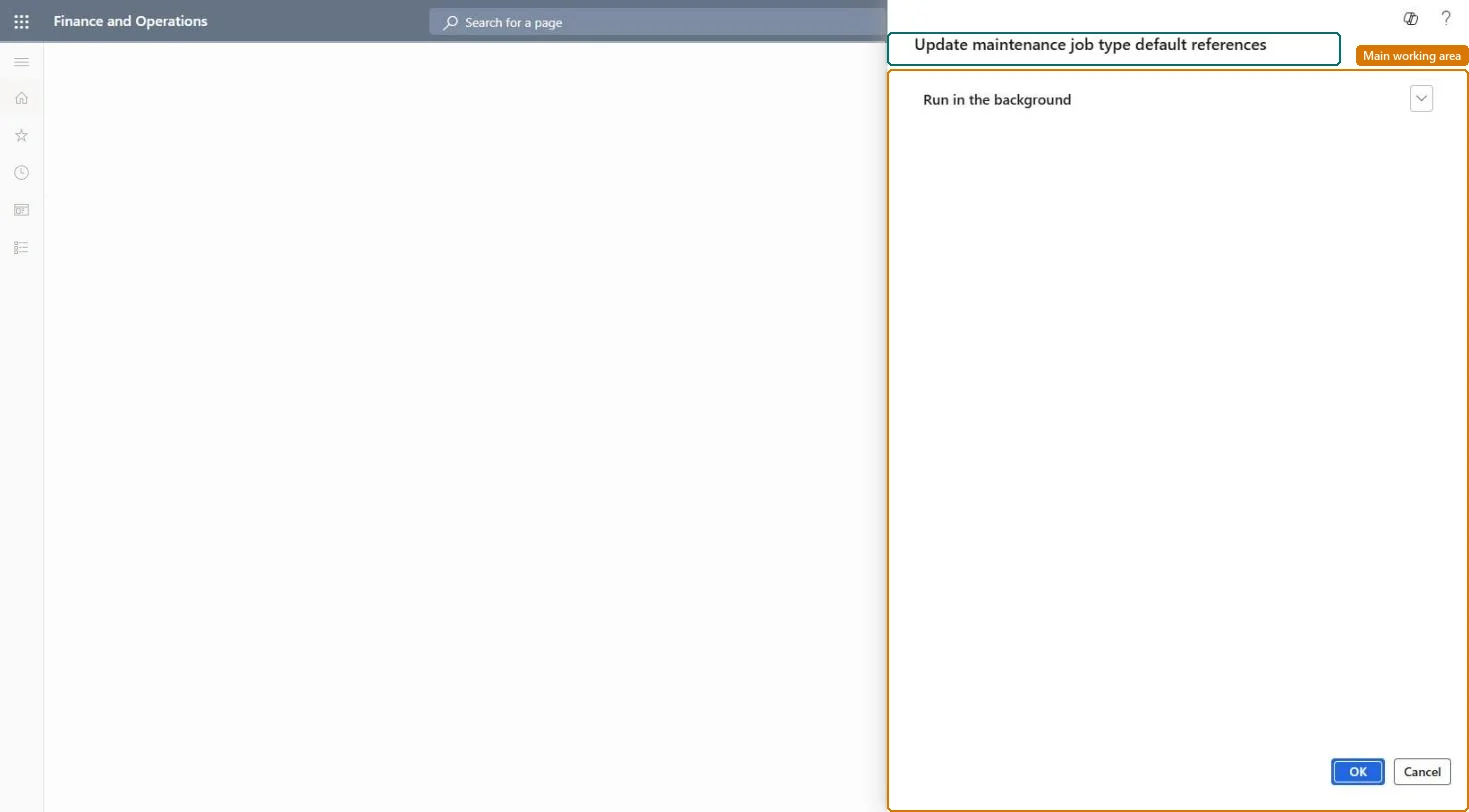
Go to Asset management > Periodic > Preventive maintenance > Update maintenance job type default references.
Expand Run in the background to run the job as a batch job if needed.
Select OK to start the update, or Cancel to close the dialog.
Source: Checked in Dynamics 365
Test checklist
With Real time update = No in Asset management parameters, add a more specific maintenance job type default line (for example for one asset model).
Run Asset management > Periodic > Preventive maintenance > Update maintenance job type default references.
On Maintenance job type defaults select the line and select Used by; check the maintenance plans or rounds that now use it.
Create a work order for an asset of that model and check the line's forecasts and checklist are copied.
Reversible: The job only refreshes the references from maintenance plans, rounds and assets to maintenance job type default lines. It can be run again at any time, manually or as a recurring batch job. Microsoft Learn
Technical architect
5Technical
Menu item
EntAssetUpdateJobTypeDefaultReferenceChecked in Dynamics 365
Form
DialogChecked in Dynamics 365
Roles to set it up and use it
To use itMaintenance manager EntAssetMaintenanceManagerGive people one of these roles. On this system, 1 role can run this page.Checked in Dynamics 365