PAGE GUIDEWhat the page does and how to use it7 sections. Choose a role to highlight what matters to you.
Everyone
1What it is and why
What it is
A periodic job that schedules all the jobs related to maintenance rounds and adds them as maintenance schedule lines.
What you do here
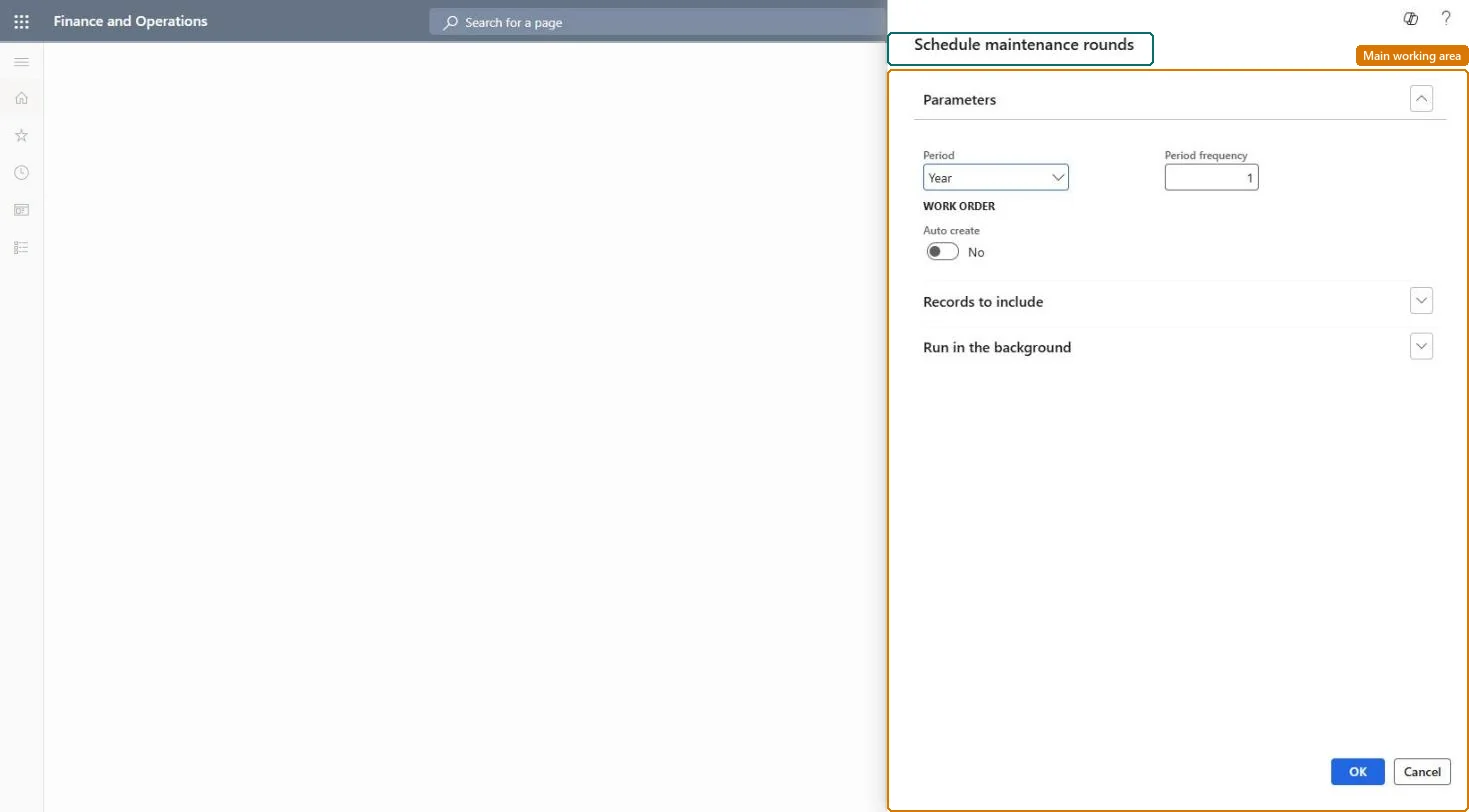
Use this job to create maintenance schedule lines, and optionally work orders, for maintenance rounds over a chosen period, and run it as a batch job at regular intervals if required.
Example
For example, a planner runs the job for the next month so that lubrication rounds on several machines appear on the Open maintenance schedule lines page.
The page in Dynamics 365. page title tab to open what to set or check
About the examples: Examples and screenshots in this guide use BEAT, a demo company in a Dynamics 365 test environment. Use your own company's codes and values instead of copying them.
When to run it
When to run it
After maintenance rounds are set up, and regularly so recurring inspection or lubrication rounds appear on the schedule.
How often
At regular intervals that cover the period frequency you schedule ahead.
Batch settings
Set it up as a recurring batch job to schedule rounds at regular intervals.
What the output shows
Maintenance schedule lines for each asset and functional location line in active rounds, and work orders when both Auto create settings are Yes. A round with no lines is usually not Active.
Partly: Schedule lines can be deleted on the maintenance schedule; work orders created by the job are handled as normal work orders. Microsoft Learn
If you change it later
Work orders are created only when Auto create is Yes both in this dialog and on the maintenance round; inactive rounds get no schedule lines. Microsoft Learn
Technical architect
5Technical
Menu item
EntAssetRoundCalculateServiceChecked in Dynamics 365
Form
SysOperationTemplateFormChecked in Dynamics 365
Roles to set it up and use it
To use itMaintenance manager EntAssetMaintenanceManagerMaintenance clerk EntAssetMaintenanceClerkGive people one of these roles. On this system, 2 roles can run this page.Checked in Dynamics 365