PAGE GUIDEWhat the page does and how to use it7 sections. Choose a role to highlight what matters to you.
Everyone
1What it is and why
What it is
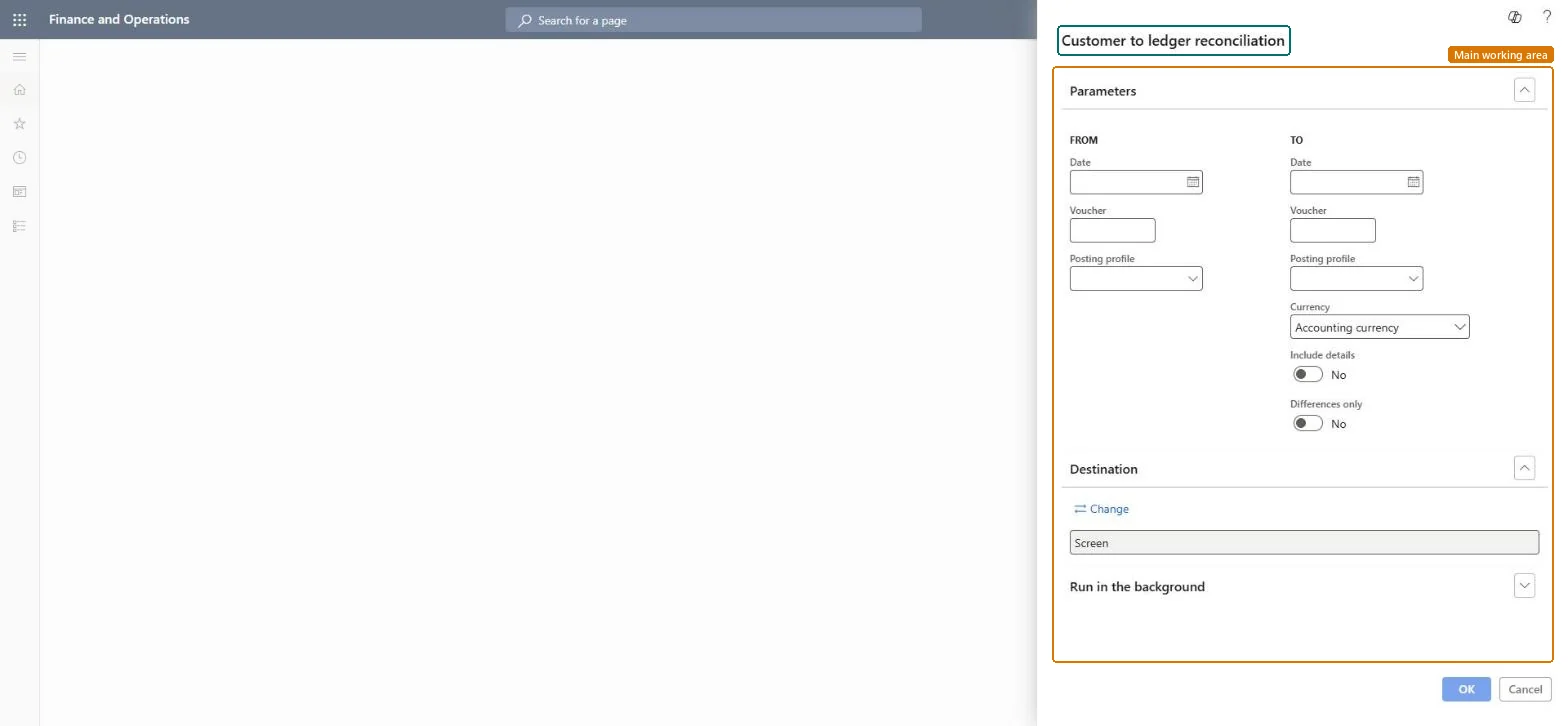
A report that compares customer balances with the ledger balances in the summary account of the customer posting profile.
What you do here
Use this report after posting to help reconcile the balances of customer and ledger accounts.
Example
After changing a customer posting profile or customer group, print the report with Differences only to see just the lines where customer and ledger balances differ.
The page in Dynamics 365. page title tab to open what to set or check
About the examples: Examples and screenshots in this guide use BEAT, a demo company in a Dynamics 365 test environment. Use your own company's codes and values instead of copying them.
When to run it
When to run it
After posting, at period end, when you reconcile the customer subledger with the Accounts receivable summary accounts, run from the periodic tasks menu.
How often
At each period close, typically monthly.
Batch settings
Run it in the background for a long period or many customers.
What the output shows
Customer balances next to the ledger balance of the summary account in the customer posting profile, with the difference per line. A difference often comes from a posting profile or customer group that was changed after transactions were posted.
Shows only lines with differences, plus lines where both customer and ledger balances are zero.Microsoft Learn
Solution architect
4Design impact
Can it be undone
Nothing to undo: The reconciliation only reads balances; it posts nothing. Microsoft Learn
If you change it later
Changing a customer's posting profile or customer group after transactions are posted can make this report show differences between customer and ledger balances. Microsoft Learn
Technical architect
5Technical
Menu item
Output:CustLedgerReconciliationPeriodicTaskChecked in Dynamics 365
Form
SysOperationTemplateFormChecked in Dynamics 365
Roles to set it up and use it
To use itAccounts receivable manager CustInvoiceAccountsReceivableManagerAccounting manager LedgerAccountingManagerFinancial controller LedgerFinancialControllerAuditor AuditPolicyManagerChief financial officer CompanyChiefFinancialOfficerGive people one of these roles. On this system, 6 roles can run this page.Checked in Dynamics 365