Credit management clerk, Credit management manager, Project assistant and 11 more roles
Business process
Manage sales orders
Menu item
InventoryServiceFailedSoftReservationCenter
Show what matters for
PAGE GUIDEWhat the page does and how to use it6 sections. Choose a role to highlight what matters to you.
Everyone
1What it is and why
What it is
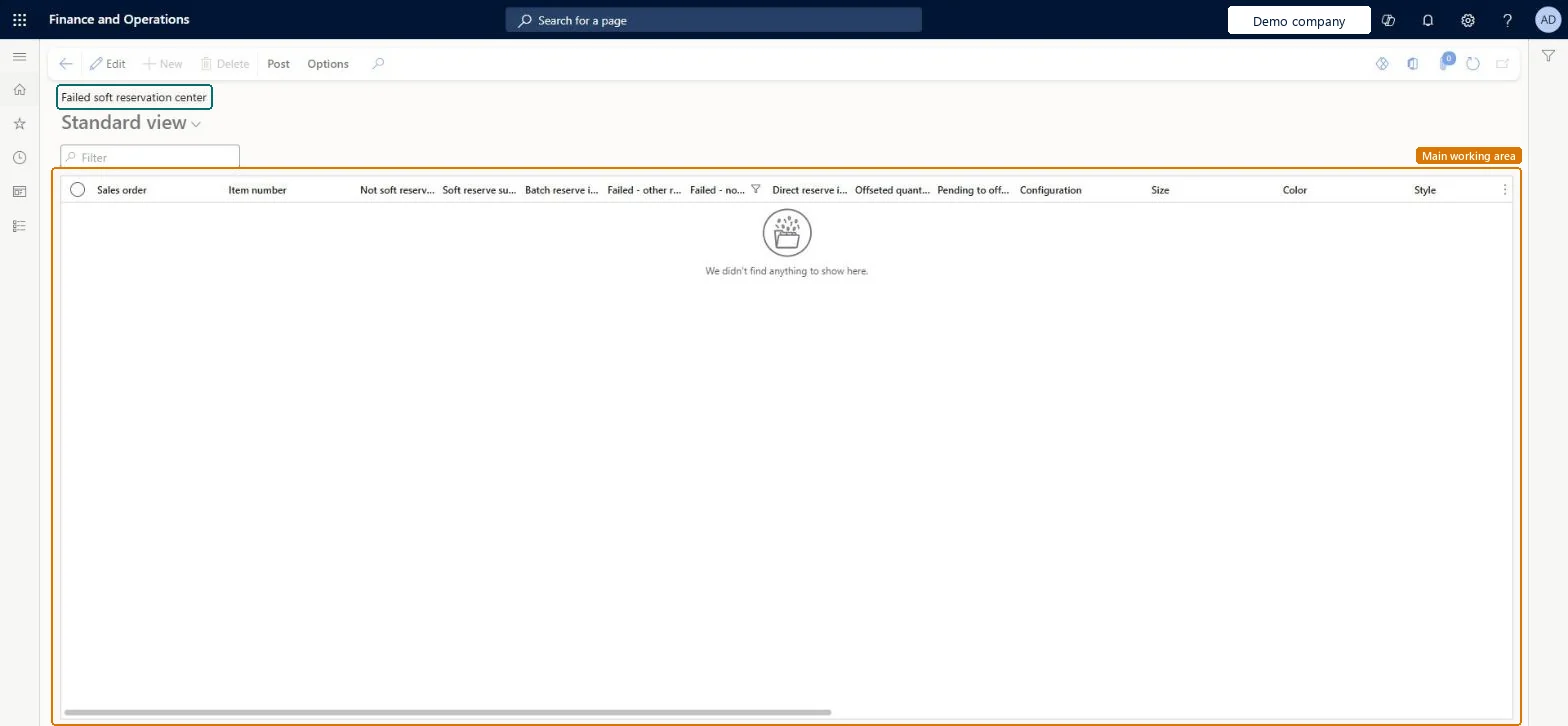
A list page that shows sales order lines where a soft reservation did not complete, with quantity columns for each soft reservation outcome.
What you do here
Use this page to review the sales orders and items that have failed or unfinished soft reservations, and to work with them by using the Soft reserve and Revert buttons on the Post tab.
The page in Dynamics 365. page title tab to open what to set or check
Accounts receivable › Orders › Failed soft reservation center
End user · Functional consultant
3How to do it
About the examples: Examples and screenshots in this guide use BEAT, a demo company in a Dynamics 365 test environment. Use your own company's codes and values instead of copying them.
How to use it
Go to Accounts receivable > Orders > Failed soft reservation center.
Use the Filter box to find a sales order or item.
Review the Sales order, Item number and soft reservation quantity columns for each line.
Select a line, then select the Post tab on the Action Pane.
Select Soft reserve or Revert.
Source: Checked in Dynamics 365
Technical architect
4Technical
Menu item
InventoryServiceFailedSoftReservationCenterChecked in Dynamics 365
Form
InventInventoryDataServiceFailedSoftReservationCenterChecked in Dynamics 365
Who can open it
PrivilegesMaintain inventory visibility soft reservation InventInventoryDataServiceSoftReservationMaintainDutiesMaintain sales order MCRSalesOrderMaintainMaintain sales order SalesOrderMaintain15 security rolesCredit management clerk CredManClerkCredit management manager CredManManagerMCRTestUserRoleProject assistant ProjProjectClerkRental coordinator agent RentalCoordinatorAgentRental manager RentalManagerRental purchasing manager RentalPurchasingManagerRental sales manager RentalSalesManagerRetail service RetailServiceRevenue recognition manager RevRecManagerCustomer service manager TradeCustomerServiceManagerCustomer service representative TradeCustomerServiceRepresentativeSales clerk TradeSalesClerkSales manager TradeSalesManagerSales representative TradeSalesRepresentativeChecked in Dynamics 365
Roles to set it up and use it
To set it up or change itRental manager RentalManagerRental coordinator agent RentalCoordinatorAgentSales manager TradeSalesManagerRetail service RetailServiceRental sales manager RentalSalesManagerGive people one of these roles. On this system, 14 roles can open this page.Checked in Dynamics 365