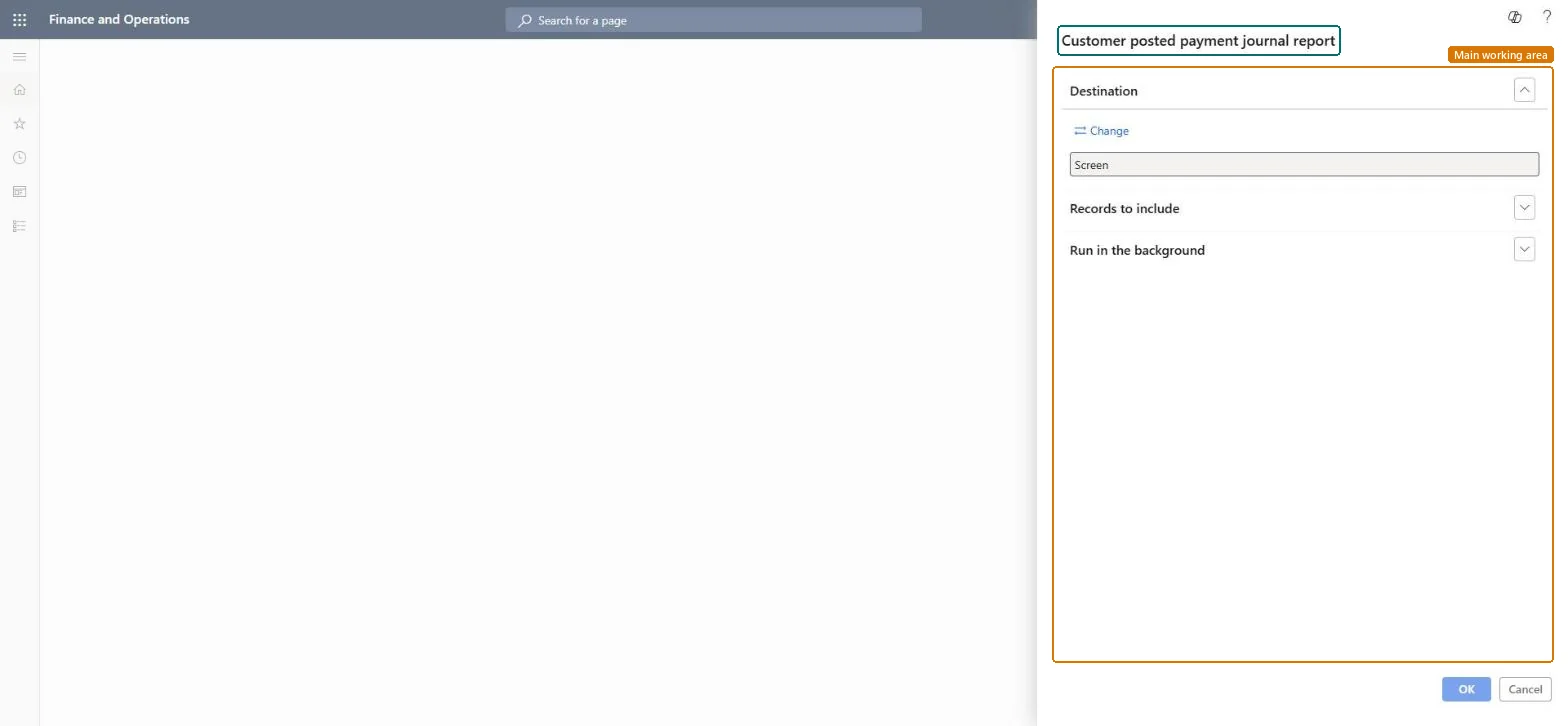
About the examples: Examples and screenshots in this guide use BEAT, a demo company in a Dynamics 365 test environment. Use your own company's codes and values instead of copying them.
When to run it
When to run it
After customer payment journals are posted, when you review or document received payments.
How often
On demand, for example after each payment posting day.
What the output shows
Posted account and payment details for each customer, with the journal type, payment reference and canceled vouchers. A missing payment reference means it wasn't entered on the journal line.
The reference of a specific payment, shown once the journal is posted.Microsoft Learn
Canceled
Shows whether vouchers transferred from the invoice approval journal are canceled.Microsoft Learn
Solution architect
4Design impact
Can it be undone
Nothing to undo: The report only reads posted payment journals. Microsoft Learn
Technical architect
5Technical
Menu item
output:CustPostPaymJournalChecked in Dynamics 365
Form
SysOperationTemplateFormChecked in Dynamics 365
Roles to set it up and use it
To use itAccounts receivable manager CustInvoiceAccountsReceivableManagerAccounts receivable clerk CustInvoiceAccountsReceivableClerkAccounting manager LedgerAccountingManagerCollections manager CollectionLetterCollectionsManagerAccounts receivable payments clerk PaymAccountsReceivablePaymentsClerkGive people one of these roles. On this system, 13 roles can run this page.Checked in Dynamics 365