About the examples: Examples and screenshots in this guide use BEAT, a demo company in a Dynamics 365 test environment. Use your own company's codes and values instead of copying them.
When to run it
When to run it
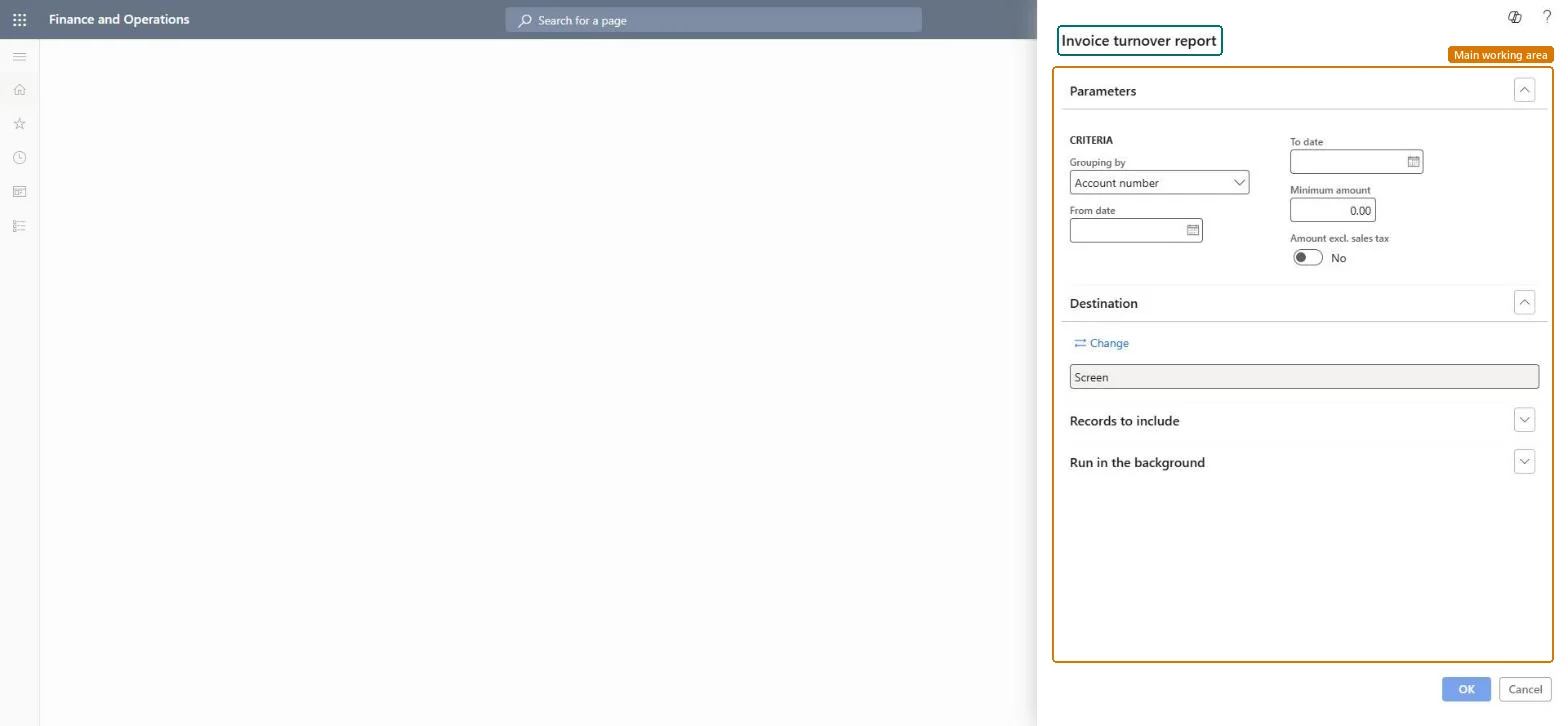
When you need total invoice amounts per customer for a period, for example for annual turnover reporting.
How often
On demand, often once a year.
What the output shows
Total invoiced amount per customer account or tax exempt number for the period, above the minimum amount. Totals that are higher than expected usually include sales tax because Amount excl. sales tax was off.
Limits the report to one or more billing classifications (public sector).Microsoft Learn
Solution architect
4Design impact
Can it be undone
Nothing to undo: The report only reads posted invoices. Microsoft Learn
Technical architect
5Technical
Menu item
Output:CustInvoiceVolumeChecked in Dynamics 365
Form
SysOperationTemplateFormChecked in Dynamics 365
Roles to set it up and use it
To use itAccounts receivable manager CustInvoiceAccountsReceivableManagerAccounts receivable clerk CustInvoiceAccountsReceivableClerkAccounting manager LedgerAccountingManagerCollections manager CollectionLetterCollectionsManagerAccounts receivable payments clerk PaymAccountsReceivablePaymentsClerkGive people one of these roles. On this system, 13 roles can run this page.Checked in Dynamics 365