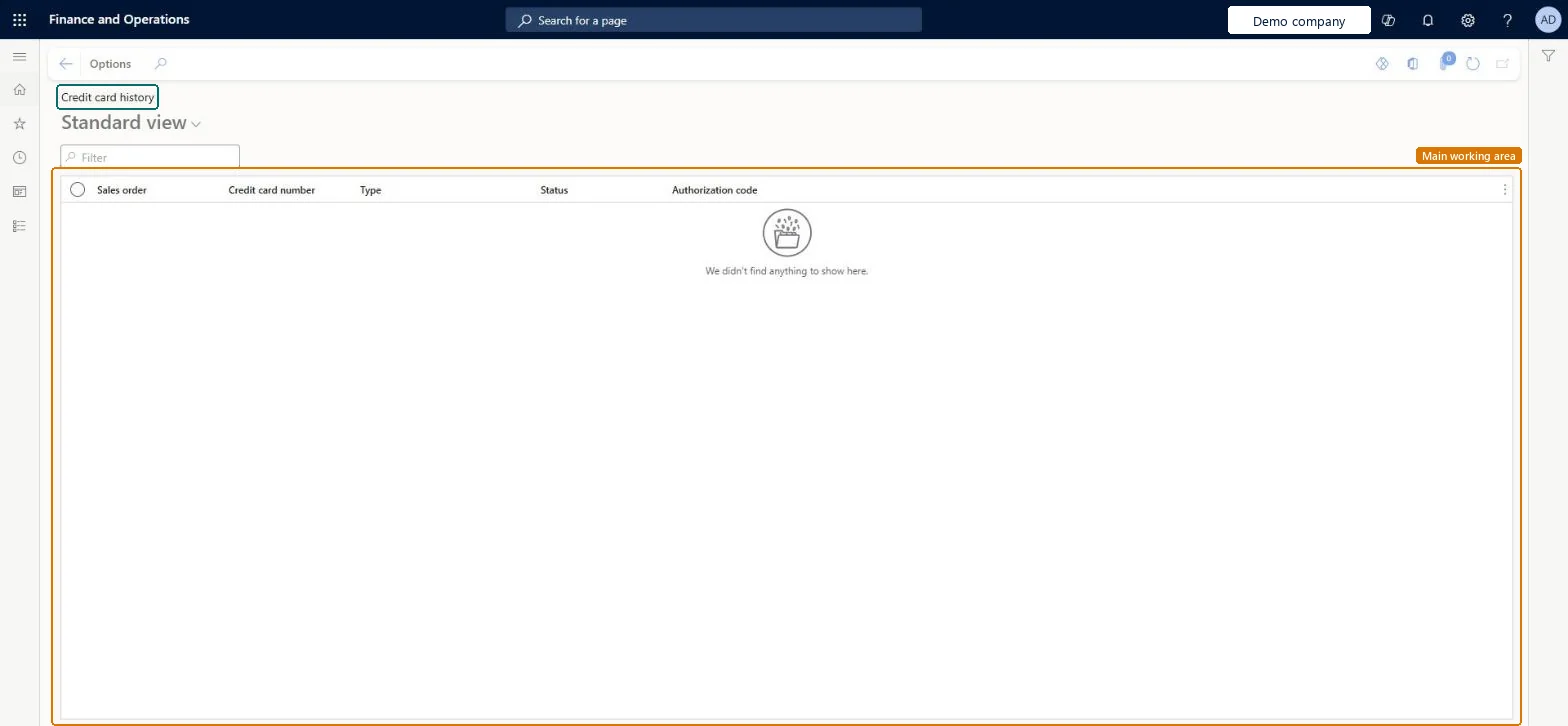
Accounts receivable › Inquiries and reports › Credit card history
End user · Functional consultant
3How to do it
About the examples: Examples and screenshots in this guide use BEAT, a demo company in a Dynamics 365 test environment. Use your own company's codes and values instead of copying them.
Steps from Microsoft
Go to Accounts receivable > Inquiries and reports > Credit card history.
Use the list to answer which credit card transactions were recorded against a sales order and whether each one was approved or declined.
Search on the Sales order column to see every transaction for one order, or on Credit card number to follow one customer card across orders.
Read the Type and Status columns together: an authorization reserves the amount when the card is authorized, and the card is charged (captured) when you invoice the sales order.
Use the Authorization code column to match a transaction to the approval that the payment service returned.
To act on a declined or missing authorization, open the sales order and, on the Manage tab, select Credit card > Authorize again.
CreditCardAuthTransShown as “Credit card transactions” in Record infoChecked in Dynamics 365
Who can open it
PrivilegesView credit card history information CreditCardAuthTransViewDutiesReview collections process performance CollectionLetterCollectionProcPerfRevieInquire into collections status CollectionLetterCollectionsStatusInquirInquire into credit card processing CreditCardCreditCardProcessingInquireReview credit cards process performance CreditCardCreditCardsProcessPerfReviewInquire into customer invoice status CustInvoiceCustomerInvoiceStatusInquireMaintain customer invoice transactions CustInvoiceCustomerInvoiceTransMaintainMaintain customer payments PaymCustomerPaymentsMaintainInquire into customer payments status PaymCustomerPaymentsStatusInquireMaintain customer invoices for payment RentalCustomerPaymentMaintain14 security rolesAuditor AuditPolicyManagerCollections agent CollectionLetterCollectionsAgentCollections manager CollectionLetterCollectionsManagerChief executive officer CompanyChiefExecutiveOfficerChief financial officer CompanyChiefFinancialOfficerAccounts receivable clerk CustInvoiceAccountsReceivableClerkAccounts receivable manager CustInvoiceAccountsReceivableManagerAccountant LedgerAccountantAccounting manager LedgerAccountingManagerAccounting supervisor LedgerAccountingSupervisorFinancial controller LedgerFinancialControllerAccounts receivable centralized payments clerk PaymAccountsReceivableCentralPaymClerkAccounts receivable payments clerk PaymAccountsReceivablePaymentsClerkRental manager RentalManagerChecked in Dynamics 365
Roles to set it up and use it
To use itAccounts receivable manager CustInvoiceAccountsReceivableManagerAccounts receivable clerk CustInvoiceAccountsReceivableClerkAccounting manager LedgerAccountingManagerCollections manager CollectionLetterCollectionsManagerAccounts receivable payments clerk PaymAccountsReceivablePaymentsClerkGive people one of these roles. On this system, 14 roles can open this page.Checked in Dynamics 365