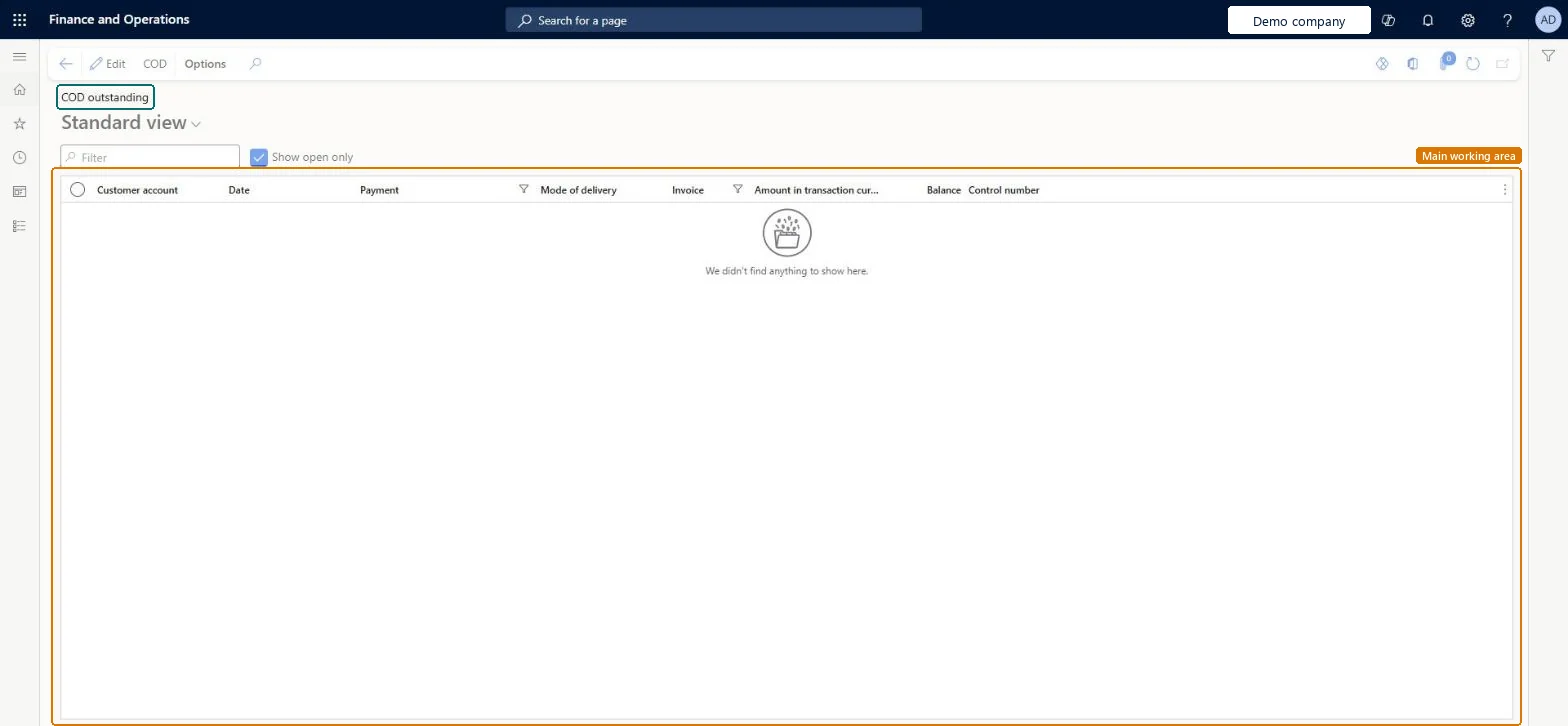
Accounts receivable › Inquiries and reports › COD outstanding
End user · Functional consultant
3How to do it
About the examples: Examples and screenshots in this guide use BEAT, a demo company in a Dynamics 365 test environment. Use your own company's codes and values instead of copying them.
How to use it
Go to Accounts receivable > Inquiries and reports > COD outstanding.
Clear Show open only if you want to see all records.
Use the Filter box to find a record by Customer account, Invoice or Control number.
Review the Date, Payment, Mode of delivery, Amount in transaction currency and Balance columns.
To use itAccounts receivable clerk CustInvoiceAccountsReceivableClerkRental manager RentalManagerRental coordinator agent RentalCoordinatorAgentRental sales manager RentalSalesManagerCustomer service representative TradeCustomerServiceRepresentativeGive people one of these roles. On this system, 11 roles can open this page.Checked in Dynamics 365
Actions on the page
Options: Personalize, Page options, ShareChecked in Dynamics 365