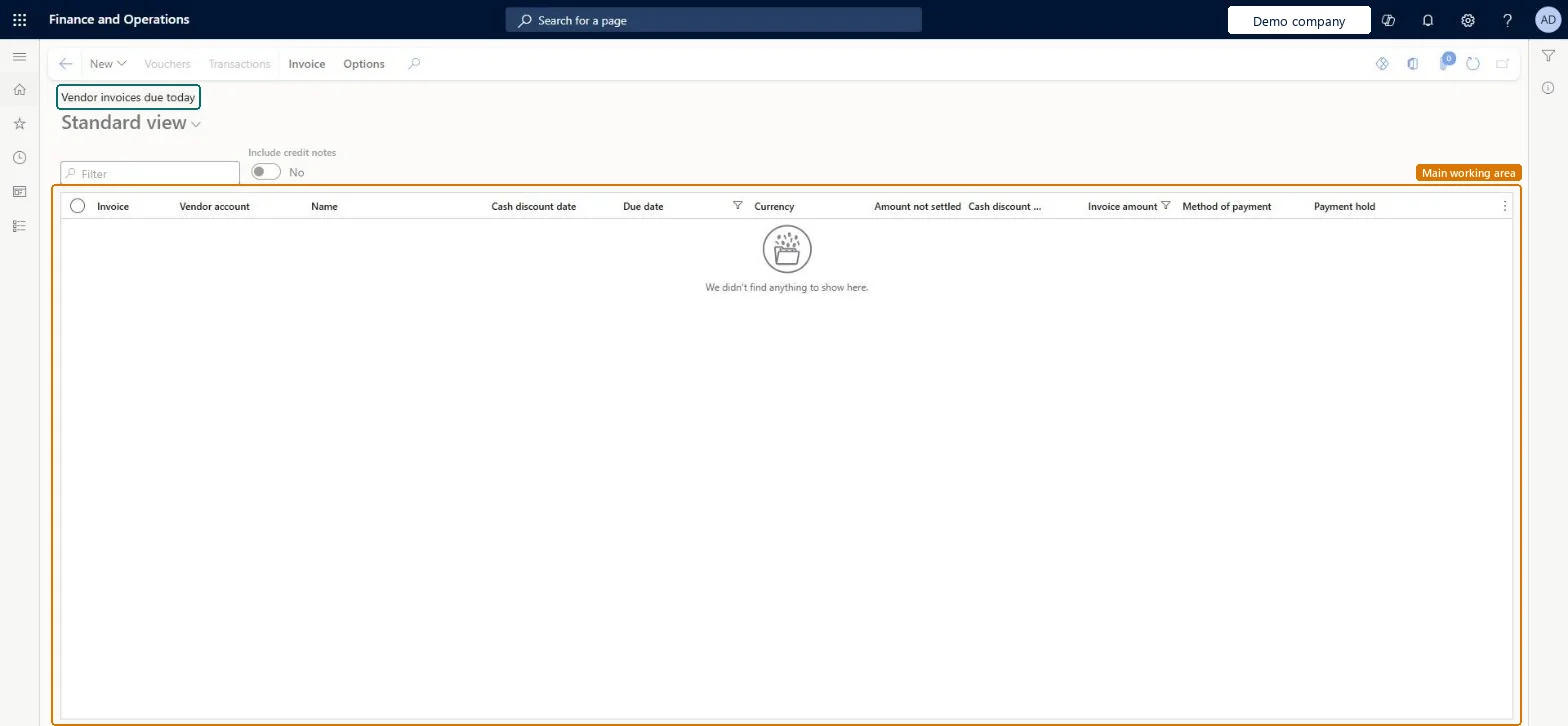
A list page that shows open vendor invoices that fall due today, with the invoice, vendor, cash discount date, due date, amounts, method of payment and payment hold.
Accounts payable clerk, Accounts payable manager, Chief financial officer and 6 more roles
Business process
Issue and settle supplier payments
Menu item
VendOpenInvoicesDueTodayListPage
Main table
VendTransOpen
Show what matters for
PAGE GUIDEWhat the page does and how to use it7 sections. Choose a role to highlight what matters to you.
Everyone
1What it is and why
What it is
A list page that shows open vendor invoices that fall due today, with the invoice, vendor, cash discount date, due date, amounts, method of payment and payment hold.
What you do here
Use this page to see which vendor invoices need to be paid today and to open a settlement or payment from the list.
The page in Dynamics 365. page title tab to open what to set or check
Accounts payable › Invoices › Vendor invoices due today
End user · Functional consultant
3How to do it
About the examples: Examples and screenshots in this guide use BEAT, a demo company in a Dynamics 365 test environment. Use your own company's codes and values instead of copying them.
How to use it
Go to Accounts payable > Invoices > Vendor invoices due today.
Switch Include credit notes to Yes if you want credit notes in the list.
Type in the Filter box to narrow the list.
Read the Invoice, Vendor account, Due date, Amount not settled, Invoice amount, Method of payment and Payment hold columns.
Select an invoice, then open the Invoice tab to use Settle, Pay, Details or Document.
VendOpenInvoicesDueTodayListPageChecked in Dynamics 365
Form
VendOpenInvoicesListPageChecked in Dynamics 365
Table
VendTransOpenShown as “Open vendor transactions” in Record infoChecked in Dynamics 365
Who can open it
PrivilegesView vendor invoices due today list page VendOpenInvoicesDueTodayListPageViewDutiesInquire into vendor invoice status VendInvoiceVendorInvoiceStatusInquire9 security rolesChief financial officer CompanyChiefFinancialOfficerAccountant LedgerAccountantAccounting manager LedgerAccountingManagerAccounting supervisor LedgerAccountingSupervisorFinancial controller LedgerFinancialControllerAccounts payable centralized payments clerk PaymAccountsPayableCentralPaymClerkAccounts payable payments clerk PaymAccountsPayablePaymentsClerkAccounts payable clerk VendInvoiceAccountsPayableClerkAccounts payable manager VendInvoiceAccountsPayableManagerChecked in Dynamics 365
Roles to set it up and use it
To use itAccounts payable manager VendInvoiceAccountsPayableManagerAccounting supervisor LedgerAccountingSupervisorAccounting manager LedgerAccountingManagerAccounts payable clerk VendInvoiceAccountsPayableClerkChief financial officer CompanyChiefFinancialOfficerGive people one of these roles. On this system, 9 roles can open this page.Checked in Dynamics 365
Actions on the page
Invoice: Settle, Pay, Details, DocumentChecked in Dynamics 365