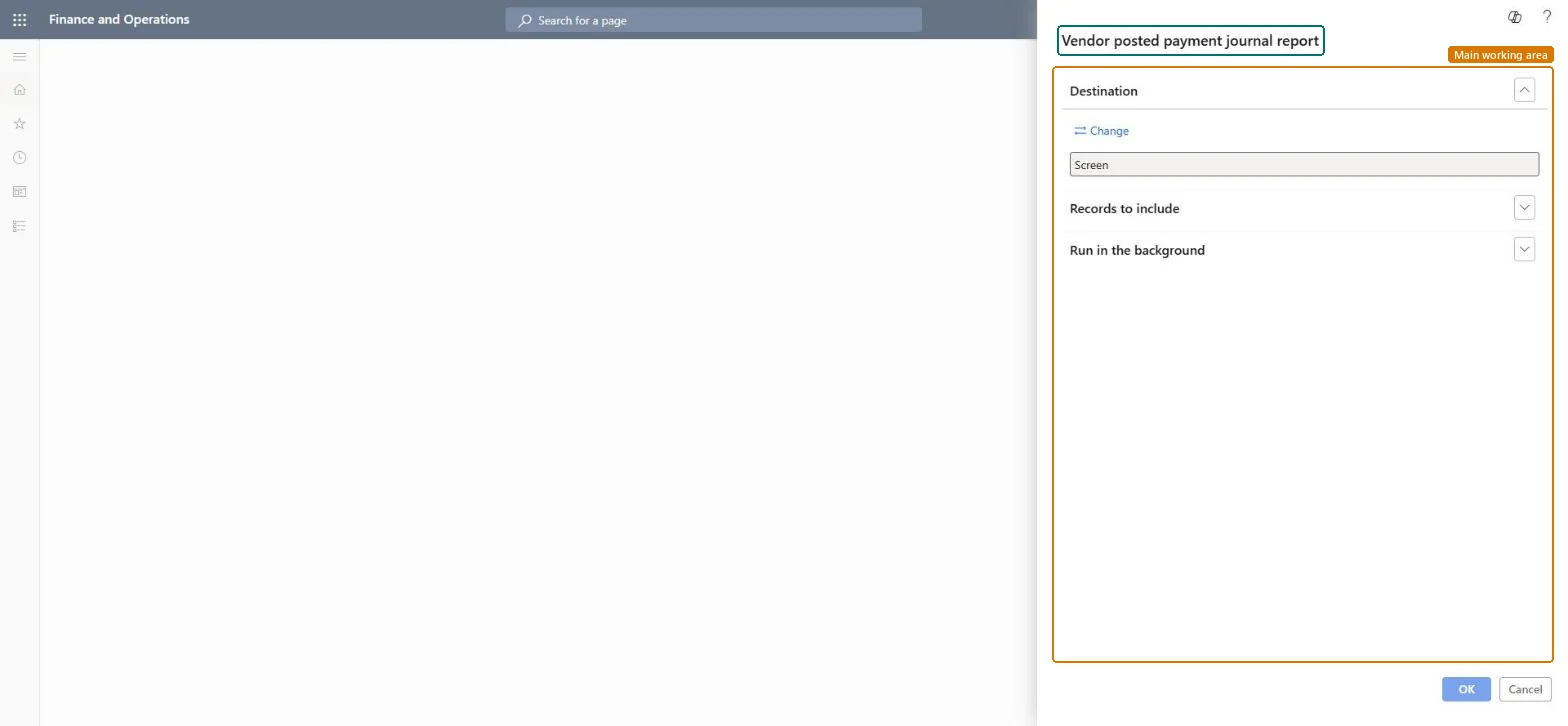
About the examples: Examples and screenshots in this guide use BEAT, a demo company in a Dynamics 365 test environment. Use your own company's codes and values instead of copying them.
When to run it
When to run it
After vendor payment journals are posted, to review what was paid.
How often
After each payment run, or on demand.
What the output shows
Posted vendor payments with payment, original transaction, discount and write-off amounts and currencies, and the Check number. A discount you expected but don't see usually means payment was made after the discount date.
Nothing to undo: The report only reads posted payments; nothing changes. Microsoft Learn
Technical architect
5Technical
Menu item
Output:VendPostPaymJournalChecked in Dynamics 365
Form
SysOperationTemplateFormChecked in Dynamics 365
Roles to set it up and use it
To use itAccounts payable manager VendInvoiceAccountsPayableManagerAccounting supervisor LedgerAccountingSupervisorAccounting manager LedgerAccountingManagerAccounts payable clerk VendInvoiceAccountsPayableClerkChief financial officer CompanyChiefFinancialOfficerGive people one of these roles. On this system, 9 roles can run this page.Checked in Dynamics 365